Start11 moving my icons up and down
Issue since installing Start11
 Stardock Forums
I installed Start11 this morning and am using Windows 11 Ver. 21H2 (OS Build 22000.675).
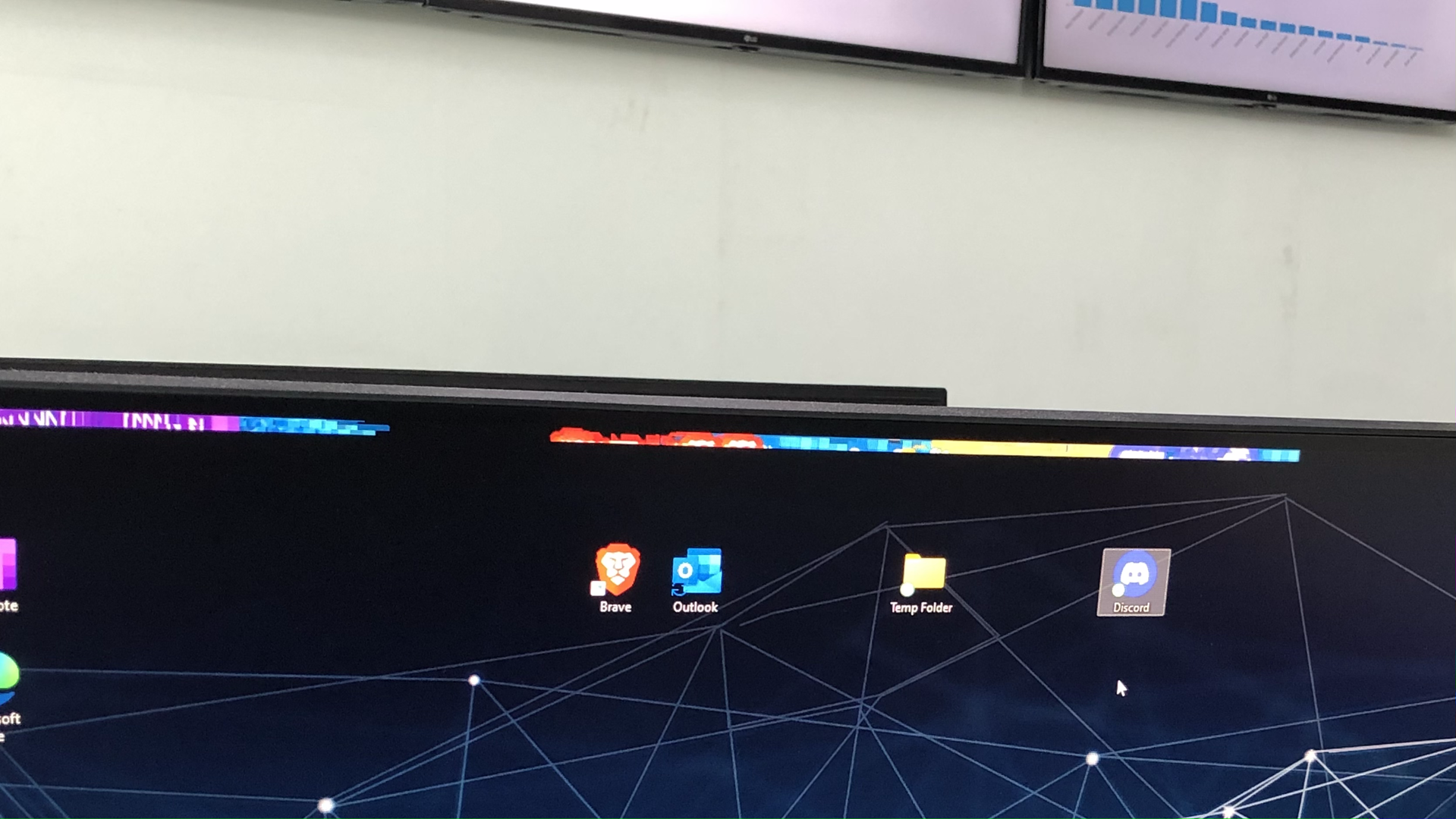
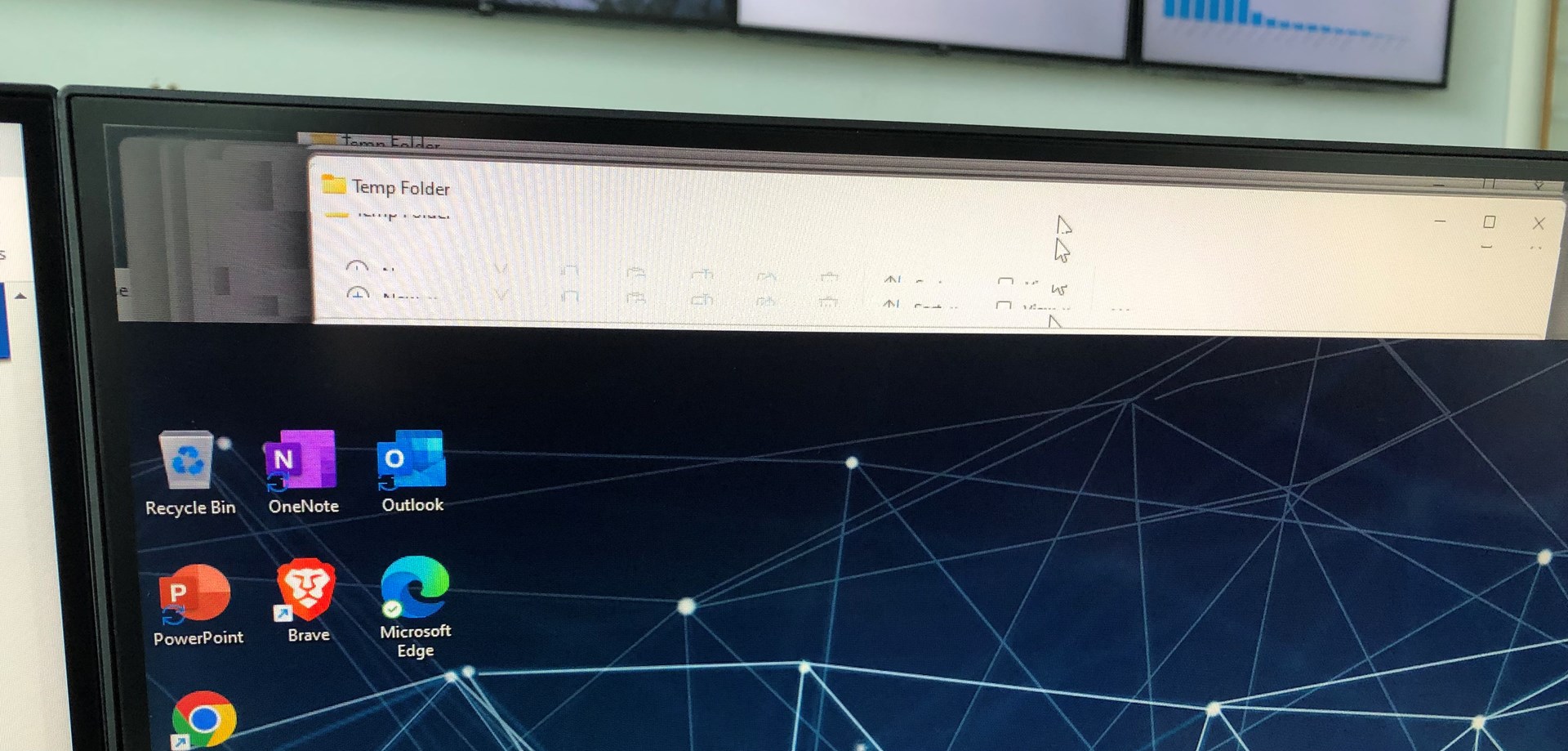
At the time of installation, I did not encounter any issues but later in the day, I noticed my icons from the desktop moved down and left an empty bar across the screen.
When I click on the empty space left at the top of the screen I hear a sound and can't right-click on that area, which is weird. Furthermore, when I try to drag an icon to that empty space left at the top (there is enough space to fit an icon) all the icons on the screen move up by a few pixels.
The thing I have changed in the configuration for Start11 is the skin for both Taskbar and Start Menu. The Start menu is still the Windows 11 style, and remove recent documents from it.
One thing to mention, I'm using two external monitors connected to my laptop.