
Support for Windows version 22000.318

Desktop does not appear

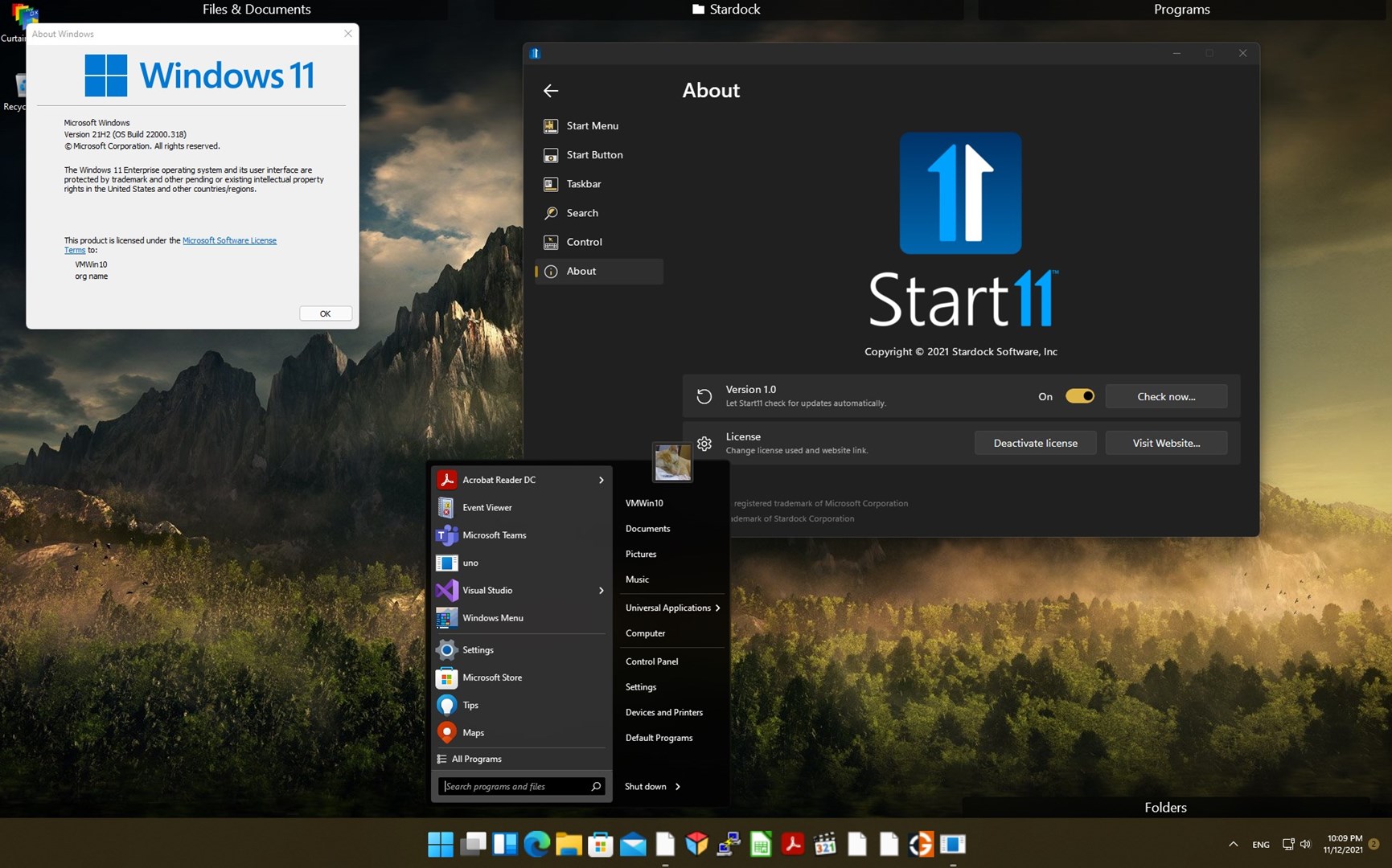
When trying to install the latest version Start11 on OS build 22000.318, the desktop does not appear and I can't do anything, no task bar even.  I can Ctl + Alt + Del and stop the services and restart so I can uninstall it.
1,240 views 1 replies
Reply #1 Top

Hello,
Sorry to hear you are having issues. But, I do not have issue to install on Windows 22000.318.

Please try purge and reinstall steps as mentioned here: [link]. Just make sure to re-download the latest version from your account. Reboot after the purged. Reinstall, and Reboot again after the installation. Retest it. Report back here.


Basj,
Stardock Community Assistant.