
For dummies: frnces has detected that Explorer not closed properly

Hello,

I have had Fences installed for I dont know how many years...and today it crashed the way it is described in other forum trheads. The fmaous Explorer message.

This is me, a normal office guy with not a lot of IT knowhow. The other threads about this issue are not helping me as I jumpr from thread to thread without a solution. I have tried everything in my limited power:

Update, uninstall, reinstall, reboot 25 times...in all possible combinations but still I get the same problem.

I have a corporate Win10 system where Fences has just worked fine for 10 (?) years...after so long, you guys created a dependency and now I need my Fences back :)

Any (simply explained) way to recover Fences back will be appreciated.

Thanks in advance

Juanjo
3,163 views 6 replies
Reply #1 Top

Hello,

Sorry your having issues ,

Would you do this PURGE ( different than a regular uninstall ) : https://forums.stardock.com/486084/fences-support-faq#reinstalling

Reboot and ReInstall the latest version from your account https://store.stardock.com/myaccount/products/

Reboot , test and report back .

Make sure your AV software is turned off .

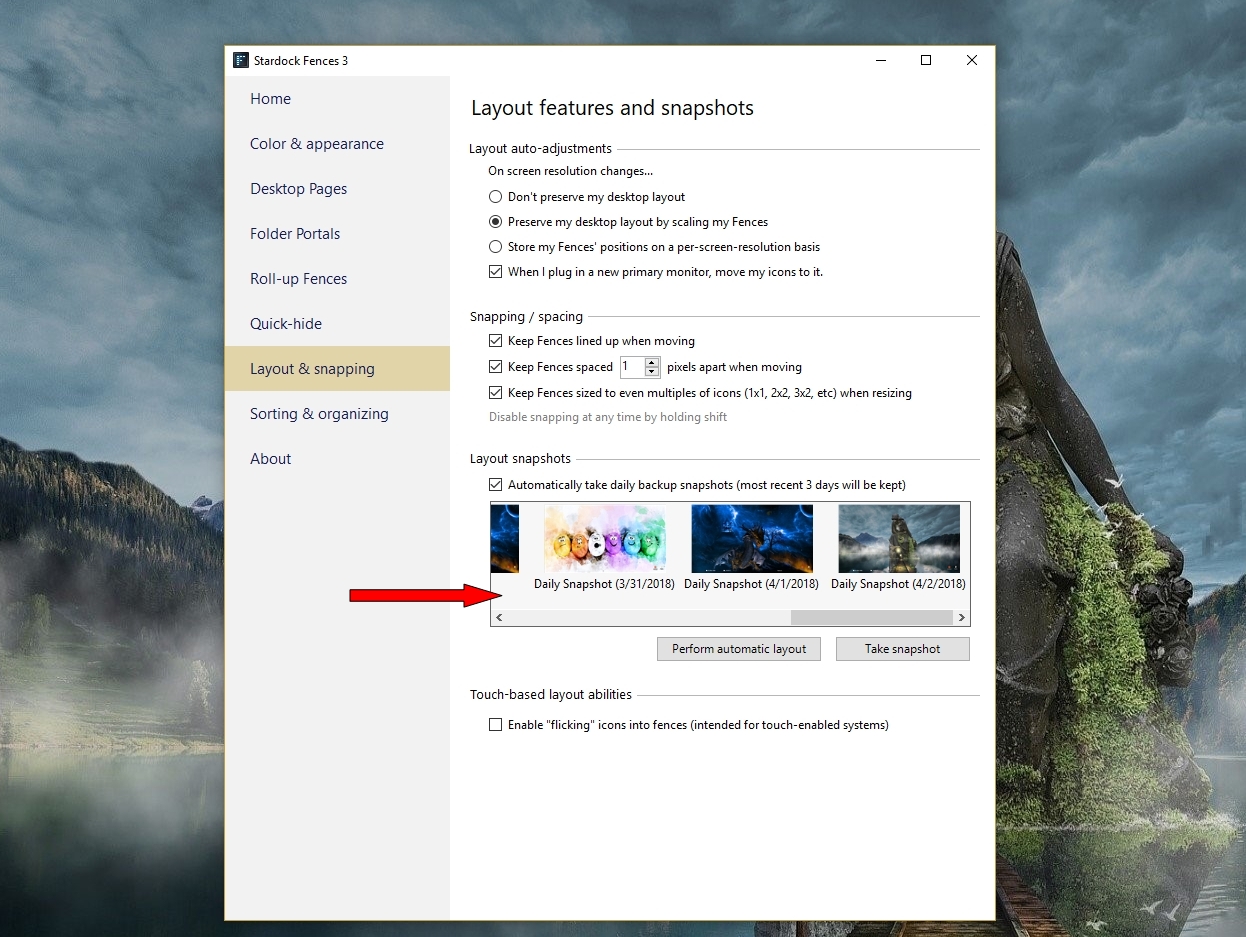
also after reboot check and see if a restoring from a snapshot works for you .


AzDude
Stardock Community Assistant

Reply #2 Top

Hello,

Thank you! The purge process worked perfectly ok.

I have installed Fences 2.0 and it just works fine.

Can I go ahead and install Fences3 upgrade? or do I run into any possibility of having the same issue?


I didnt use the Restoring from Snapshot option. Redoing my own fences is a way to have a fresh start

Regards

Juanjo

Reply #3 Top

Quoting Juanjo123321123321, reply 2

I have installed Fences 2.0 and it just works fine.

Can I go ahead and install Fences3 upgrade? or do I run into any possibility of having the same issue?
End of Juanjo123321123321's quote

Fences 3 should work fine downloaded from your Stardock account Fences 3 is a paid upgrade.

What version ( full numberts ) od Windows are you running ?

Reply #6 Top

Fences 2 seem to work just fine, even after rebooting. Fences 3 has something my system does not like.

The only Fences 2 caveat is that even if I switch to "View --> List" for all my folder fences, when I reboot, it keeps going back to Icons view. I wonder if there is a fix for that.

If not, I will stay there...I am rebooting just like once per week.


Thanks

