

Windowblinds and Chromium based browsers
why don't it work yall
from  Stardock Forums
Stardock Forums
After a great deal of wrestling with my shortcut for my browser (Brave), I got the Windowblinds theme (The Captain) to apply. Kind of.
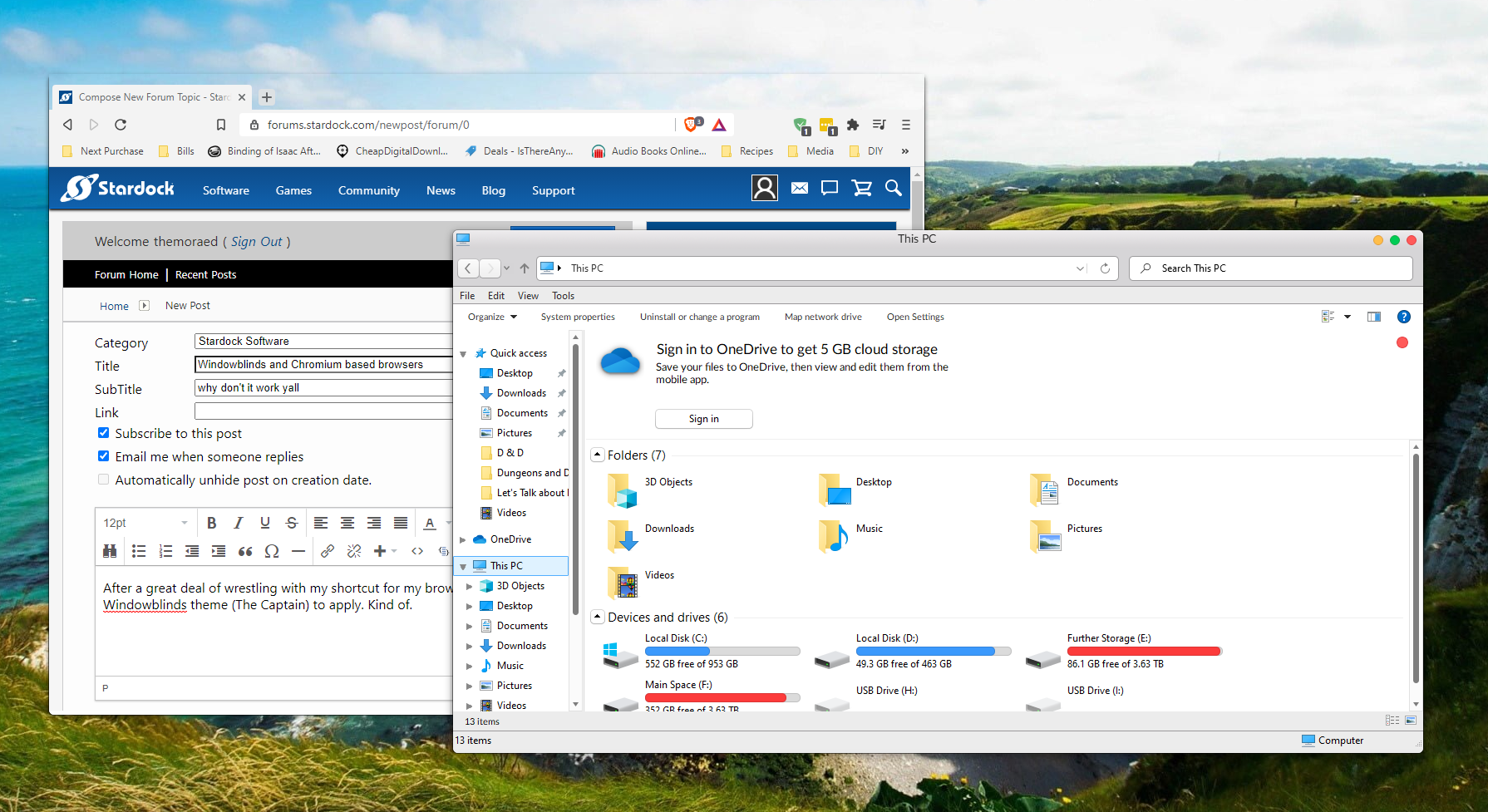
As you can see (assuming the image uploaded correctly), the theme isn't applying correctly. As far as I can tell (from my brief coding experience[and not looking at any sort of source code]), it looks like the initial theme (which I assume roughly equals "delete the Windows 10 default theme) goes through, but the secondary skin theme (my slightly modified "The Captain") isn't applying. If you're curious about the steps I took to get here, they were as follows:
- Go to the Brave shortcut (by right clicking on my taskbar shortcut), click the "Compatibility" tab.
- Click "Change Settings for All Users".
- Enable "Compatibility Mode" for Windows 7.
- Enable "Run this Program in Administrator Mode".
- Paste the Windows 10 titlebar customizer commandline modifier into the shortcut Target (" -disable-features=Windows10CustomTitlebar", without quotations.)
Anyway, anyone have any ideas as to how to get my browser to look as graceful as the rest of my OS?