Window Blinds as well as Curtains not applying theme to Office 365 Apps and Google Chrome on Windows 10 (Version 2004)

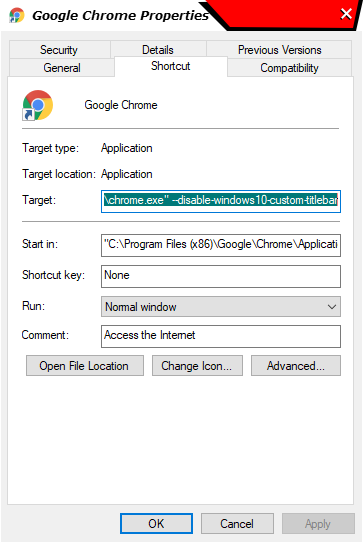
Not working with Google Chrome( followed the "C:\Program Files (x86)\Google\Chrome\Application\chrome.exe" --disable-windows10-custom-titlebar) still not working.

Office 365 Apps also not showing the applied themes.
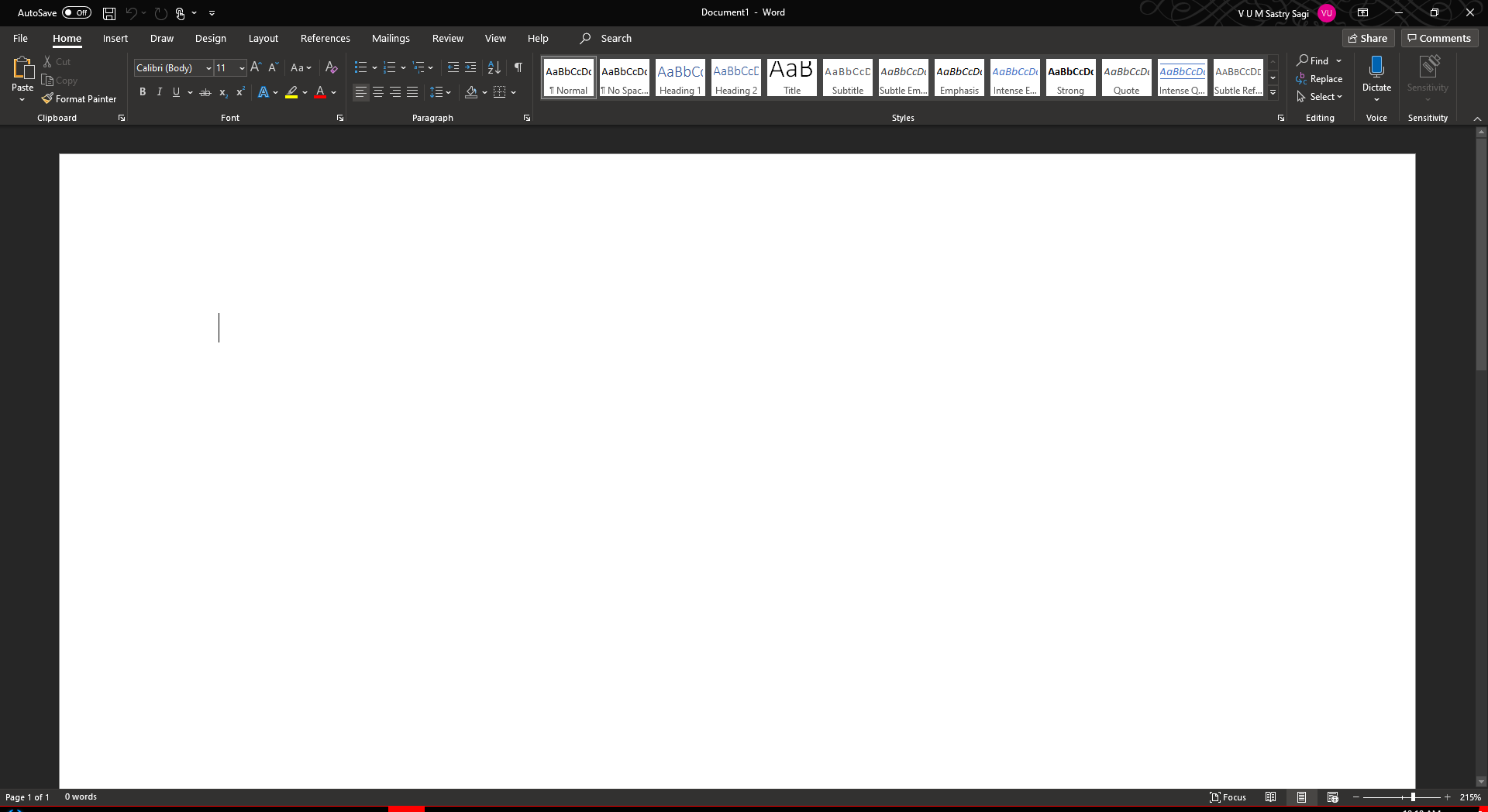
It is working with other apps including explorer
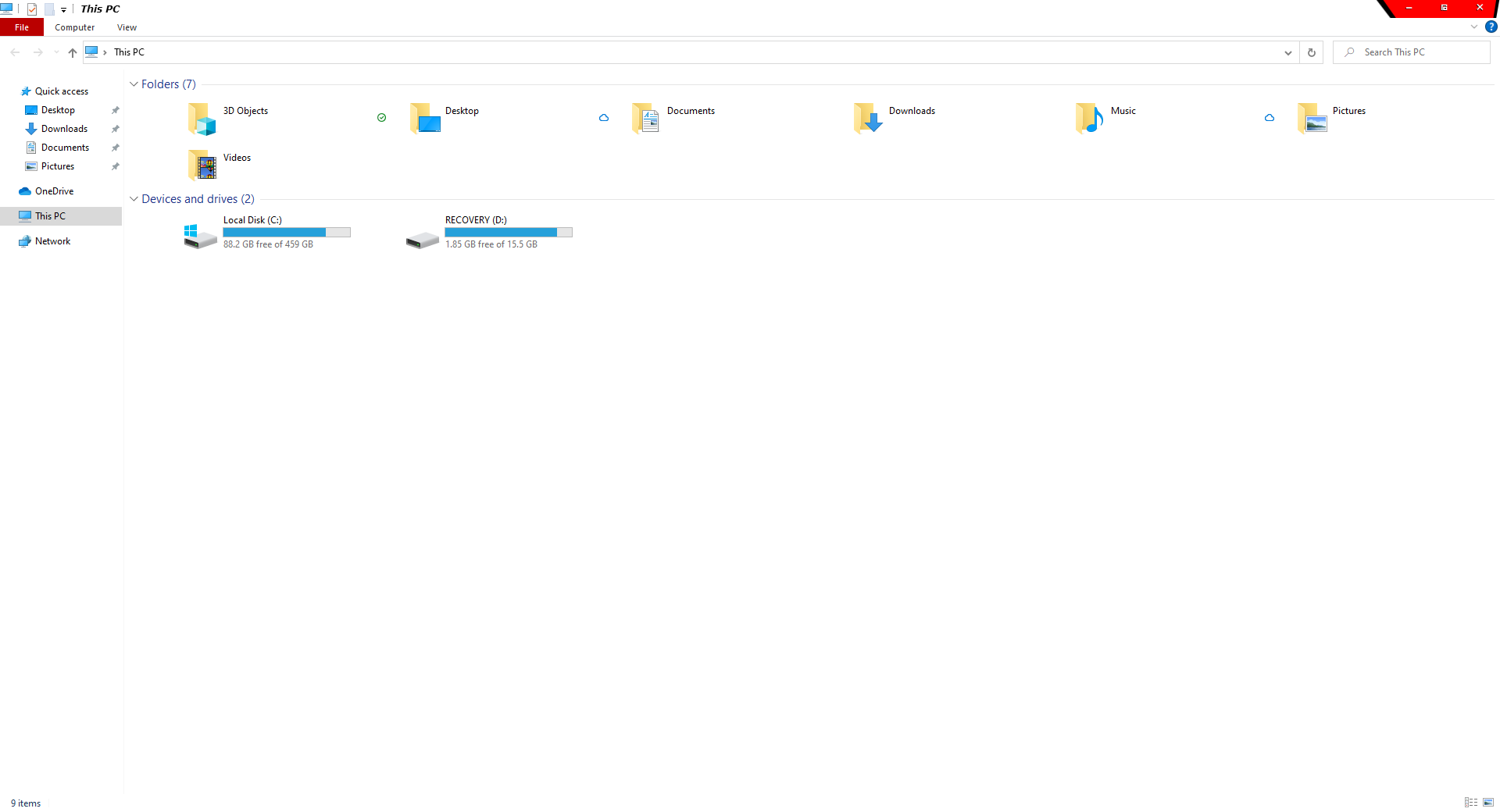
I am using windows 10 

and 

with all latest updates. 
6,121 views 3 replies
Reply #1 Top

Hello,
Sorry to hear you are having issues.

1) MS Office suits never be able to be skin by Windowblinds or Curtains.

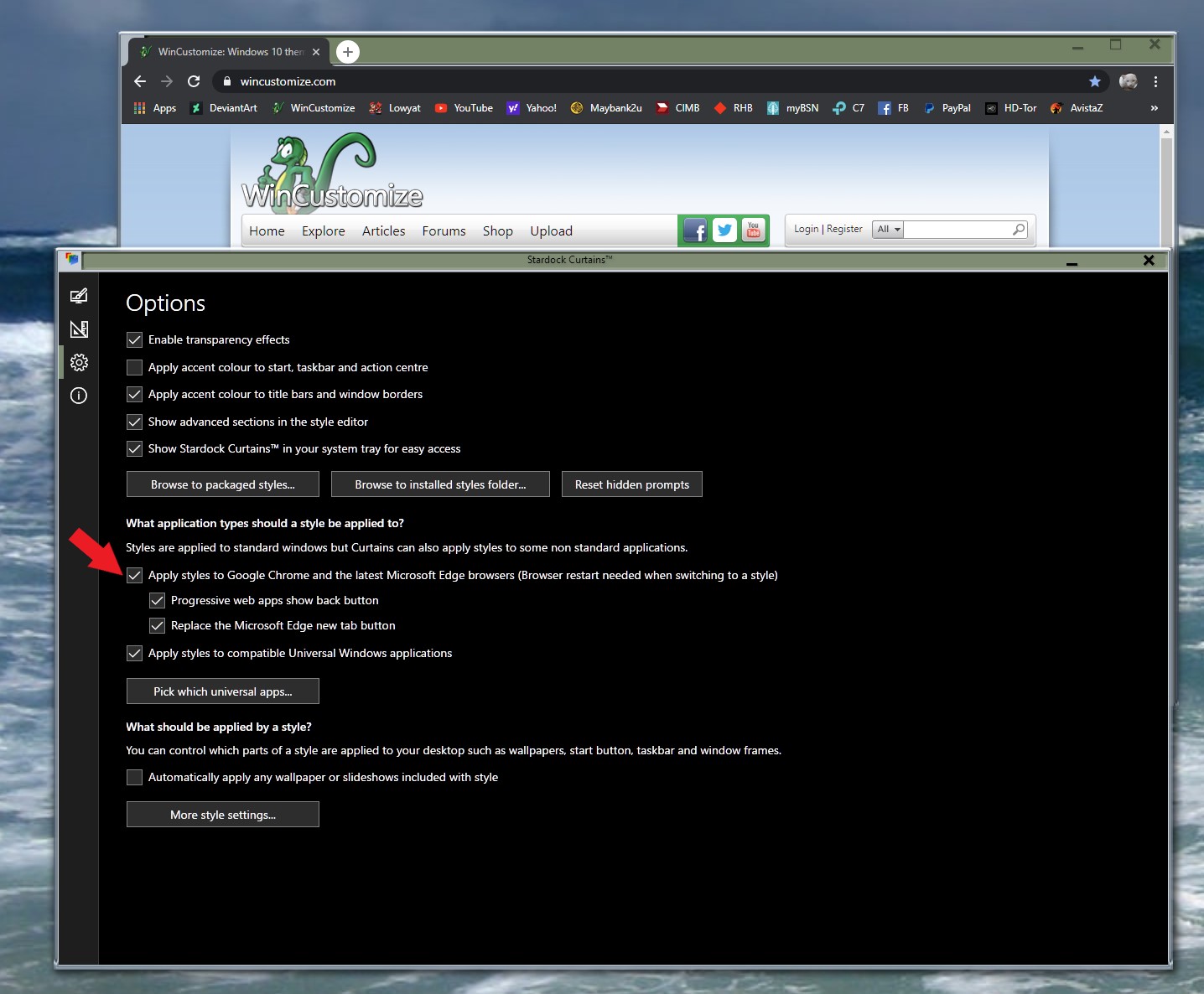
2) For Chrome and any Chrome base browsers you can try check this.

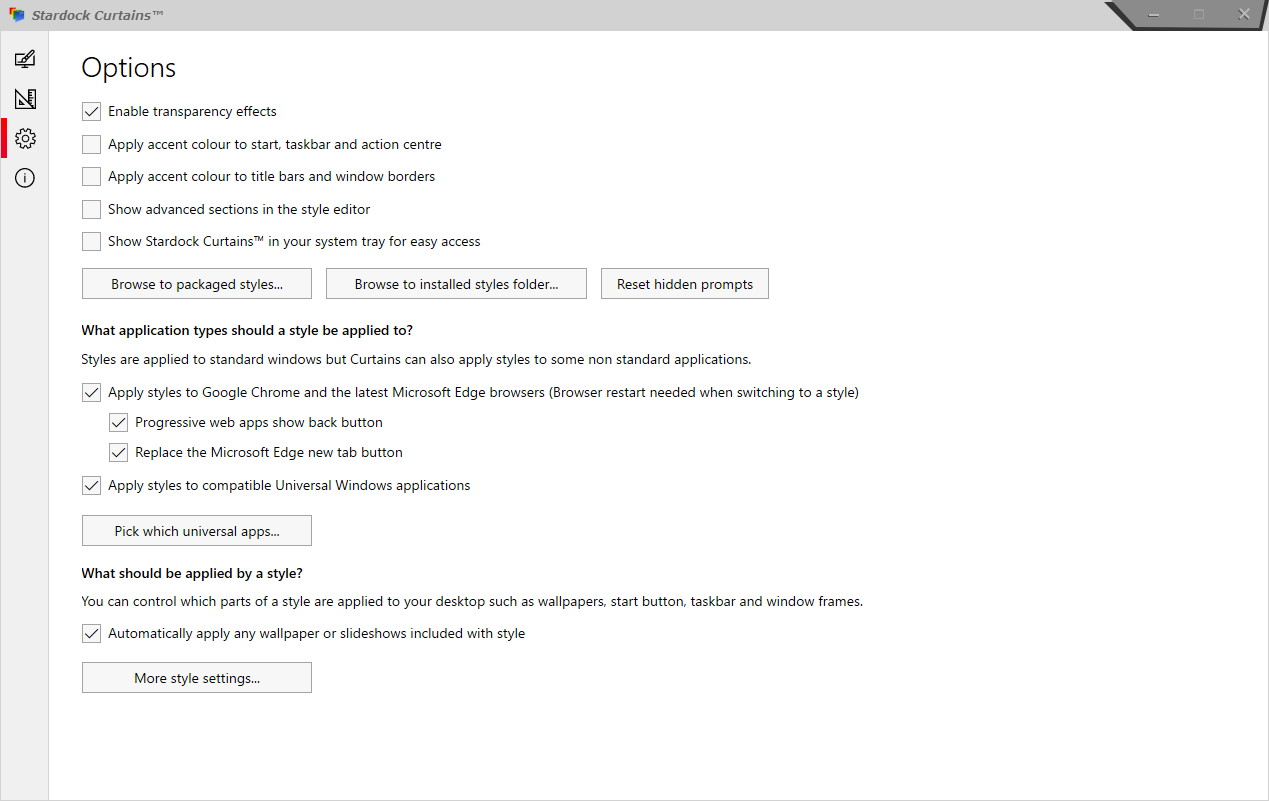
For Curtains, please check your setting in Curtains.

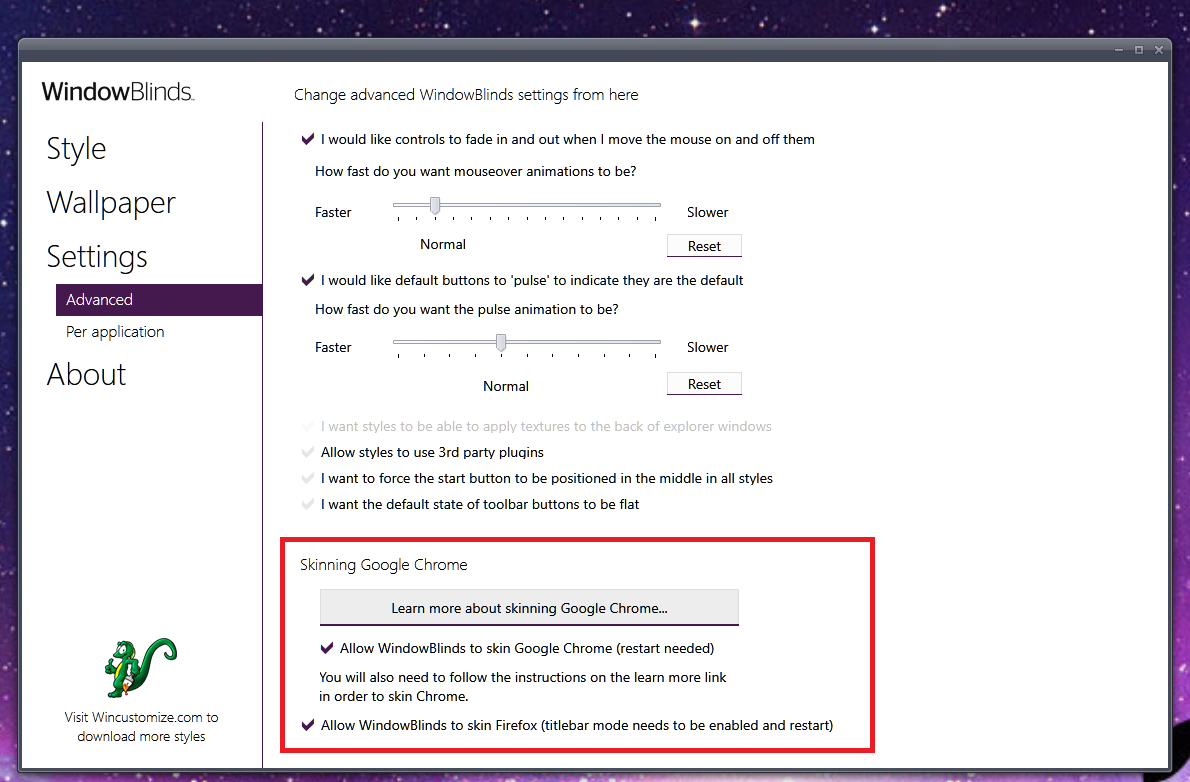
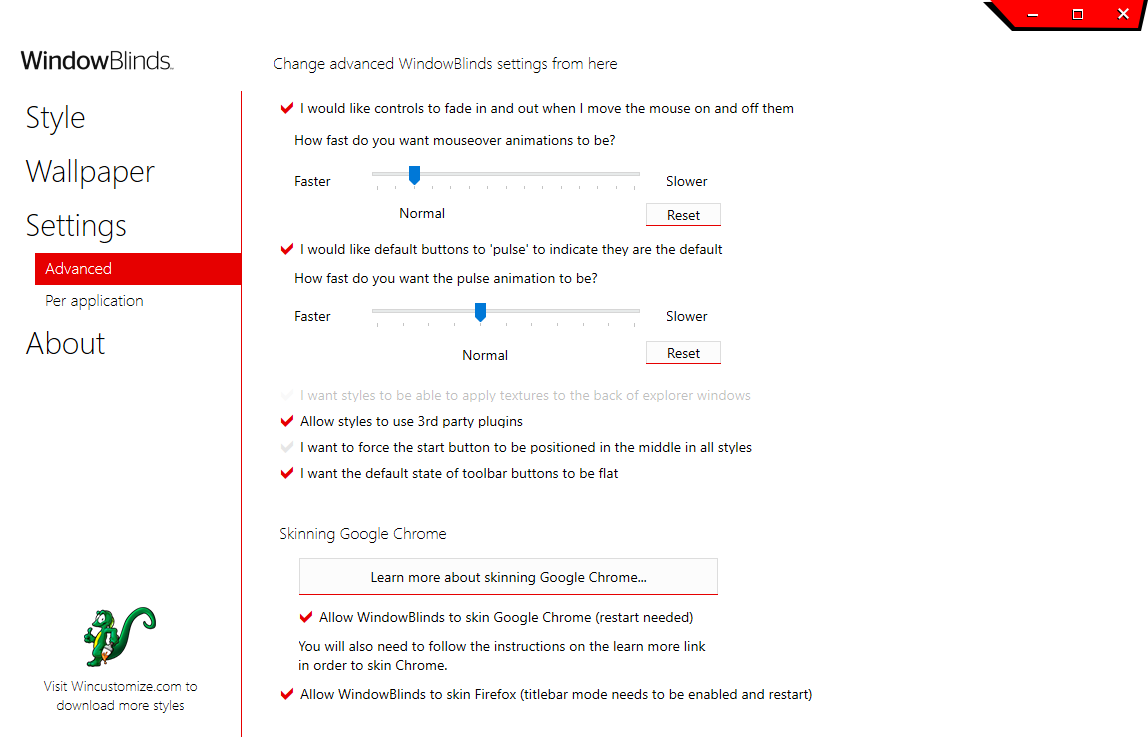
For Windowblinds need to set


Basj,
Stardock Community Assistant.

Reply #2 Top


I Tried that. Restarted machine. See the google chrome version is also up to date


Applied settings to google chrome shortcut


still no luck. :(


Reply #3 Top

Ah Crap. Need to remove already applied chrome skins to make it working. Please update the documentation.