WindowsBlinds Refuses To Stay Open.
from  Stardock Forums
Stardock Forums
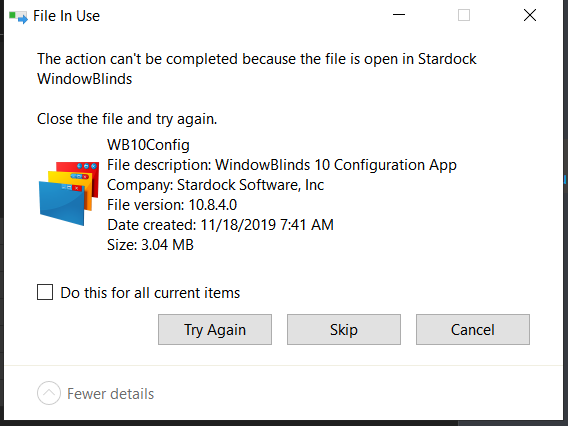
So I recently got WindowsBlinds to customize my windows laptop, everything was fine at first, I was shuffling through the themes, even downloaded a theme myself. But when I closed the application, It never opened again. When I tried to move some files into a folder I made for WindowsBlinds, some files refused to move, as they we're "open" In the supposedly open software. I checked task manager for any WindowsBlinds software, both active and background processes, and nothing. when I try to open WindowsBlinds, It opens for about a second, then closes again. I also tried to maybe uninstall and install again, and I get the error "Invalid start mode : archive filename"