WindowBlinds 6 Released!
The Next Generation of WindowBlinds Is Here
 WinCustomize Forums
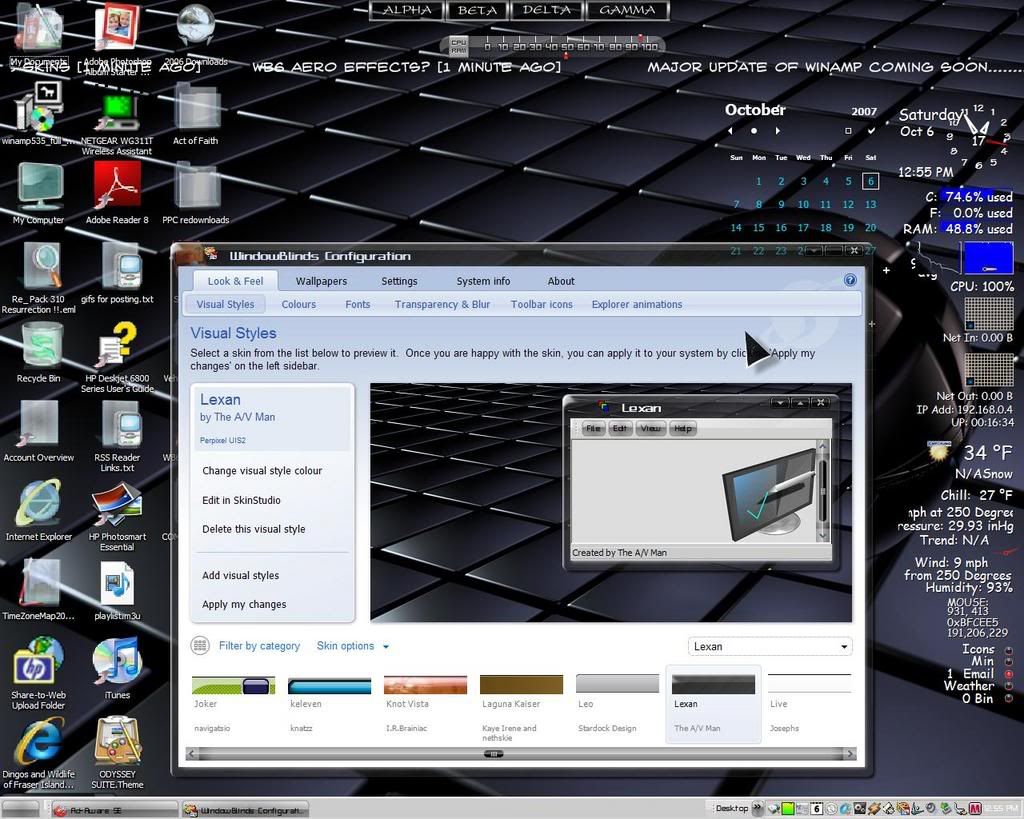
 Stardock is pleased to announced the official release of WindowBlinds 6. WindowBlinds is a utility that allows users to change the look and feel of the Windows desktop experience by applying skins to the user interface in both Windows Vista and XP. WindowBlinds can change title bars, push buttons, Start bars, scrollbars and nearly every other element of the Windows user interface.
WindowBlinds 6 adds the ability to have "blurred glass" window borders on Windows XP which allows artists to make skins that could make Windows XP look virtually identical to Windows Vista.
WindowBlinds 6 also adds full support for customizing Microsoft’s new Windows Vista operating system. Everything from Internet Explorer 7 skinning, Sidebar skinning to explorer backgrounds, WindowBlinds 6 skins virtually every element of Windows Vista while making full use of the hardware acceleration features on Windows Vista for maximum performance.
The new version also adds a host of other features including advanced animation support in skins, user-creatable skin sub-styles, a new, easy to use configuration program, user customization options of fonts and colors in skins and much more.
Users who purchased WindowBlinds after February 1, 2007 will receive the update for free. The enhanced registered version is $19.95 or can be purchased as part of Object Desktop, Stardock's flagship suite of desktop enhancement programs which includes IconPackager, DesktopX, ObjectBar, DeskScapes, LogonStudio Vista, and more.
Buy ObjectDesktop (Includes WindowBlinds) - $49.95
Buy WindowBlinds 6 Standalone - $19.95
Requires: Windows XP or Windows Vista (32-bit and 64-bit)
Download a free trial at www.windowblinds.net
|
|
 |


 ...
...