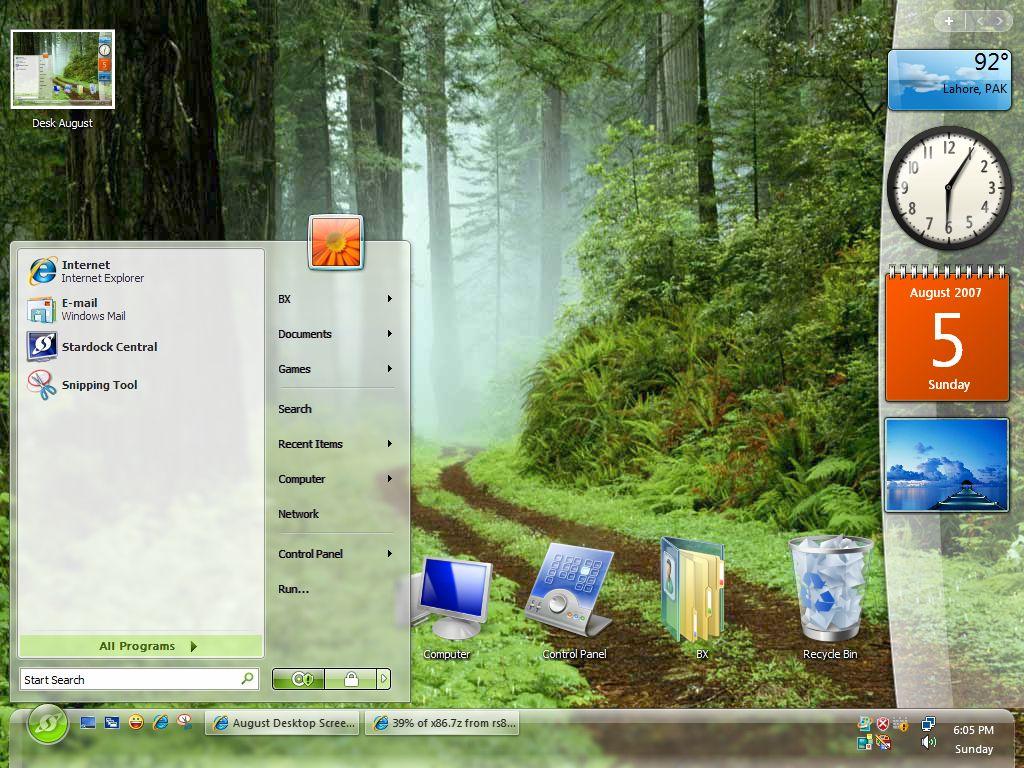
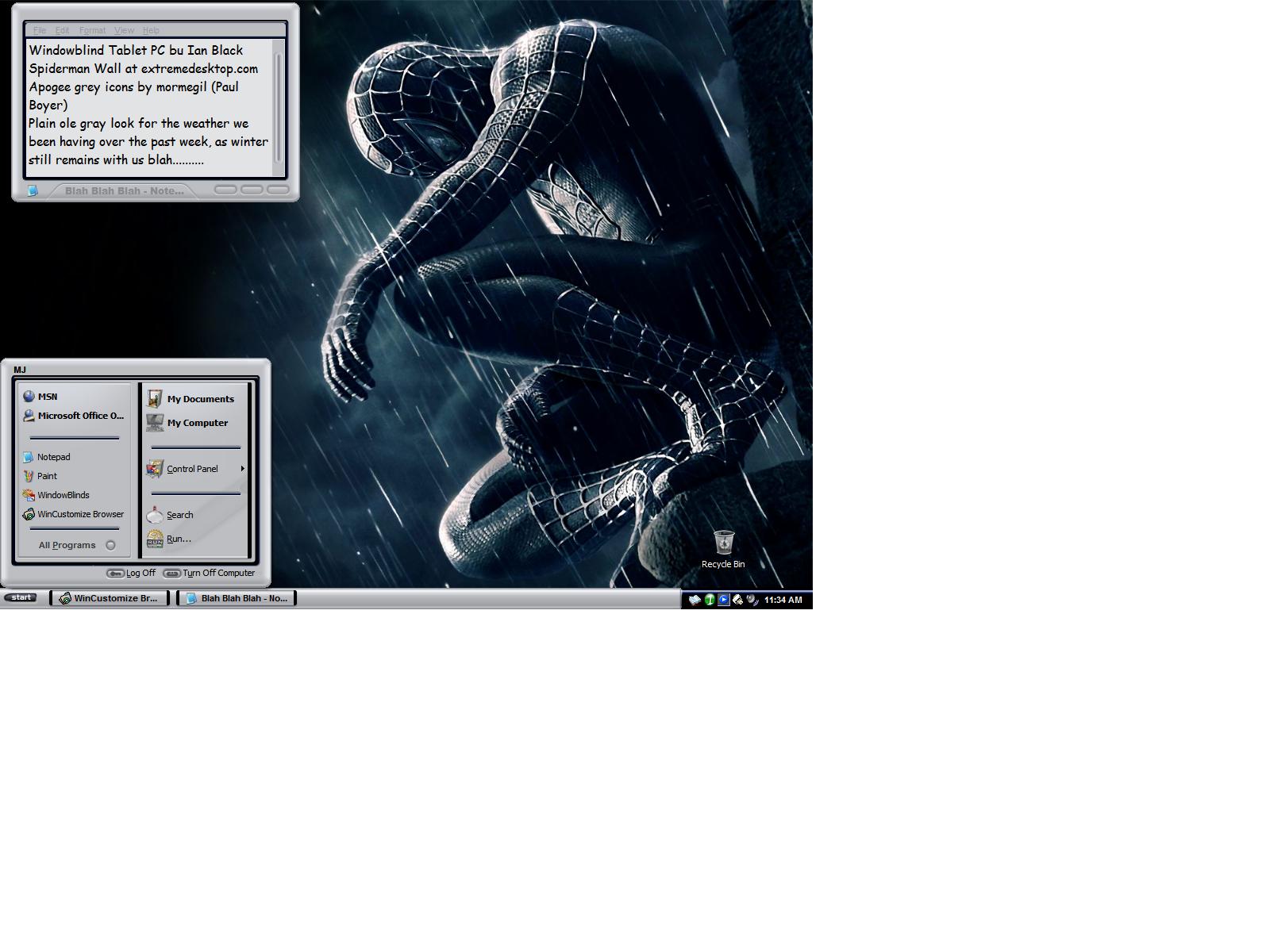
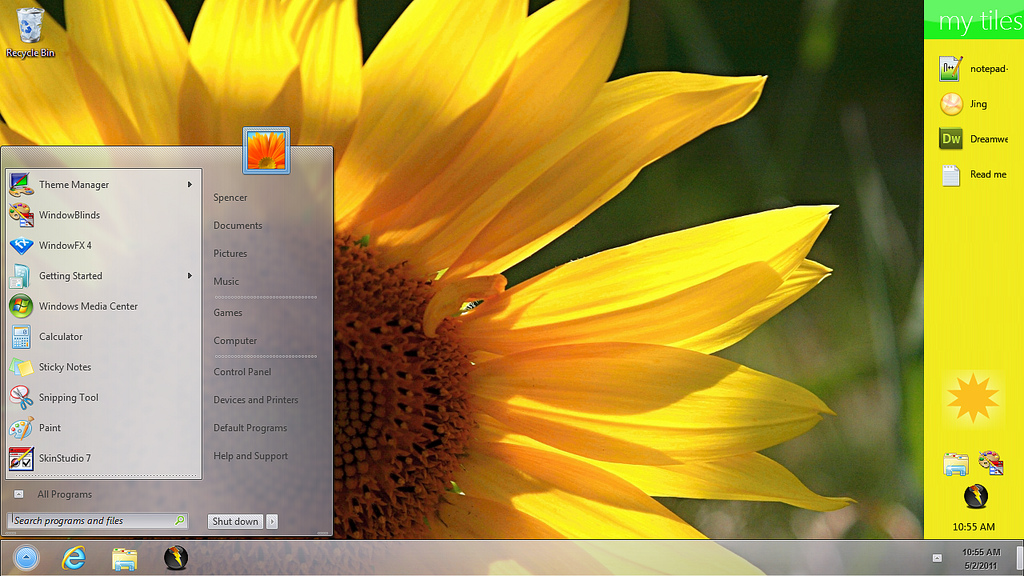
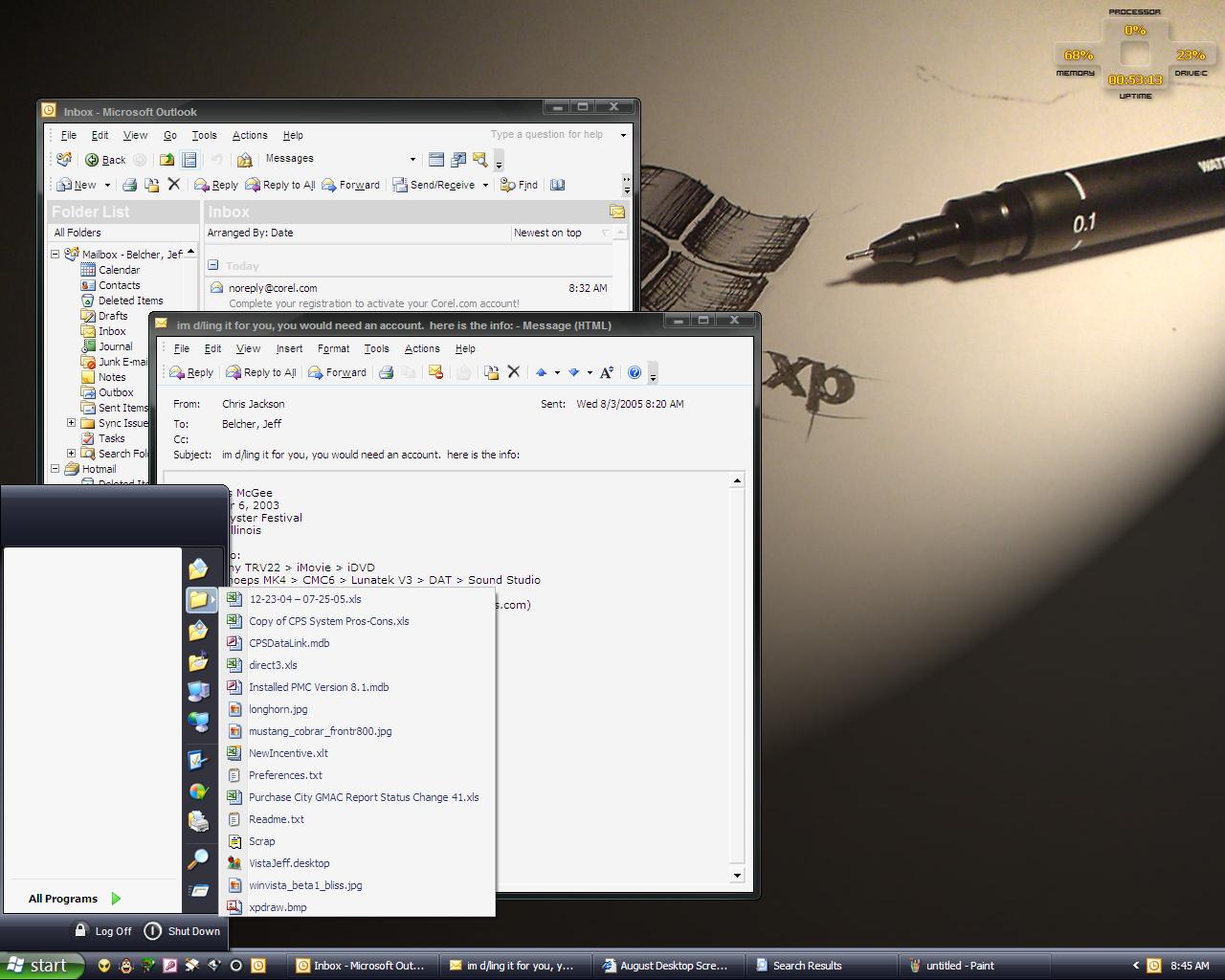
August Desktop Screenshots

Screenshot of a capture in GTR....probably currently the best driving sim out there...and it's all about 'skinning', too...as that's an after-market car 'skin'...;)

Game skinning is an interesting adjunct to OS skinning.....I did a bit of it a few years ago....for GrandPrix 2 .....pretty primitive it was, too...;)

All the rest of the junk is mine....;)

25,539 views 66 replies
Reply #1 Top

~~~~~~~~

Current set-up *sorry for big pictures*
Window Blinds: myLonghorn
Icons: Puft
cursor: Studio 28
running YZToolbar, desktop sidebar, desktop x stuff, object dock, lclock *on taskbar*

LOL - Kinda funny first 2 posts for August both have cars on them
Reply #2 Top
Ill get a screenie if my computer will stop beeping. O_o
Reply #3 Top

Ah, UT2004... nothing like a good fragfest   WB is WindowsXL by me (colour changed in WB). Icons are Green Glass folders by APB. Dock icons are from various sources, all re-coloured by me.

Reply #5 Top
Reply #7 Top


Felt like something cool for the summer heat here in Seattle - as if it really gets that hot here!

Simple is better, I always say.

Dock Background = "Crystal Tray" by Diafragma Link

Dock Icons = "Icon-A-Day" by Mormegil exported as PNG's Link, which go well with the background as the refelections end just at the dock edge - a nice touch by Mormegil.

Wall is one of the Windows Media Center walls, which can be found at W.Staylor's site Link

Taskbar on auto-hide for that nice clean feeling.
Reply #8 Top
Link

WB : a work-in-progress by me
IP : Minimum Doc XP
Winamp : Jaded Orange Alternative by FrostedFlames
Samurize: mine
Miranda : mine
Dock : RKLauncher default w/ icons by me
Reply #9 Top
Here is mine


WB is MyLonghorn by The Sphunx Link

IP is Cryo64 Colossus by D. Arnaez Link

CXP is Star Wars Cursors by JJ Ying Link

Wallpaper is from Winsupersite Link

DX Widgets are Silica Weather and Global Time.
Reply #10 Top

Click image for full enjoyment.

WB = Display by yours truely
WinAmp = Pixelarmy by yours truely
IP = Encoded by me mate, PixelPirate
Wallpaper = Retribution by yours truely (modification of a Judas Priest album cover for personal use only)

Reply #11 Top
Here is mine...

Image hosted by Photobucket.com
click image to enlarge


Windowblinds Skin: Darkstar by The Skins Factory (Recolored)https://www.wincustomize.com/ViewSkin.aspx?SID=1&SkinID=4942&LibID=1
--> notice the transparency in the start menu (i did that)
IconPackager: Darkstar by The Skins Factory (Recolored) https://www.wincustomize.com/ViewSkin.aspx?SID=1&SkinID=4942&LibID=1
Cursor XP: X-Alien2[Dark] by JJ Ying (Recolored) https://www.wincustomize.com/ViewSkin.aspx?SID=1&SkinID=1356&LibID=25
Rainlendar: "BlueStar" by me (I pieced together some skin images of Darkstar )
Wallpaper: Windows Vista Beta Wallpaper (download from WinSupersite) http://www.winsupersite.com/reviews/winvista_beta1_01.asp

hope ya like it.
Reply #12 Top
Black Zero: I don't think you have enough partitions. Could you please add one for me??????
Reply #13 Top


FISHIES got TEETH! 

Still using Cabal (blinds, meter, rainy)  by Tiggz.  K-aero media player, GT2 cursors,
and Fuzzy clock from Tiggz.  Frame from the Dragon DX desktop by mountaindragon, and
wallpaper from Webshots.   

Reply #14 Top
wb Triax (recolored) by brewman
wall is Zelda
plain ole xp icons
Reply #15 Top
RockinMike: Here it is for you. You're welcome.

Reply #16 Top
Thanks Meowy

ya know one day I'll get the hang of doing it right the first time.
Reply #17 Top

#1 by gfcentral002
Mon, August 01, 2005 05:23 AM
Reply Edit

Quote Watch
[gfcentral002]

~~~~~~~~

Current set-up *sorry for big pictures*
Window Blinds: myLonghorn
Icons: Puft
cursor: Studio 28
running YZToolbar, desktop sidebar, desktop x stuff, object dock, lclock *on taskbar*

LOL - Kinda funny first 2 posts for August both have cars on them


grr couldn't edit it ... just wanted to show off the new shellstyle i'm using (for explorer really) w/ myLonghorn for taskbar.


here's a link to the style *will load w/ windowblinds*

Link
Reply #18 Top


Using only WindowBlinds (OSX Tiger Skin) and ObjectDock+:
Windows Taskbar is hidden
Desktop icons are hidden
All docks are on Autohide
Bottom center dock is currently running programs
Bottom right dock is the system tray
Bounce effect is used so that the AIM icon will bounce when I get an IM (otherwise I won't know since everything is on autohide)

I love this setup, it's clean and I never ever need to use the start menu to access the programs I use the most. It took a while to get used to at first, but it's really efficient once you use it.
Reply #19 Top
Developer Diafragma
Where did you get that awesome rainlendar and weather thingy from? I'm very much into transparent stuff.
V nice desktop. I won't be posting mine just yet.
Reply #20 Top
http://i12.photobucket.com/albums/a227/ghawk/desktop1small.jpg

How do you post pictures like you guys are all doing?
Reply #21 Top
NeXxit, just click the button "Image" between "Link" and "U" when you add your comments. it will ask you to type the url of the image you want to show. click ok and that's it.

or

when you are typing your post(reply) and you want to add image, use this tag:
--> without the "", just type the url of your image between those tags. that's all and thank you.
Reply #22 Top
i load my pics up into geocities cuz i have a yahoo mail account and don't use the website stuff under that name i load any pics up in there, then use that URL to load up the image i want
Reply #23 Top
WB - 5203
Wall - Webshots
DesktopX


Reply #24 Top
here's my work desktop...I run Tweak UI, WindowBlinds and Desktop X.


and with menus, etc.


I am all about nothing on the desktop, so the widget kills me everytime I see it, but I need to know how my computer is performing, so...
Reply #25 Top
NeXxiT: If using Firefox, go to the link where your picture is (that is, the link you just posted). Then, right click the image and click "Copy image location." Now, in the thread's comment box, use the "Image" button, and hit Ctrl-V on your keyboard. Then hit