Start11 v2.8.1: Start button bug

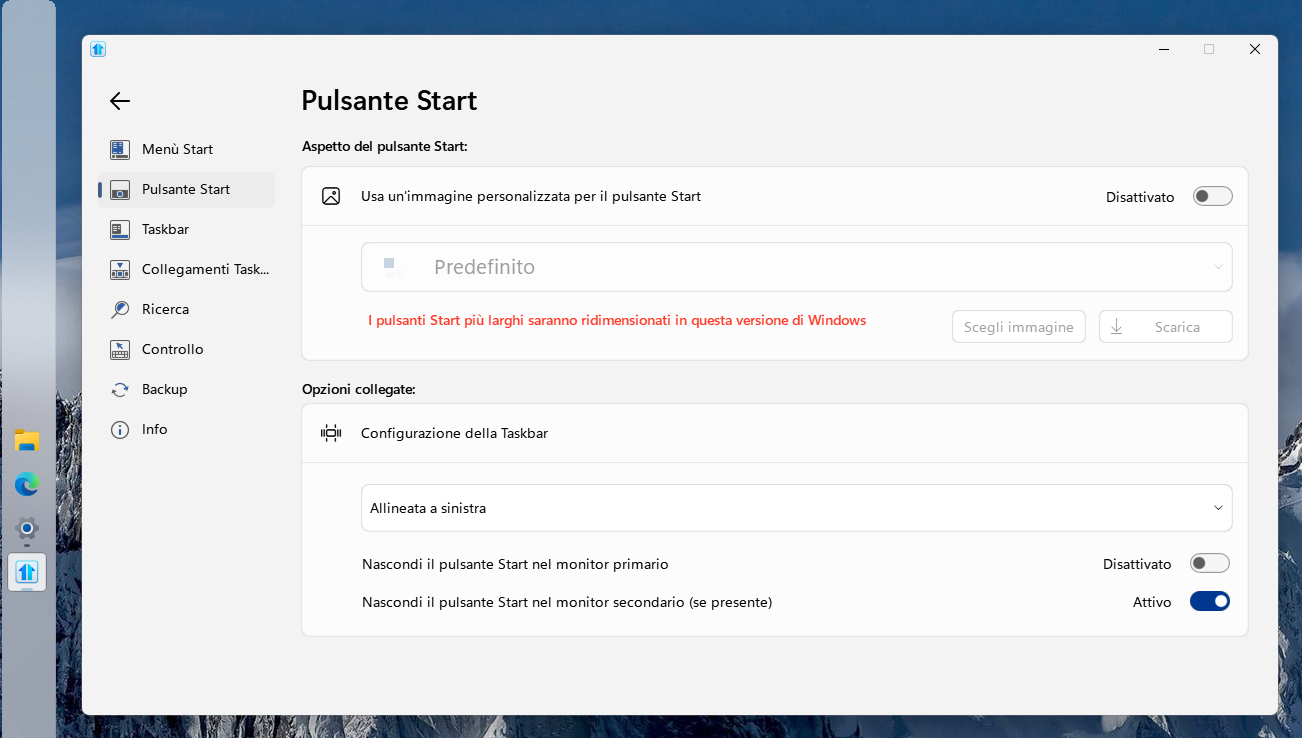
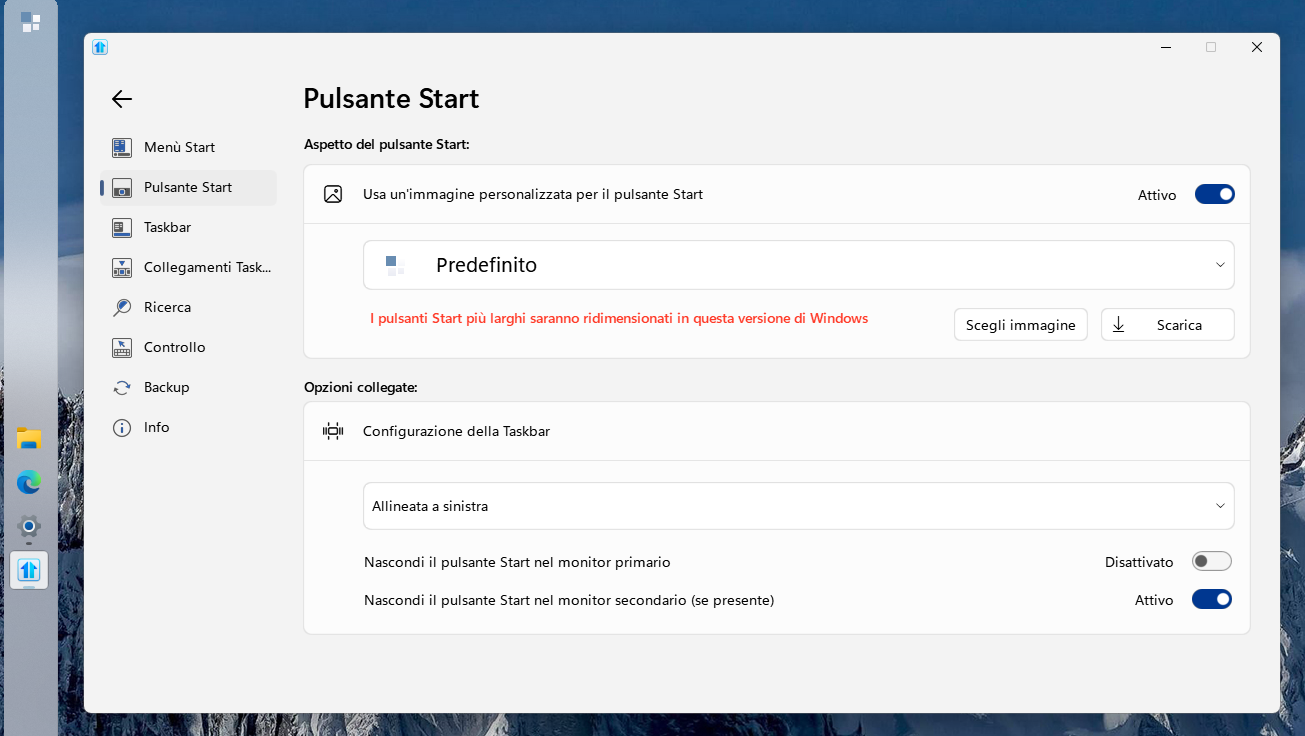
Just a little bug with the latest version (2.8.1), with Taskbar on the left side the Start button does not show unless I give it a custom icon.

WITHOUT:
 

WITH:
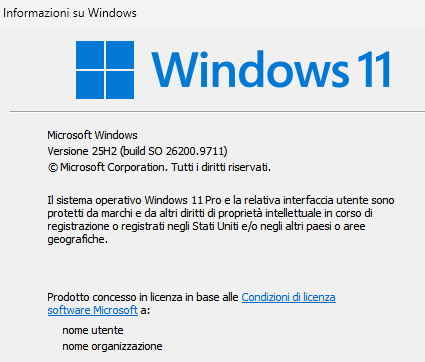
Windows version:
When no icon is shown the Start button area is still clickable with left button to open the Start Menu, but does not respond to right click.

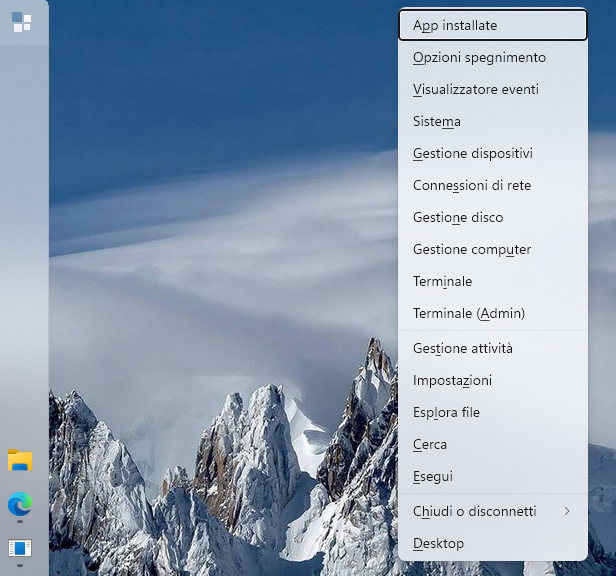
With custom icon set, right click works but the menu is displayed far right:
Already went through the uninstall-reboot-install-reboot routine.

Thanks.

Baio

275 views 6 replies
Reply #1 Top

Hello,
Sorry to hear you are having issues. Please try Clean Boot as mentioned here: https://support.stardock.com/space/SHC/1334935592/Start11+Clean+Boot. Do note that Clean boot need to be done with care. Please try it and report back.

Thank you,
Basj,
Stardock Community Assistant.

Reply #2 Top

Thanks for your reply.

I followed the instructions provided in the link and made a Clean Boot, but after launching the batch file Start11 does not open.

If I launch it manually from Start Menu the window opens but no change is apply to Windows (f.e. I keep the Taskbat left but I have to set it through Windows settings to move it from the bottom to the left).

Any idea?

Baio

Reply #3 Top

Interesting, next please try purge and reinstall steps as mention here : [Link]. Just make sure to redownload the latest version from your account page. Reboot after the purge. Reinstall and reboot again after the installation. Retest and report back here.

Thank you,
Basj,
Stardock Community Assistant.

Reply #4 Top

Done, the Purge .exe gives the error "Failed to initialize SdAppServices" but gets to the end.

Rebooted, installed latest version from account page, rebooted... no change, same problems described above.

Baio

Reply #5 Top

Look like you're using Windows 11 Pro, please do a Sandbox test and see if the same issue appear while in there: https://support.stardock.com/space/SHC/1416855562/Testing+Start+in+Sandbox. Try it and report back.

Thank you,

Basj,
Stardock Community Assistant

Reply #6 Top

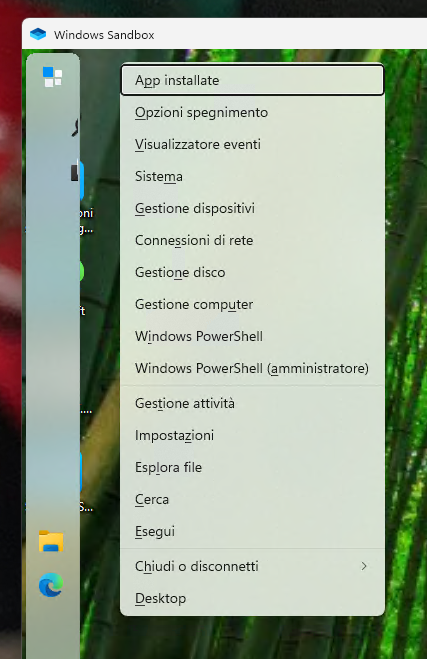
Tried the Sandobox and it seems the bugs are gone:


That's after loading the settings backup.

Should I try another purge deleting all the settings (I didn't check the option last time)?

Baio


EDIT:

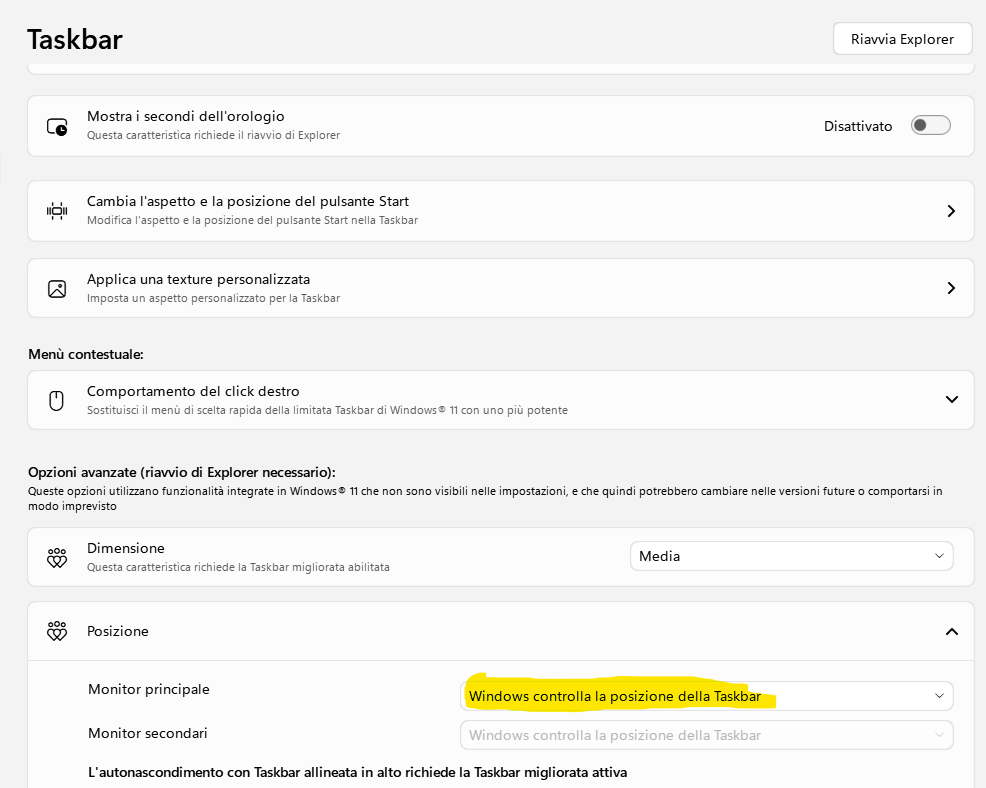
Neverr mind, found the solution, this option must be set this way:

If it set the Taskbar to left inside Start11 the bugs pop out, if I set it in Windows settings and choose the option above in Start11 everything is fine.