Start11 Task-Switching bug in V 2.7.x

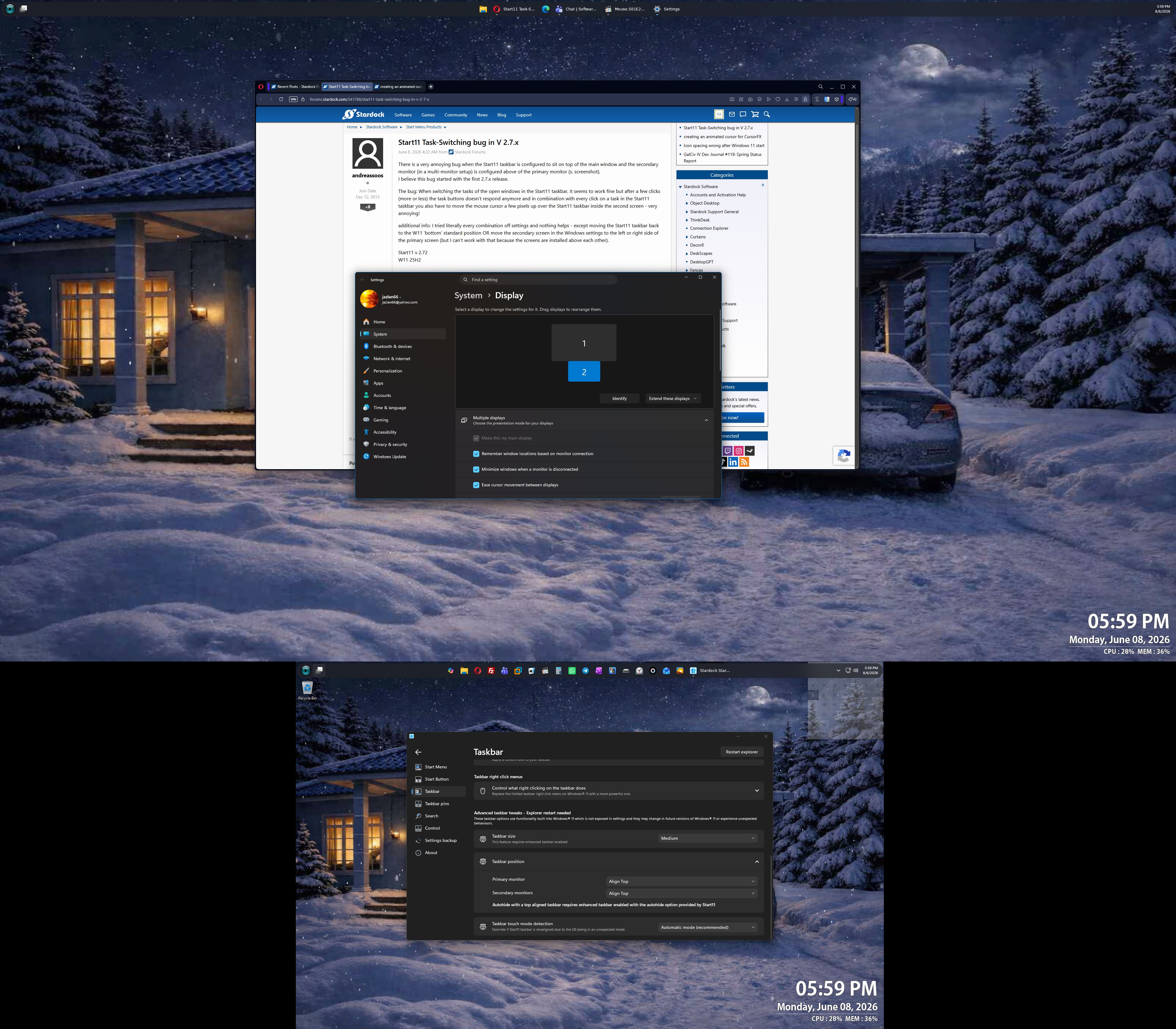
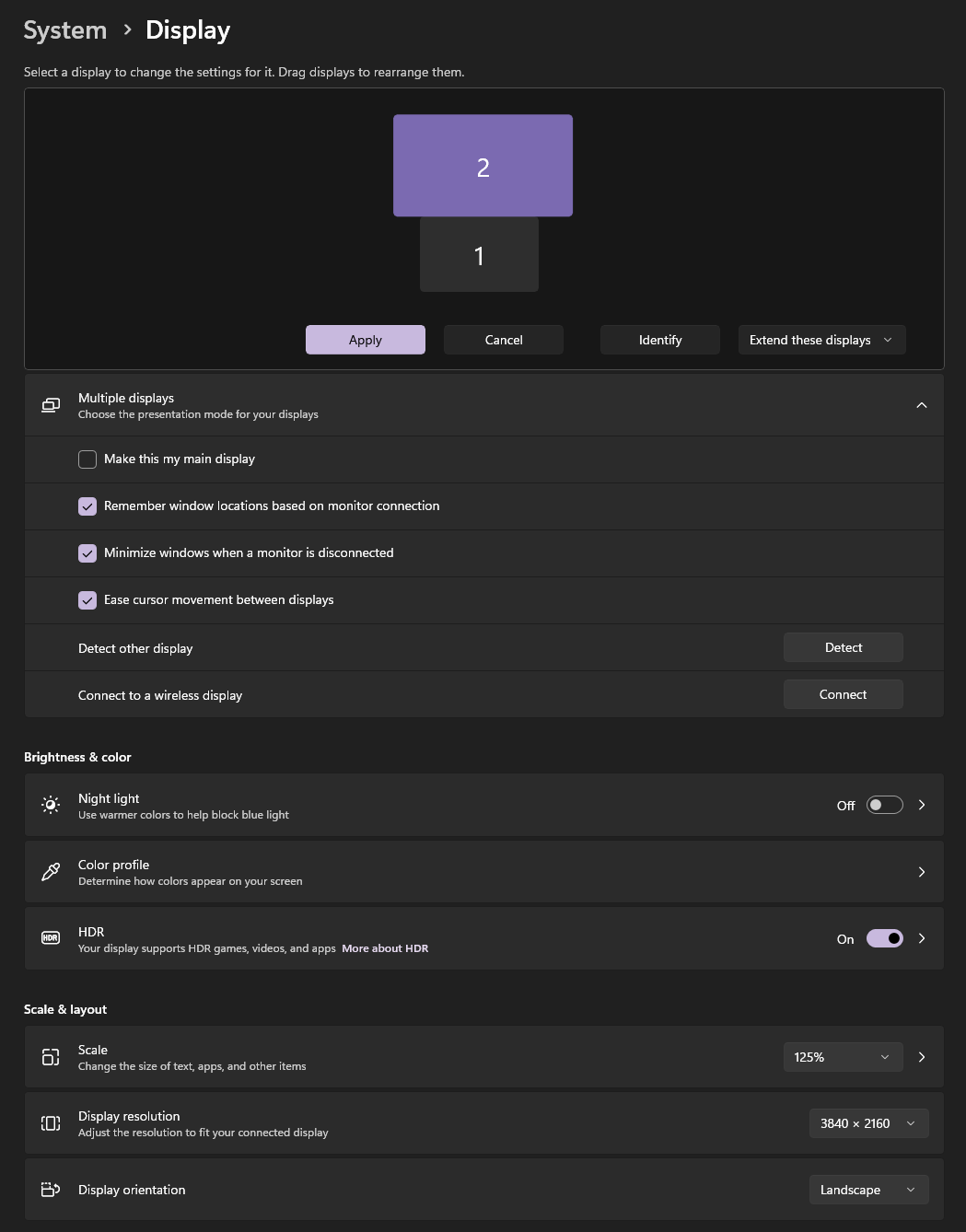
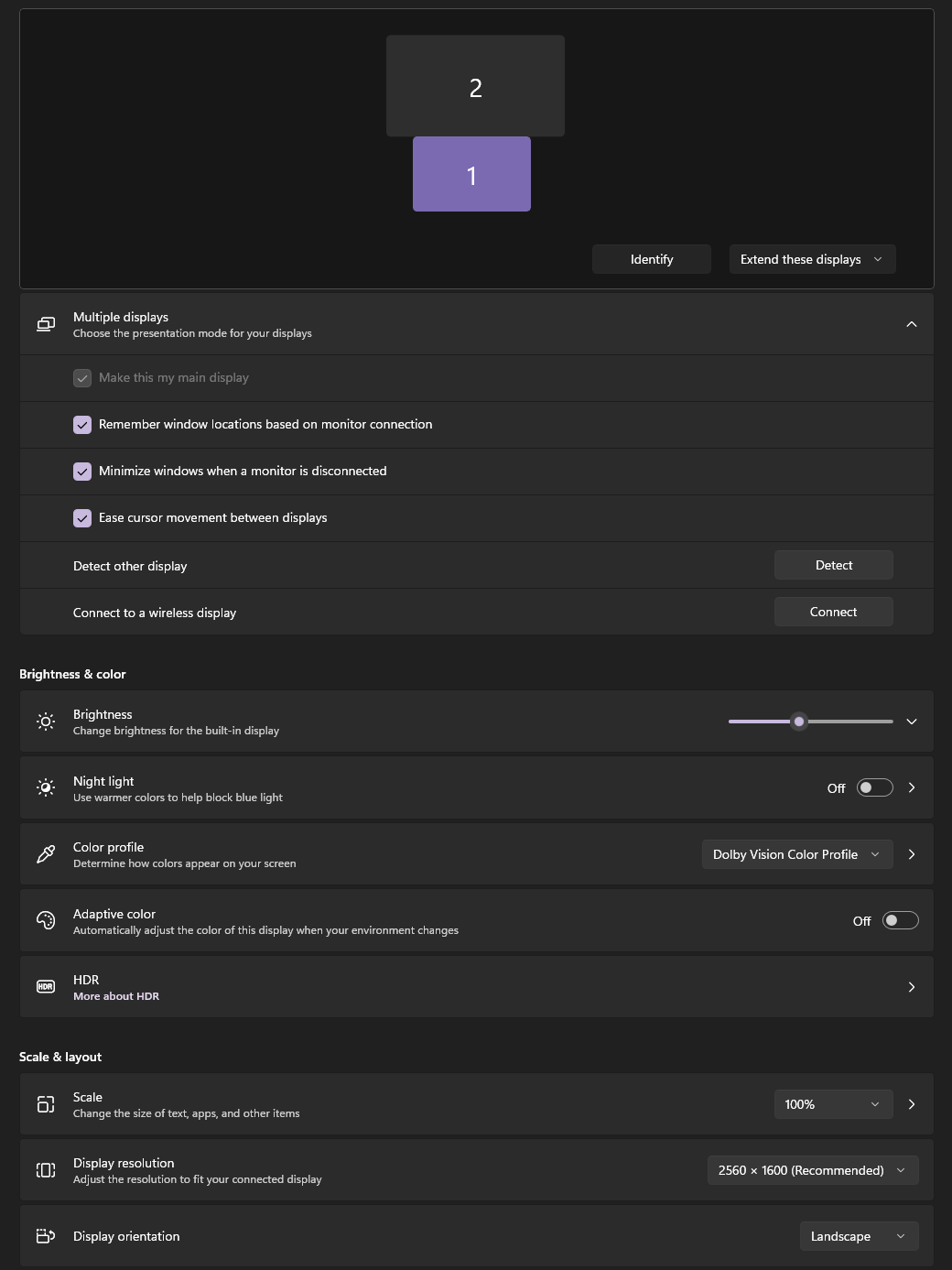
There is a very annoying bug when the Start11 taskbar is configured to sit on top of the main window and the secondary monitor (in a multi-monitor setup) is configured above of the primary monitor (s. screenshot).
I believe this bug started with the first 2.7.x release.

The bug: When switching the tasks of the open windows in the Start11 taskbar, it seems to work fine but after a few clicks (more or less) the task buttons doesn't respond anymore and in combination with every click on a task in the Start11 taskbar you also have to move the mouse cursor a few pixels up over the Start11 taskbar inside the second screen - very annoying!

additional info: I tried literally every combination off settings and nothing helps - except moving the Start11 taskbar back to the W11 'bottom' standard position OR move the secondary screen in the Windows settings to the left or right side of the primary screen (but I can't work with that because the screens are installed above each other).

Start11 v 2.72
W11 25H2 
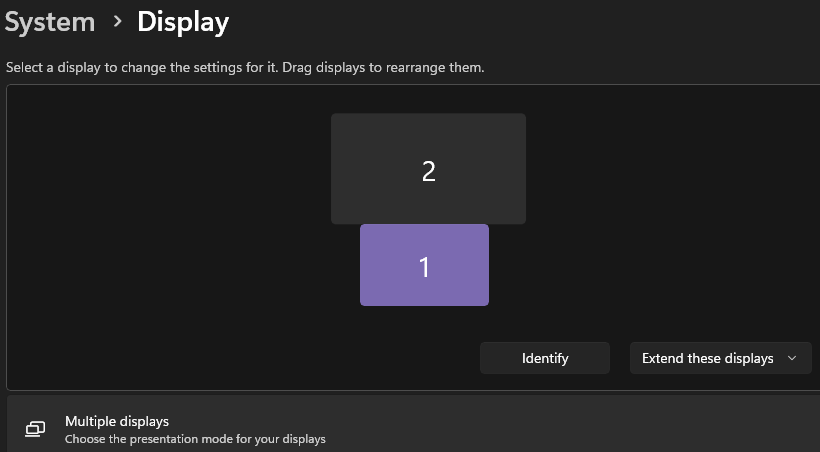
 

screenshot

433 views 12 replies
Reply #1 Top

Hello,

Sorry to hear you are having issues. I can't seem to reproduce your issue on my system. I set my system to have similar layout as yours but, after a short test, I can not see the issue you describe above.

First, would like to suggest, please try, uninstall Start11, reboot immediately (important), download latest version available in your account product download page: https://store.stardock.com/myaccount/products. Install it, reboot immediately again. Retest it and report back.

If the issue still appear, we need more details.

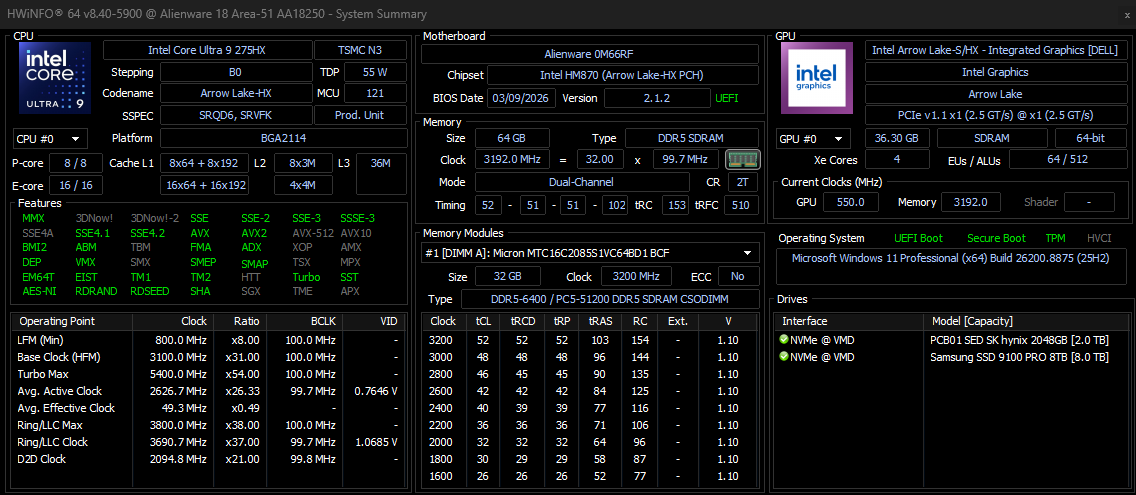
  1. Windows 11 25H2 full OS Build number. Use Winver.exe.
  2. Is there specifics steps you need to do to force the issue to appear?
  3. Post a video showing your issue might help us find out if we can reproduce your issue.

Thank you,

Basj,

Stardock Community  Assistant.

Reply #3 Top

Great, glad it was resolved. :thumbsup: 

Thank you,

Basj,

Stardock Community  Assistant

Reply #4 Top

Unfortunately the bug is back in the new version 2.74 (same strange behavior like before) - verry annoying >:( 

Reply #5 Top
Quoting andreassoos, reply 3996610

Unfortunately the bug is back in the new version 2.74 (same strange behavior like before) - verry annoying >

End of andreassoos's quote

Have you tried the suggested steps mentioned in my reply#1?

Thank you,

Basj,

Stardock Community  Assistant

Reply #6 Top

of course I already tried reinstalling a thousand times and I believe I tried everything! - nothing helps and the bug is in your software. 

I can reproduce the bug on any of my laptops and even on the my desktop - the moment you configure a 2nd screen above the first one the task switching problem happens.


Just send me a link where I can download the working 2.7.3 release !

Reply #7 Top

Unfortunately, once the newer version released, we can't download the older version. Moving on with your issue, what changed since it was working before, new updated, new software installed etc.

Thank you,

Basj,

Stardock Community  Assistant

Reply #8 Top
Quoting basj, reply 3996647

Unfortunately, once the newer version released, we can't download the older version.

End of basj's quote


wow that's not helpful :(

anyway, I downloaded and already installed the v2.7.3 from a alternative website and now it works as expected without the annoying  (v2.7.4, v2.7.2, ...) bug again :)


Reply #9 Top


Quoting basj, reply 3996647

Moving on with your issue, what changed since it was working before, new updated, new software installed etc.

End of basj's quote

nothing changed - except I updated from v2.7.3 to v2.7.4.
the moment after the update and the forced restart the bug in your software is back (like it was in v2.7.2 and probably every v2.7.x except the v2.7.3)

oh wait - my mood changed ! ;)

... and as I told you, I reinstalled the previous v2.7.3 version and your bug vanished.


You can easily reproduce the bug on any machine by changing the monitor settings accordingly.
I can send you a screen recording video from one of my laptops from today (v2.7.4) but posting videos is not allowed here in the forum (why ?)


Reply #10 Top
Quoting andreassoos, reply 3996656

I can send you a screen recording video from one of my laptops from today (v2.7.4) but posting videos is not allowed here in the forum (why ?)

End of andreassoos's quote

Perhaps its due to file size limits. It is best to upload to any video sharing site (youtube) or file sharing site and share the video link here.

Also, I have forwarded your problem/question to Stardock Support Team for their assistance. Please keep an eye on this thread for any updates. We appreciate your feedback and patience. Thank you.

Basj,

Stardock Community  Assistant

Reply #12 Top

Watching at your video, what other software running in the background that also, change how your taskbar and operating system work. Any shell extension? CursorFX, WindowFX?

Thank you,

Basj,

Stardock Community  Assistant