Start11 Taskbar Randomly Disappears Requiring a Restart of Explorer

Start11 Taskbar Randomly Disappears Requiring a Restart of Explorer.  It was much more frequent in 2.54 (several times per day) than 2.55 (every couple of days), but it's still happening.  I've uninstalled Start11 and rebooted immediately and it makes no difference.

Winver 24H2 build 26100.4946


1,178 views 4 replies
Reply #1 Top

Hello,
Sorry to hear you are having issues. From what you wrote, you have tried the uninstall, reboot, re-download latest version, yes? Have you tried it with the latest Start11v2.56 beta yet? If not, please try it again with that version, just make sure to reboot immediately after the installation is done. Retest and report back.


Thank you,
Basj,
Stardock Community Assistant.

Reply #2 Top

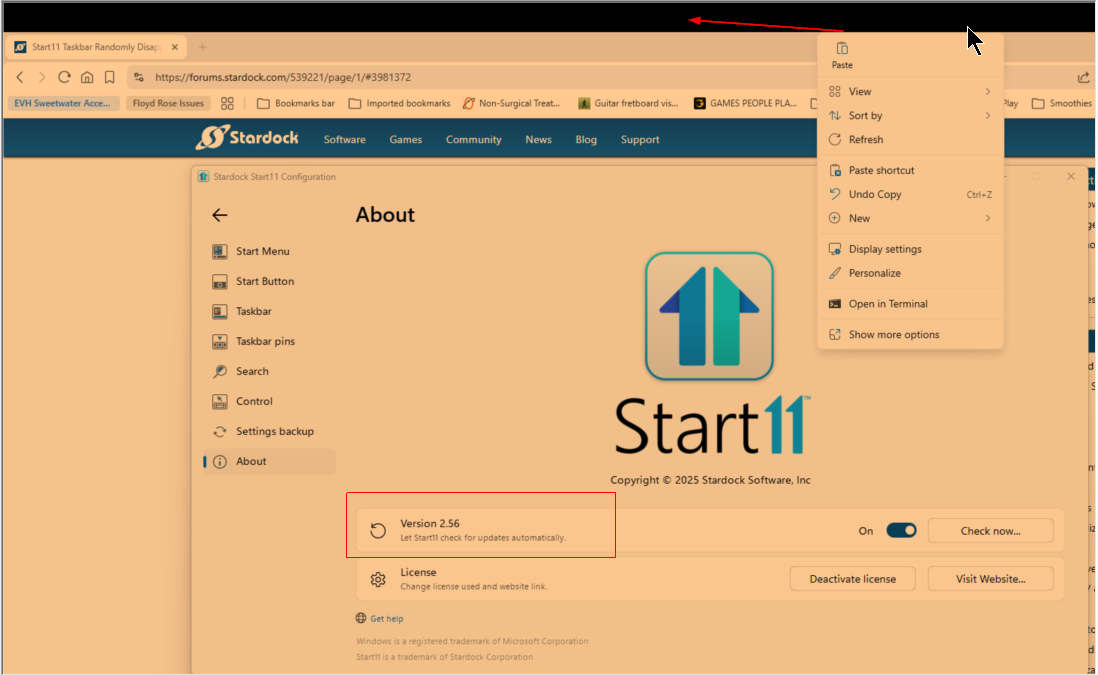
Unfortunately, it's still happening with v2.56, though not as often.

It happened again yesterday on v2.56, so for good measure I uninstalled, rebooted, reinstalled, rebooted.  Earlier today it was fine, but then I came back to the computer after it was sitting idle for several hours and the taskbar was gone.


Reply #3 Top

There may be a conflict with another application. To troubleshoot, please try performing a clean boot. You can follow the steps provided here: https://support.stardock.com/space/SHC/1334935592/Start11+Clean+Boot 

Please proceed with caution, as clean boot changes how your system starts. Give it a try and let us know how it goes.

Thank you,

Basj,
Stardock Community Assistant

Reply #4 Top

Thanks, I'll give that a shot when I get a chance.

Here's more anecdotal information from today.  Start11 crashed overnight.  I restarted it, worked on the computer with no issues, then turned off the monitor.  15 seconds later I turned the monitor back on because I had forgotten to do something and Start11 crashed again.  Weird... :)