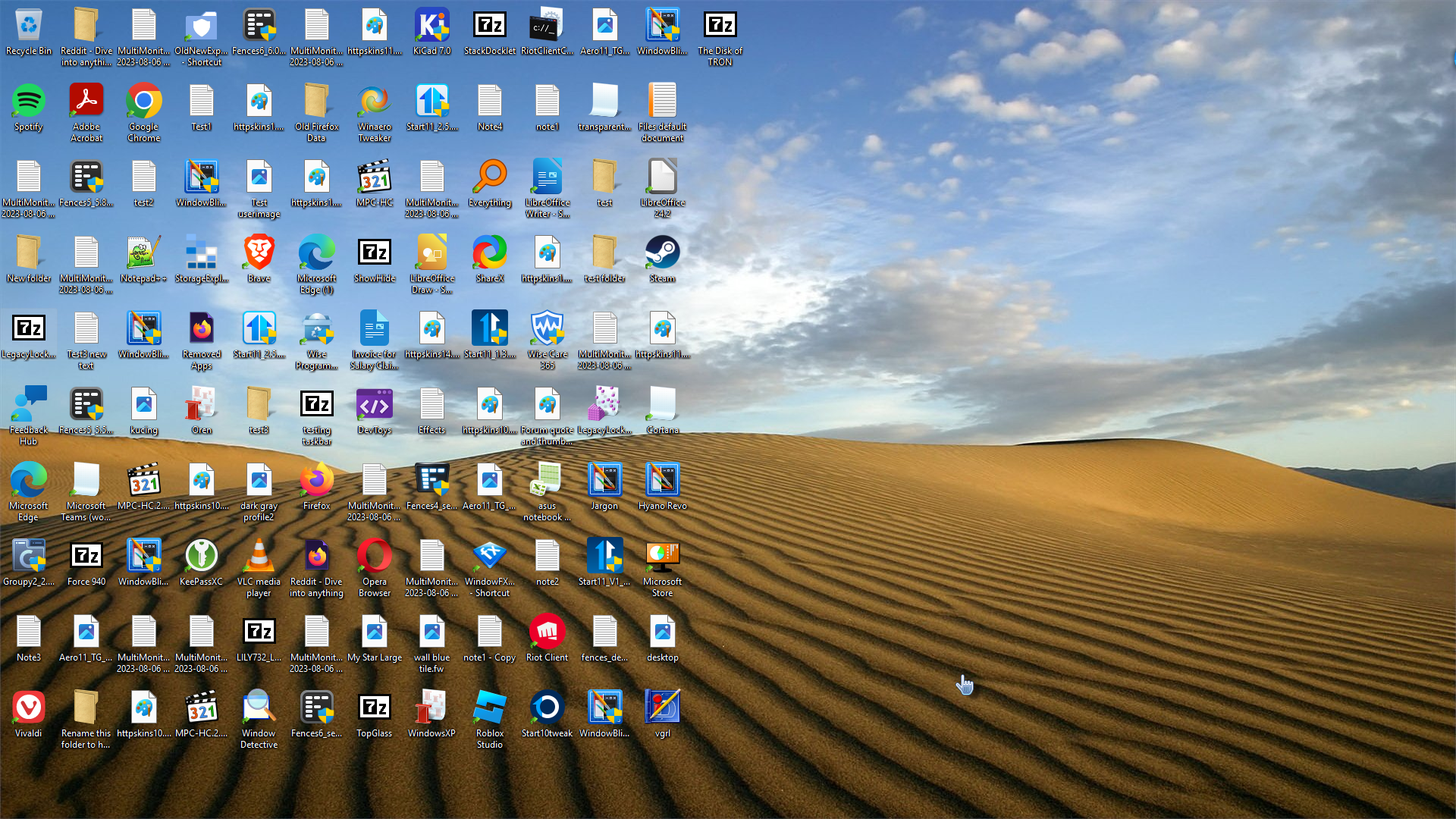
Start 11 Icons spacing at bottom of screen

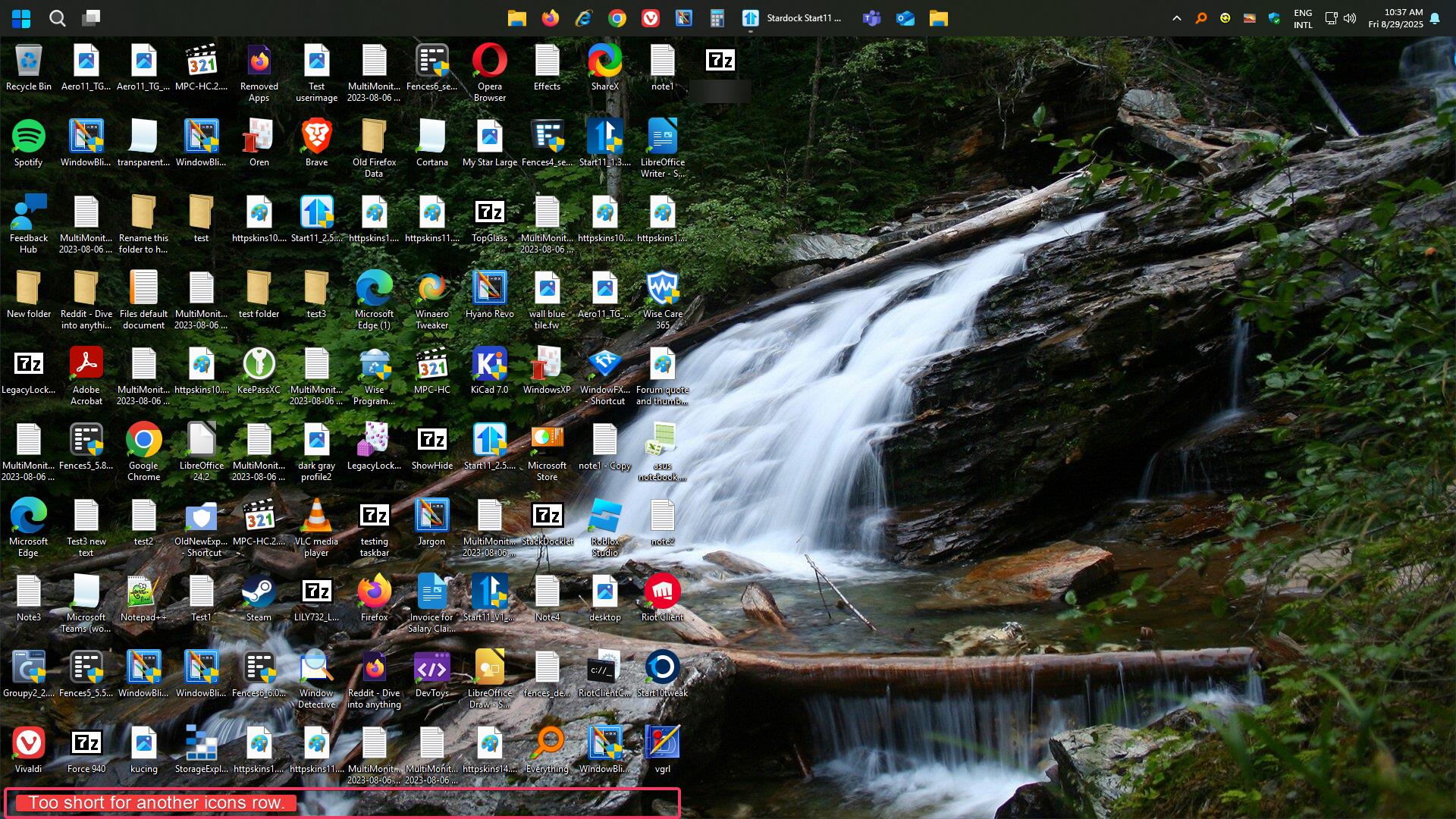
Hi, I like my Start bar at the top of my screen. which Is why I bought this app. Everything is fine with the Start bar on top. However, at the bottom of my screen, the icons are spaced up one full spacing. I want to move the icons lower towards the bottom of the screen, but cant.

How do you fix this or move the icons?

I did try turning off Icon Align to Grid, but that makes things worst. the icons shift to other parts of the screen and will not let me place them in certain spots on the screen .

Any idea Devs?

Moved to Start Menu Products area
1,042 views 5 replies
Reply #1 Top

Hello,
Sorry to hear you are having issues. I can not reproduce your issue. Yes, there is a space under the last icon, but to me it does not enough for one single icons with its icon text, under it.

Thank you.
Basj,
Stardock Community Assistant.

Reply #2 Top

Well, I don't know what you are talking about. there is apparently something wrong with how you all are manipulating the Icon Grid.  There is a lot of gap at the bottom, that should not be that larger of a gap.  There has to be something your app is doing to cause the larger gap. 

I'm on a 32 inch 4K Acer Predator Monitor running 3840x2160 here is a screen shot of what I'm seeing. 

BTW, I auto Hide the Task Bar, if I don't auto hide it there is no gap at the bottom, its the auto hide and how your program prepares the task bar when its not hidden.  Please check that, its Definity a problem and should be looked at and fixed.  Auto Hiding the task bar should not move the icons at the bottom closer to the bottom.  Please try Auto Hide!!! 


Reply #3 Top

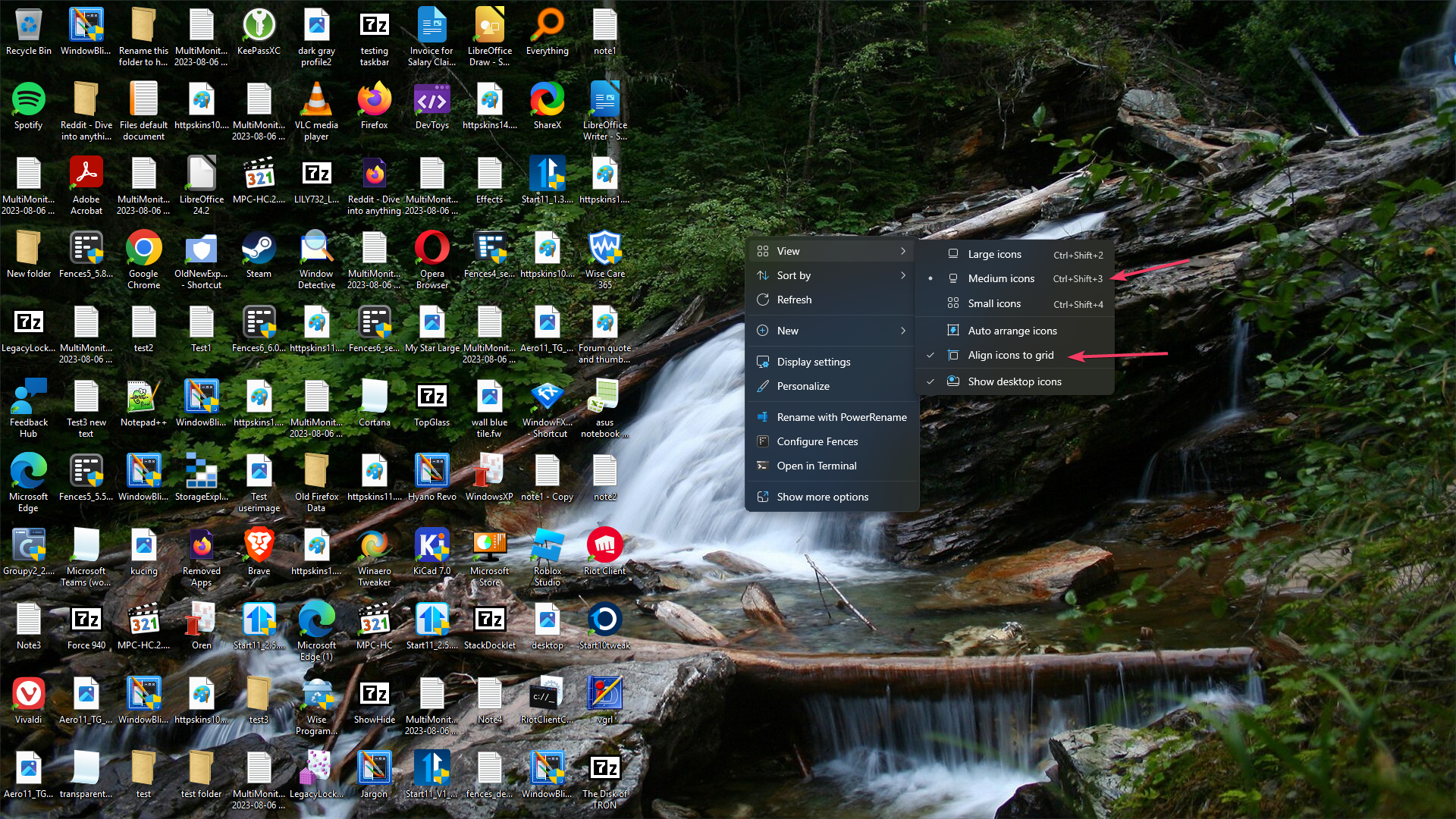
This is what I see with Start11 taskbar autohide. With Medium icons size and align to grid turn on.

Do you have any other application that also change your taskbar such as DisplayFusion, ExplorerPatcher, OpenShell etc?

Thank you,

Basj,
Stardock Community Assistant


Reply #4 Top

Okay, I see the issue, it appear after I reboot the system. I have forwarded your problem/question to Stardock Support Team for their assistance. Please keep an eye on this thread for any updates. We appreciate your feedback and patience. Thank you.

Basj,
Stardock Community Assistant

Reply #5 Top

Perfect, I'm glad you see the issue too. Will be awaiting to see if this gets fixed.

And no, I'm not running anything like those you mentioned.

Thank you!!