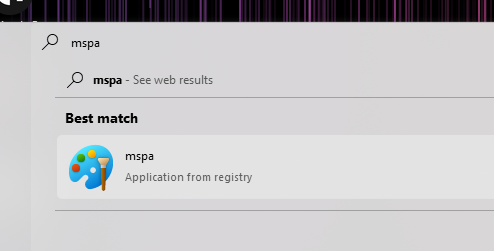
Start11: Issue launching mspaint from partial search result

Encountering an error recently whereby launching mspaint off of a successful partial search result fails to launch paint.
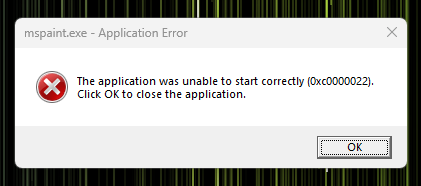
Now while this might seem like an application-level issue, if I simply launch paint from the Pinned Apps section:
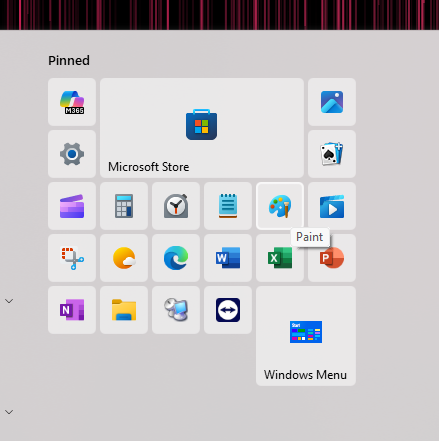
It loads just fine..
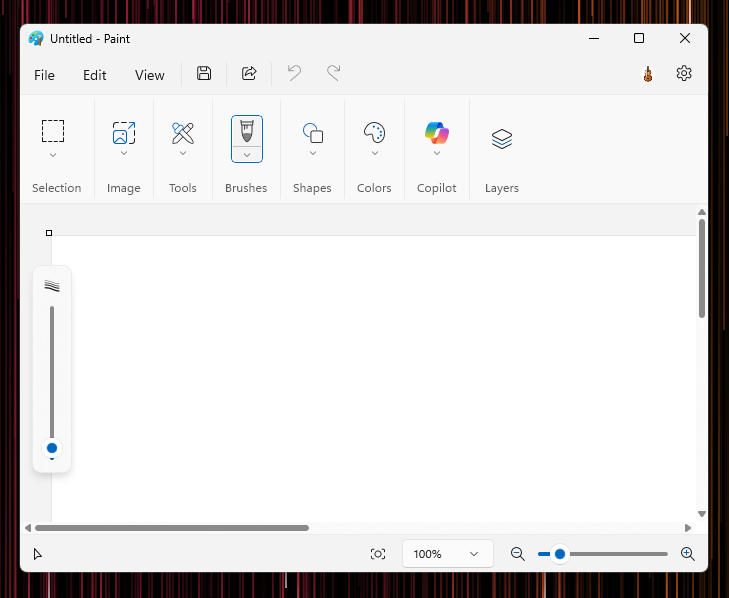
So I'm beginning to suspect something about the search cache is launching either an older version of the app that isn't installed or.. something else is at play. And yes, I have uninstalled, reinstalled both mspaint (Windows Store) and Start11.

The fact that the subtext in the search result says "Application from Registry" is unusual to me, is it pointing to a registry entry containing the app path?

 

693 views 2 replies
Reply #1 Top

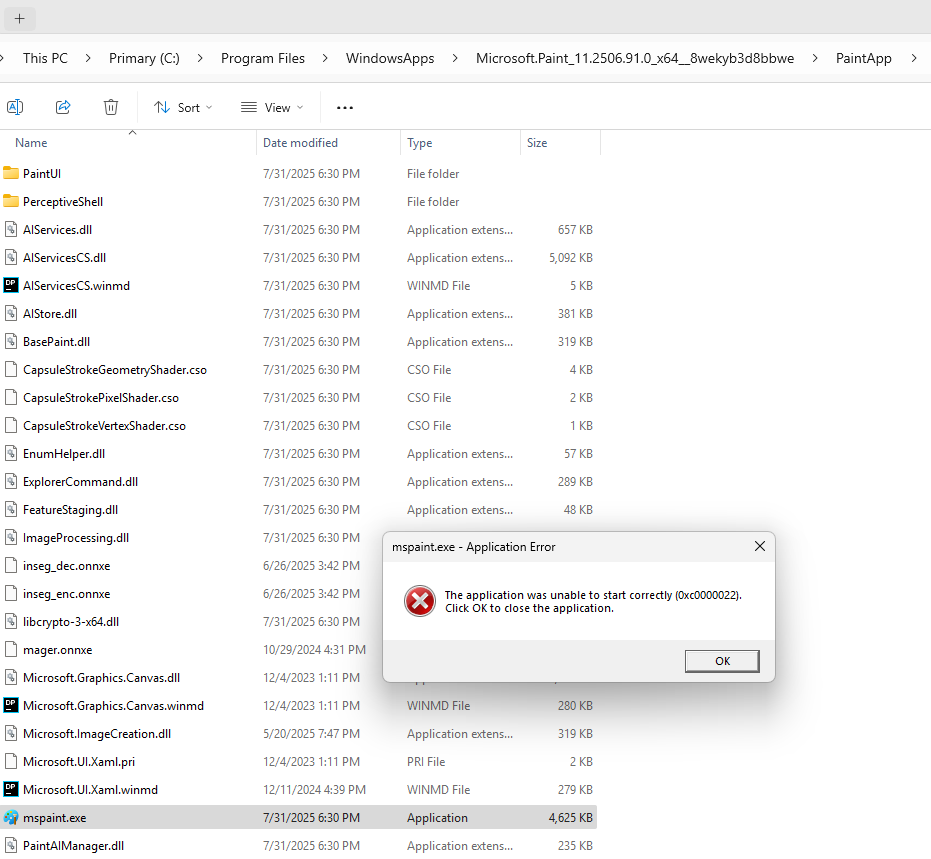
Digging a little deeper into this, I do see that launching the app directly from the WindowsApps folder replicates the error. So in fact, this may be an issue with HOW the app is launched. I'm not familiar enough with UWP applications to know if this is expected behavior, though other apps I launch from the WindowsApps folder do work fine.

I guess the next logical question is how to prevent Start11 from launching executables directly?

Reply #2 Top

Hello,
Sorry to hear you are having issues. I can not reproduce your issue on my Windows 11 system. when searching for mspa, I don't see the result as shown on your screenshot above. Perhaps your system was once have MS Paint classics installed in it. And its remain in your registry, the registry  did not get clean up properly when MS Paint classics get replace by that new MS Paint.

Thank you,
Basj,
Stardock Community Assistant.