Start11: Taskbar flashing every time when changing desktops

Hi, I use Start11 with my taskbar on top. Every time I navigate from desktop to desktop (CTRL+WIN+→ / CTRL+WIN+← ), the taskbars flash and appear at first at the bottom, then they move to the top. Is it a standard behaviour or a bug that could be addressed? Does anybody else find this hardly usable? Or maybe it's my settings making it glitch?

Moved to Start Menu Products Area

1,198 views 5 replies
Reply #1 Top

Hello,
Sorry to hear you are having issues. Need to know more.

  1. You on Windows 10 or 11? Also, need Windows full version and OS build numbers. Use Winver.exe
  2. Start11 v2 full version number installed.

Thank you,

Basj,
Stardock Community Assistant.

Reply #2 Top

Thanks, I am on Windows 11 Version 2H2 OS Build 22621.5624

Start11 version 2.53

Reply #3 Top

Need few more details.

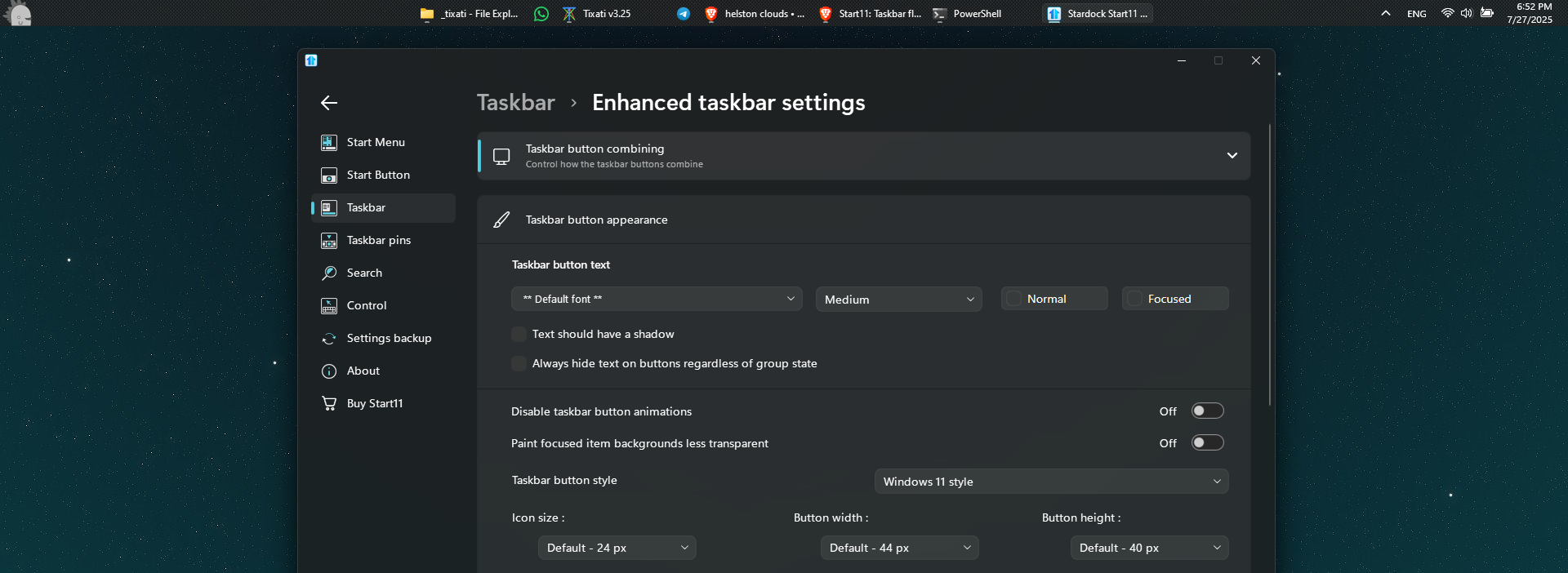
  1. Start11v2 Enhance taskbar turn on or off?
  2. Autohide taskbar turn on or off?

Thank you,

Basj,
Stardock Community Assistant

Reply #5 Top

I tested and I see the flashes but not the taskbar move to the bottom and up again. Refer to my short video below.

The flashes, I believe, that look normal to me since the taskbar background been applied again after the desktop changed. But, for your system the taskbar move to the bottom. 

Just to make sure Start11 was properly install. Please try, uninstall Start11, reboot immediately (important), download latest version available in your account product download page: https://store.stardock.com/myaccount/products. Install it, reboot immediately again. Retest it and report back.

Thank you,

Basj,
Stardock Community Assistant