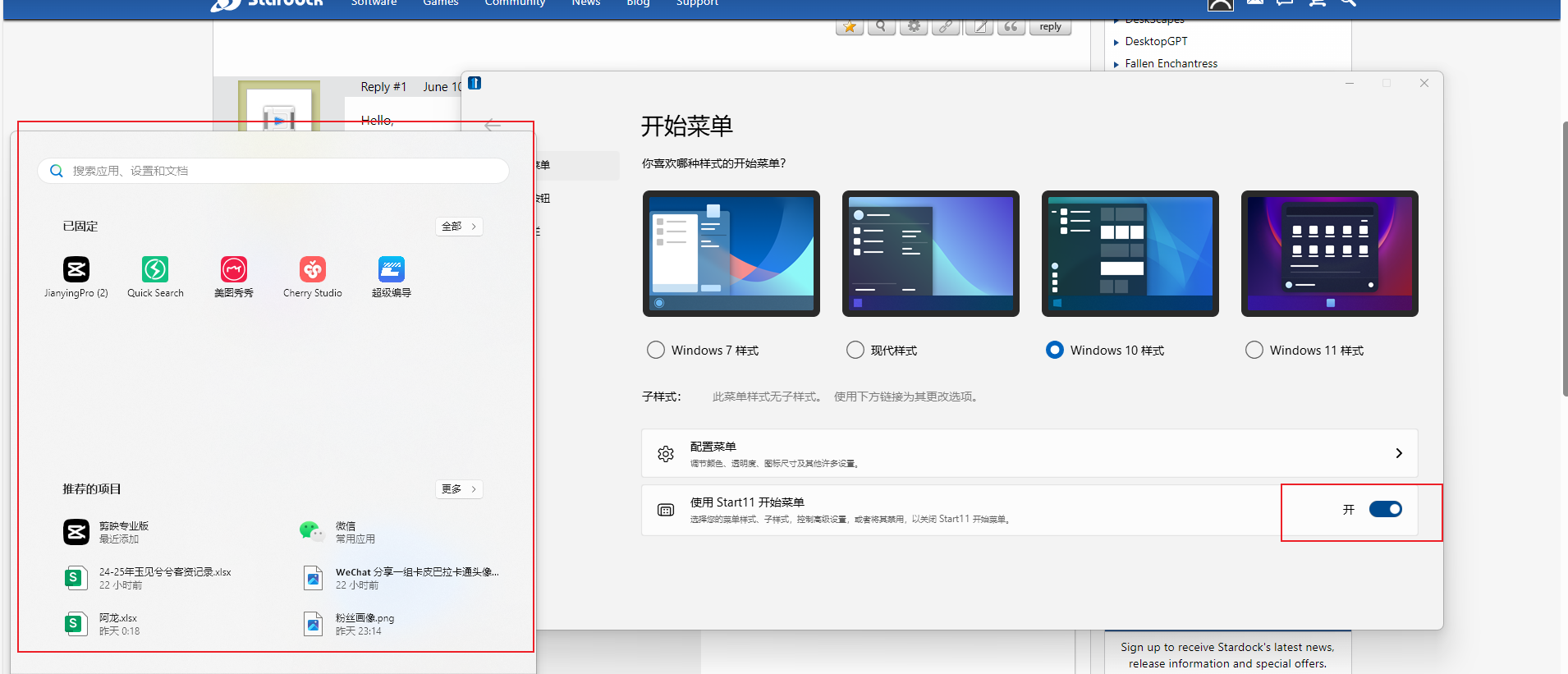
The software start11 v1 is invalid. The version of my computer is WIN11-24H2. Is there any solution?
from  Stardock Forums
Stardock Forums


 Stardock Forums
Hello,
Sorry to hear you are having issues. Need more information on your issue.
Thank you,
Basj,
Stardock Community Assistant.
Thank you for your reply.Here is my answer:
1.
2.
3.
4.Supplement: I bought the program on steam.
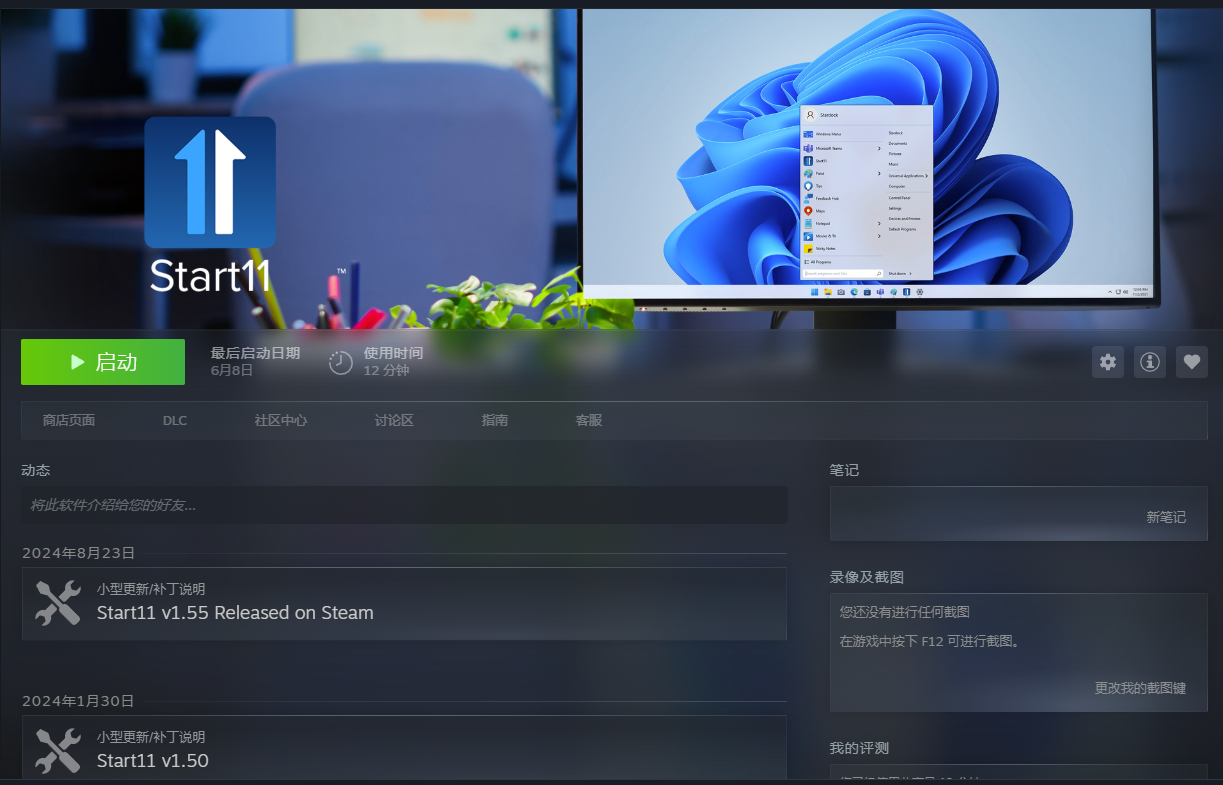

First please try, uninstall Start11, reboot immediately (important) as soon as uninstall is done, Reinstall it via Steam, reboot immediately again. Retest it and report back.
Thank you,
Basj,
Stardock Community Assistant
Uninstalling seems to clear the original layout. Where can I save my configuration file? So that I can restore the original start menu layout after reinstallation.
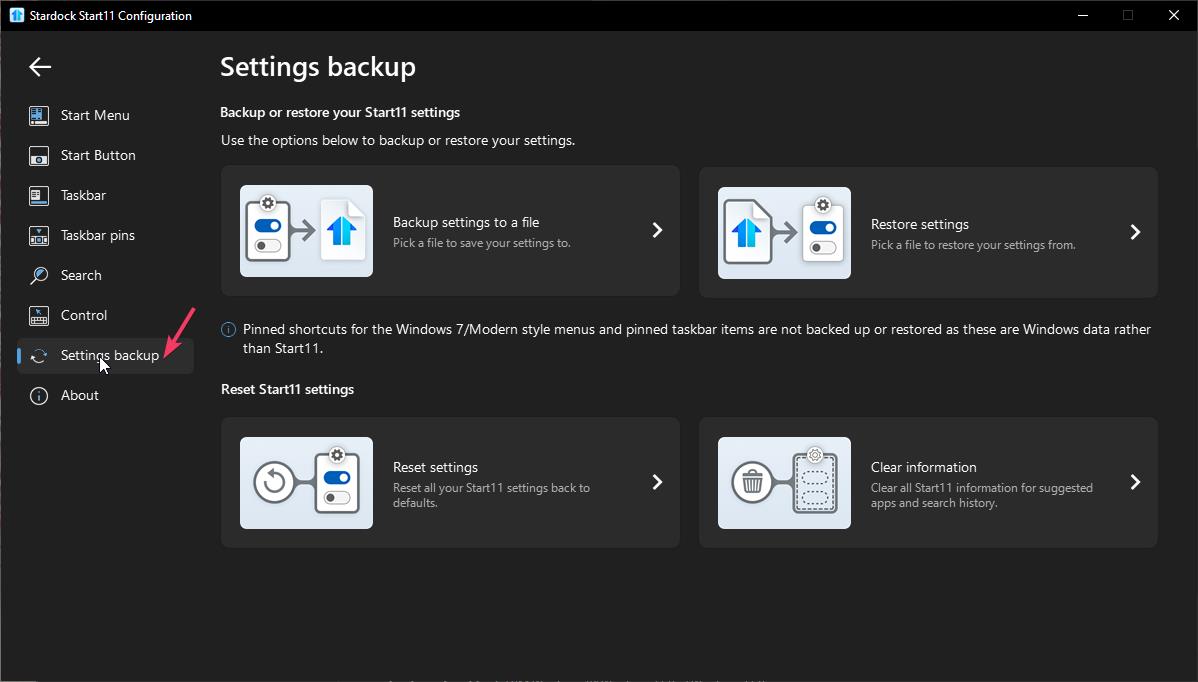
Not sure if Start11v1 have this but in Start11v2 you have these option to save/backup and restore your layout/setting.
Thank you,
Basj,
Stardock Community Assistant
I checked, and this version doesn't have this function.There should be a file in the file directory of your software that records these configuration information, right? Can you tell me which document this is?
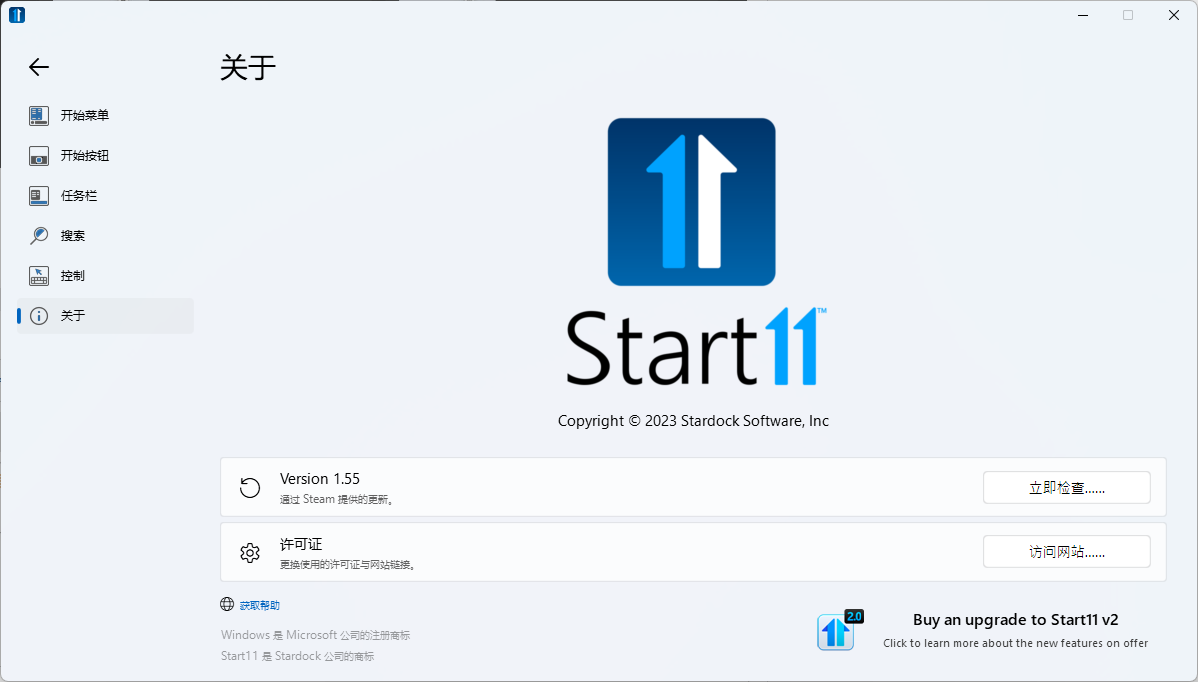
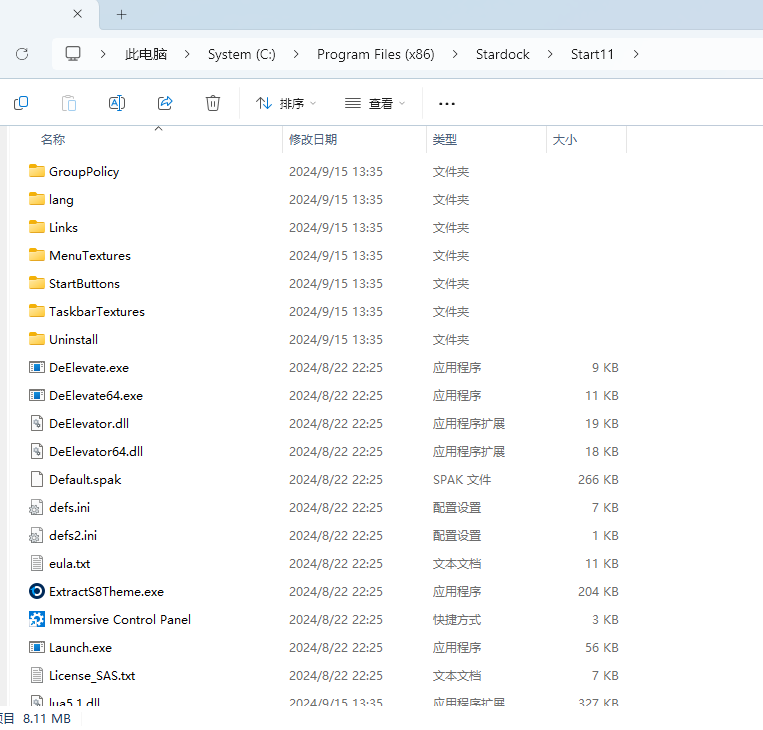
For Start11v1 Please refer to this guide: https://forums.stardock.com/505872/start11-support-faq#backUpSettings, refer to manual registry export method.
Thank you,
Basj,
Stardock Community Assistant
After reinstallation, it can be used normally. Thank you for your patience.
Great, glad to hear that.
Thank you,
Basj,
Stardock Community Assistant
Welcome Guest! Please take the time to register with us.
Select a reason for giving karma:
You're about to visit an external site:
Sign up here to get the latest news, updates, and special offers delivered directly to your inbox.