

Systen Tray Overllow Icons?

What happened to the overflow menu for system tray icons that I don't want displayed in the system tray. There used to be an arrow to show them, but not any more.

Moved to Start Menu Products Area
1,281 views 6 replies
Reply #1 Top

Hello,
Sorry to hear you are having issues. Need to know, you on Windows 10 or 11? Also need its full version number. Please use Winver.exe. And, we need to know which Stardock Product you're having issue with? Start11v2? If so, need its full version too.

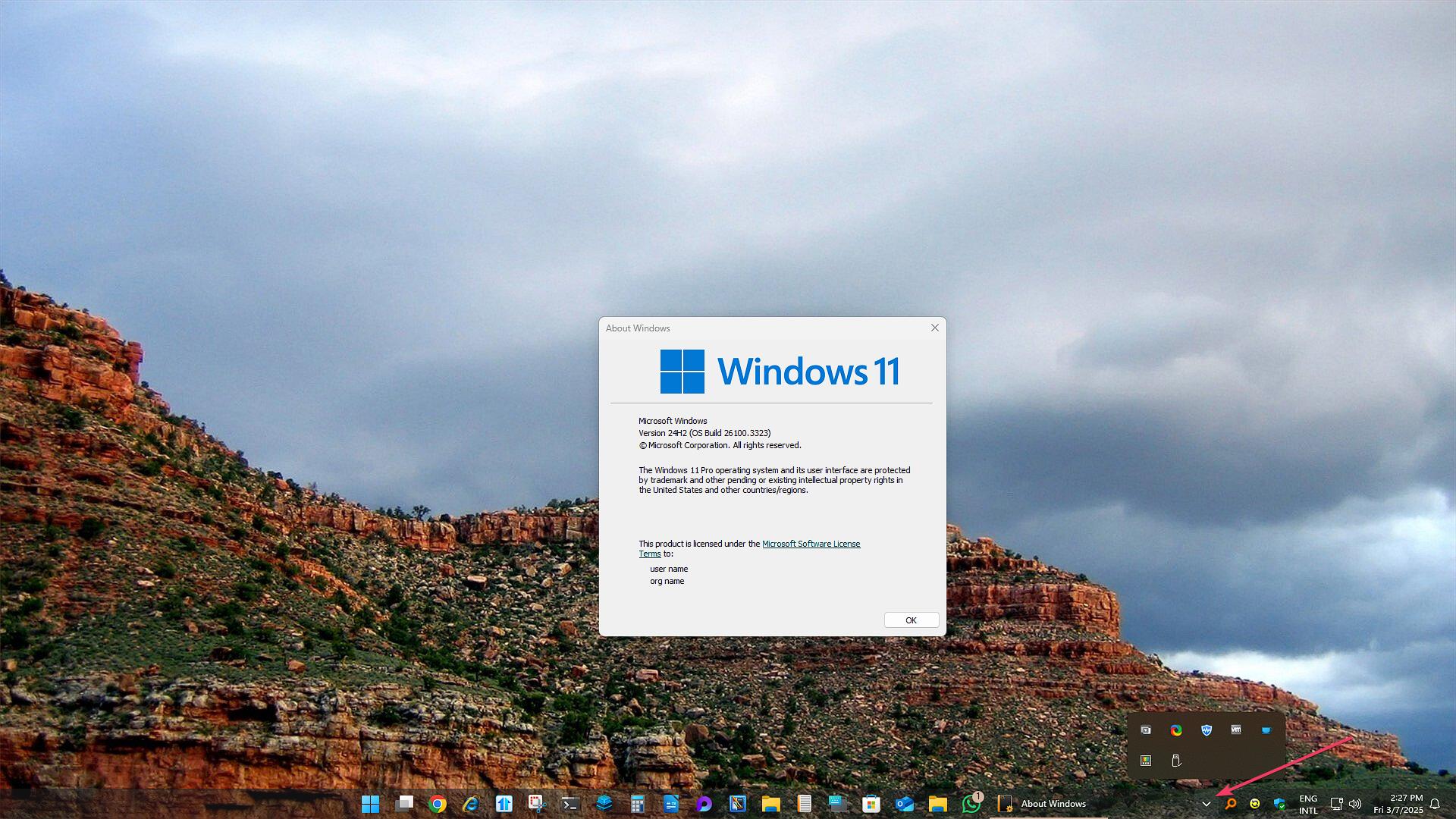
Just as a reference, I still still see the icon for overflow taskbar tray on Windows 11 24H2 (OS Build 26100.3323) On Start11v2 Enhance taskbar turn on.

Thank you,
Basj,
Stardock Community Assistant.

Reply #2 Top

Windows 11 ver 23H3 Build 29100.3323

Start 11 v 2.51


Reply #3 Top

I don't have your Windows 23H3 version, I am still on 23H2 and not detecting any newer update. As an option please update Start11 v2.52 Beta and see if the issue still there. Also please post a screenshot on what you see on your system.

Thank you,

Basj,
Stardock Community Assistant

Reply #4 Top

Thanks. My current (new) PC is hosed anyway, so it might not be your software. I've got a new PC arriving tomorrow, and I'll let you know it the problem goes away.

Reply #5 Top

Quoting basj, reply 3

I don't have your Windows 23H3 version, I am still on 23H2 and not detecting any newer update. As an option please update Start11 v2.52 Beta and see if the issue still there. Also please post a screenshot on what you see on your system.

Thank you,

Basj,
Stardock Community Assistant
End of basj's quote

Pretty sure this is 24H2-26100.3323

Reply #6 Top

I got a new PC and updated it. Everything is fine now. Thanks for trying to help.