Transparency Issue with Start11

Start11 on windows 10 cant be made %100 opaque as described in this topic;
https://forums.stardock.com/524416/get;3958677

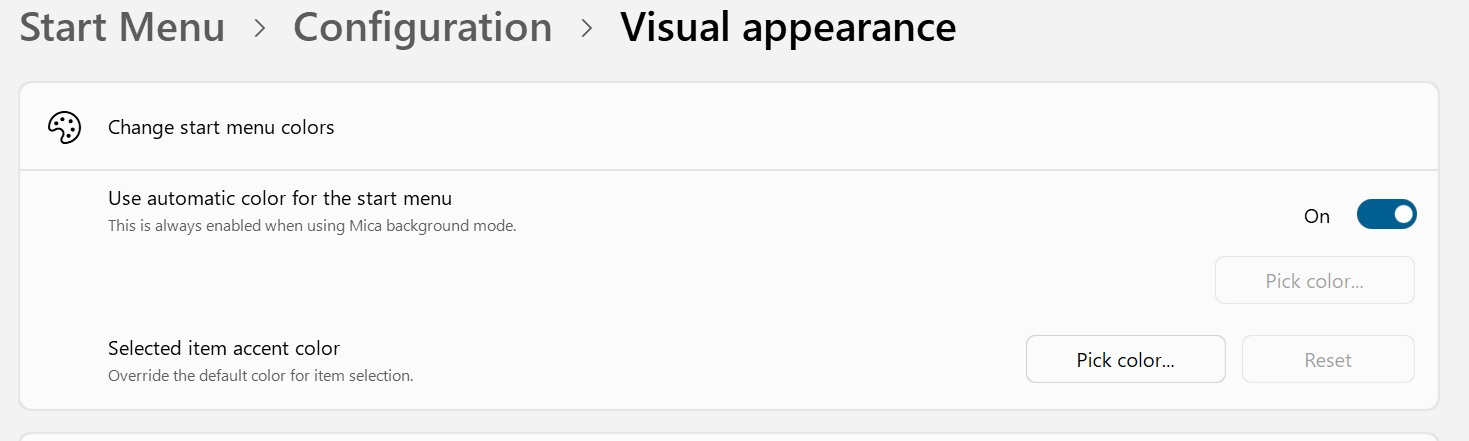
The only way to make it not transperant is enabling full screen menu or mica effect which disables auto color from start menu.

Quoting MayTi554, reply 16

This issue still exists. In Windows 10, it is impossible to make the 'App style, Pro style, and Launcher style' themes 100% solid. 100% solidity is only achievable when "use full screen menu" option is on. This issue does not exist in other themes. There is also no issue in Windows 11.

Windows 10 21H2 19044.5371
Start11v2.5
Below are screenshots with 11% and 100% solid settings:
%11

%100
End of MayTi554's quote


783 views 2 replies
Reply #1 Top

Hello,
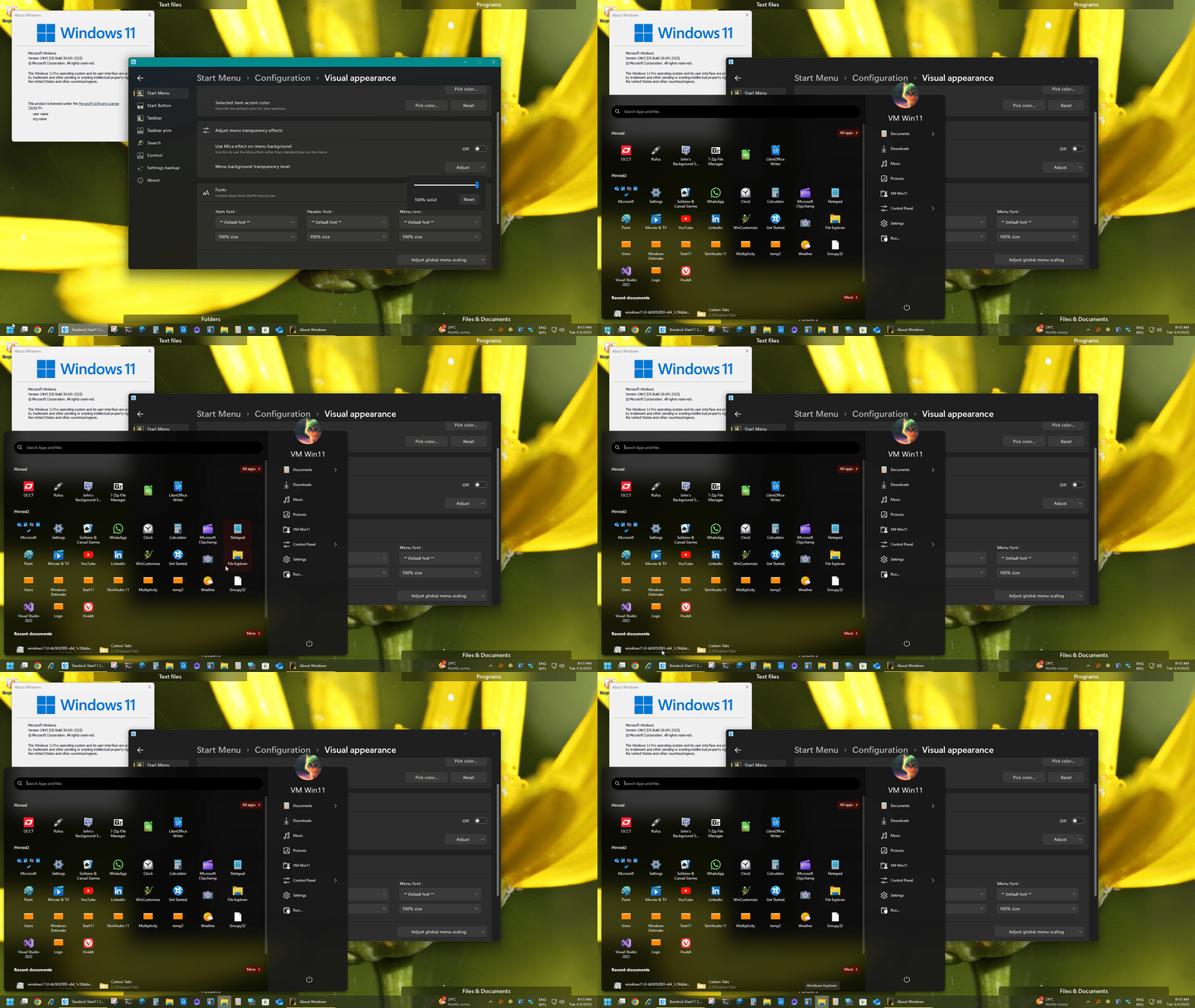
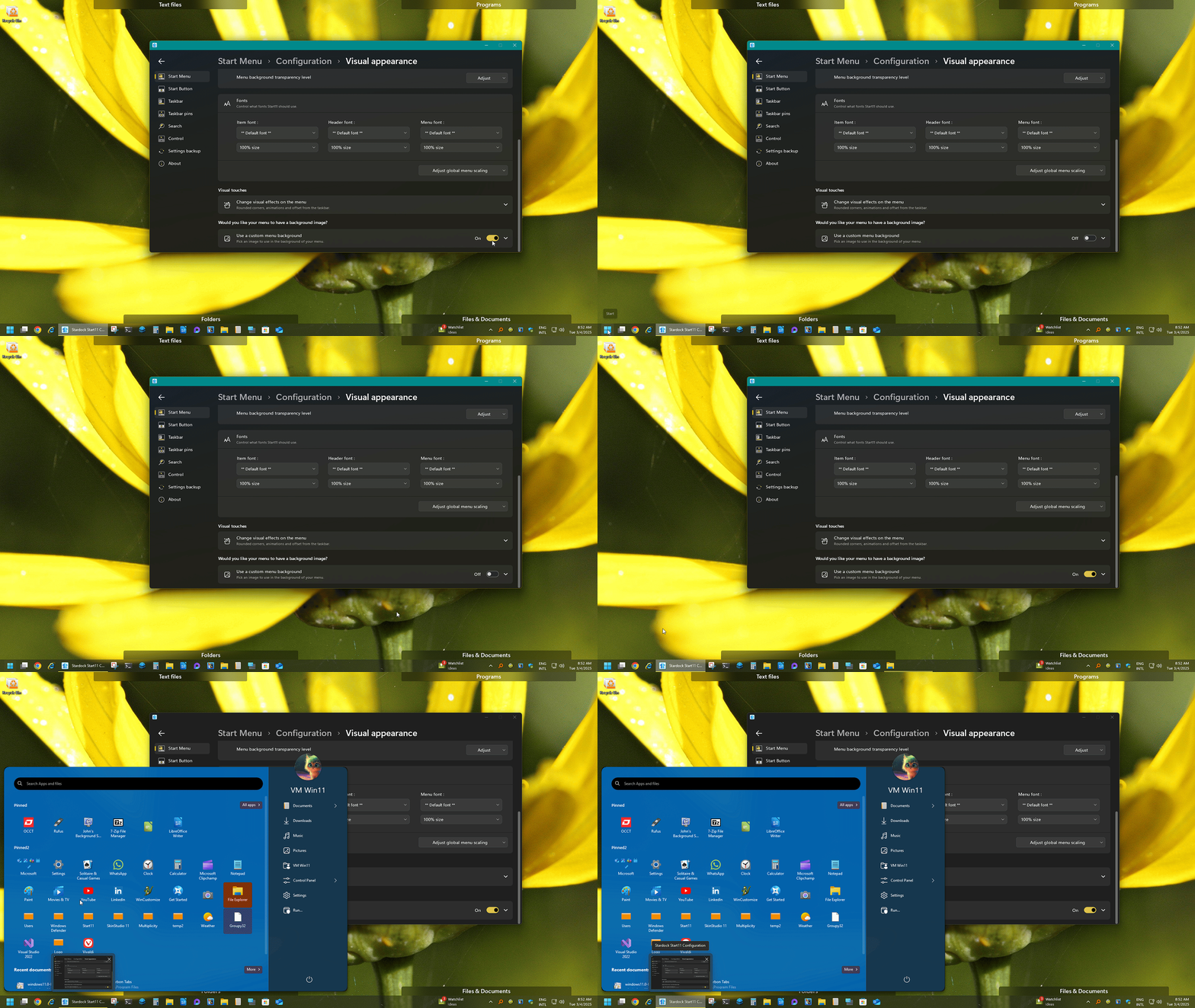
Sorry to hear you are having issues. But, from what I see on Windows 11, there too you can't get 100%. for your pinned items. I believe this is by design to set that there are different effect between the two area. For example from screenshot below The pinned area still have a little transparent area, while the shortcut list item have the 100% solid. To have both area fully non transparent you can also try to enable custom menu background.

With custom menu background applied.

Basj,
Stardock Community Assistant.

Reply #2 Top

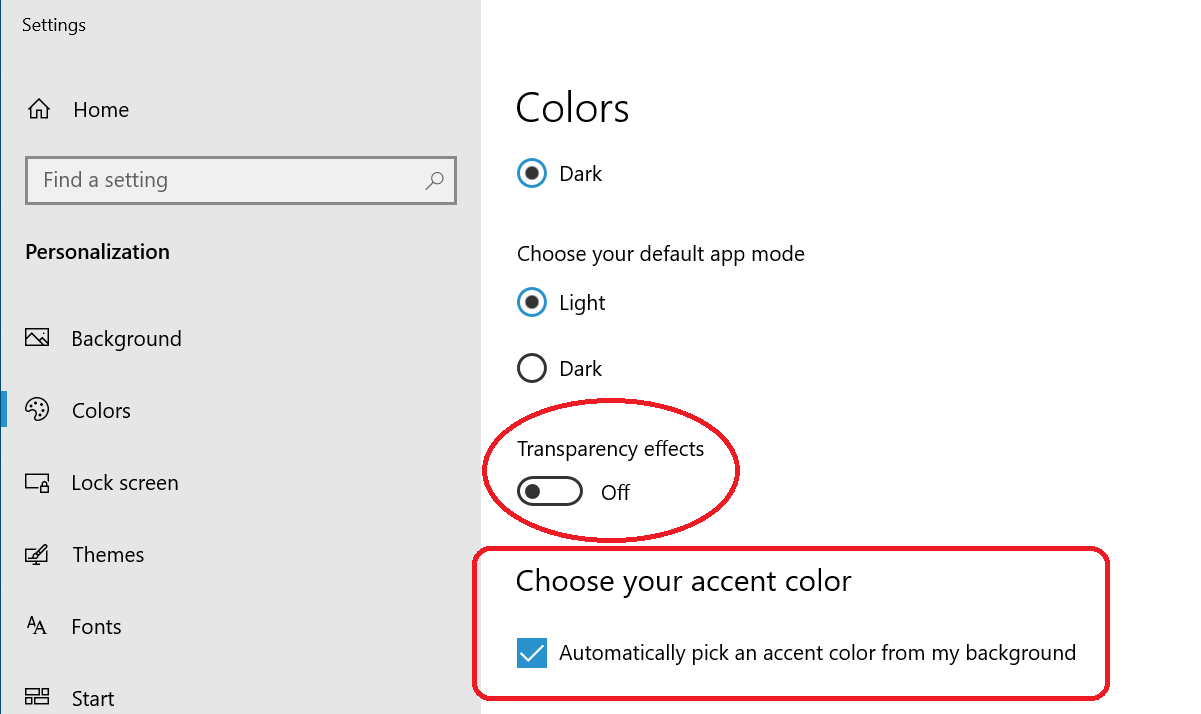
In windows 10 I use full screen option instead of mica or custom background. Because I use auto pick accent color for my system and auto color option for start11.

I have dual boot with windows 11.

In windows 11 by disabling transparency in system gives %100 solid color for start11 also. Which, in windows 10 doesn't work.