Windows 11 24H2 Problem

Good evening,

I bought the Start11 product about 2 years ago. Since the Windows 11 24H2 Update, Start11 no longer works. This means that all the icons in the taskbar are no longer displayed. With Windows 23H2, Start11 worked perfectly. 

Is there a new version or update?

Regards from Cologne (Germany)

Mike

1,591 views 6 replies
Reply #1 Top

Hello,
Sorry to hear you are having issues. Need to know your Start11 full version number. Also, your Windows 11 24H2 OS Build number. Please use Winver.exe.

Thank you,
Basj,
Stardock Community Assistant.

Reply #2 Top

Good Morning,

This is Start11 Version 1.39

Windows 11 24H2 Build: 26100.3194

Do you need my Serial Key?

Regards from Cologne

Mike

Reply #3 Top

I did a quick install and tested with the same version as your and I see no issue all icons still there for me. Refer screenshot below.

Would like to suggest to try, uninstall Start11, reboot immediately (important), download latest version available in your account product download page: https://store.stardock.com/myaccount/products . Install it, reboot immediately again. Retest it and report back.

Thank you,

Basj,
Stardock Community Assistant


Reply #4 Top

I would recommend updating to the 1.55 update of Start11 as 1.39 is from 2023.  The check for updates button on the software should be telling you about that and I can only assume you disabled automatic update checks?

Otherwise an upgrade to Start11 v2 which is a paid cost is something you might consider as it adds lots of new features.

Reply #6 Top

Quoting GeezaBlokeUK, reply 5

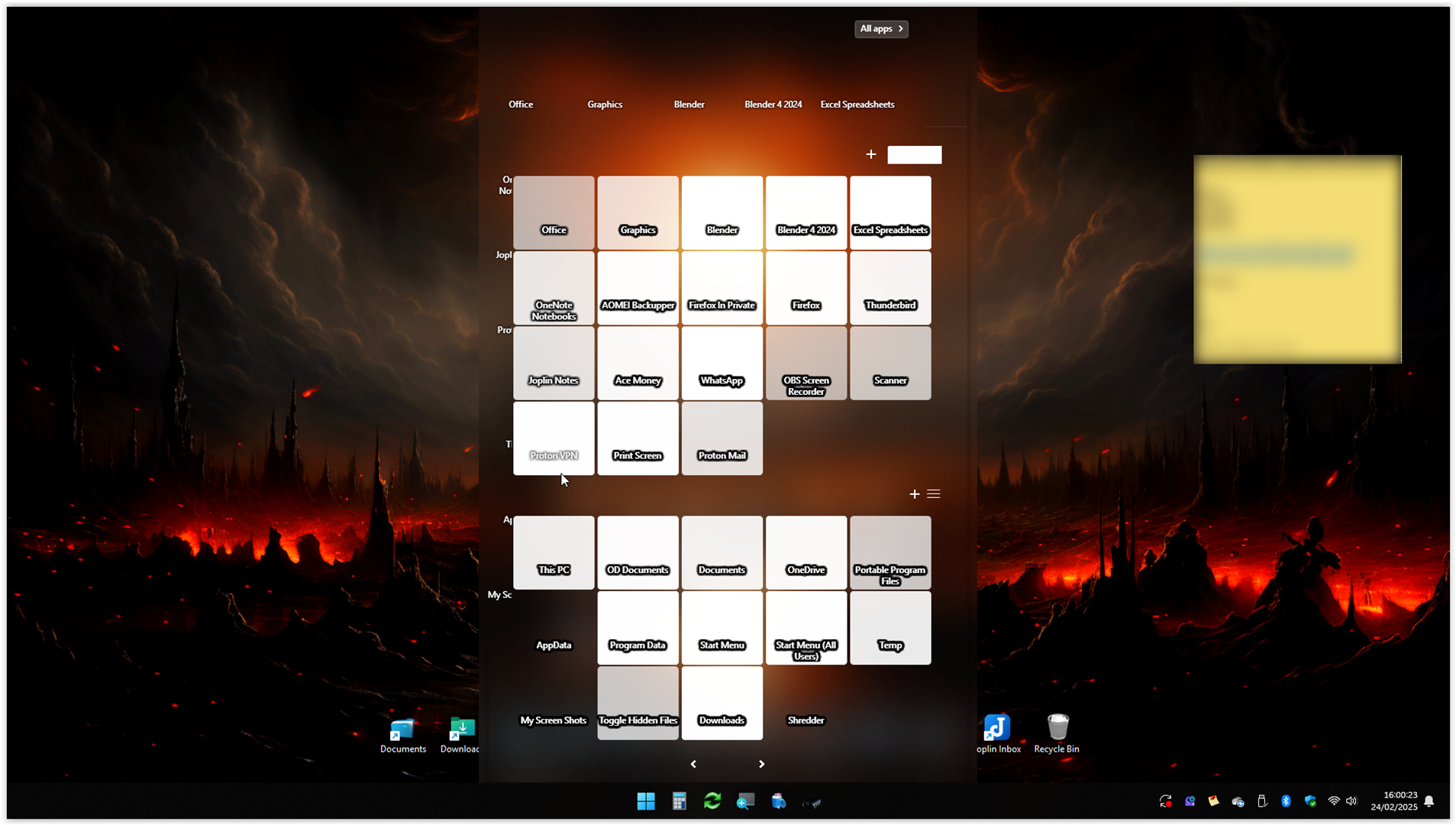
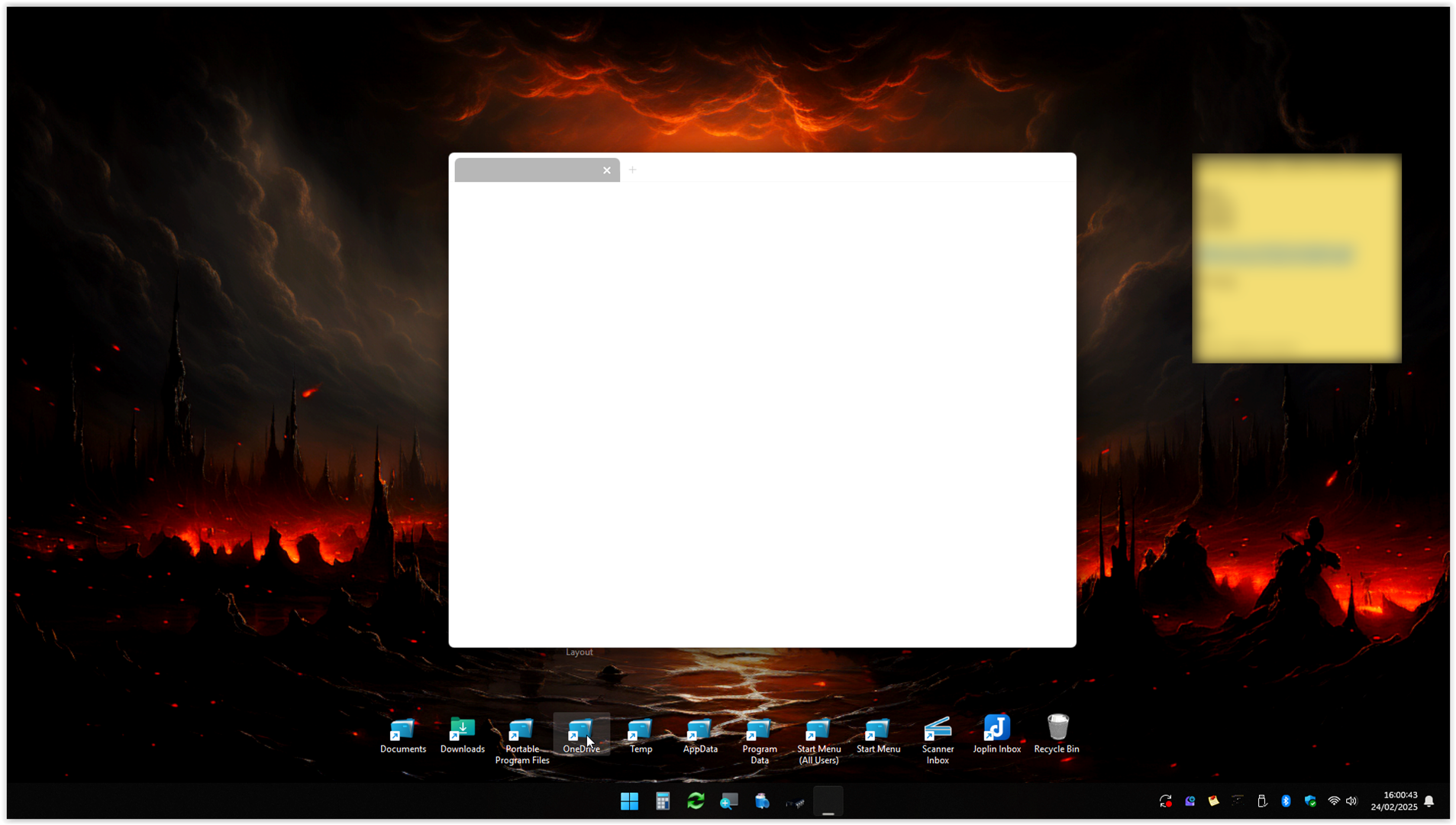
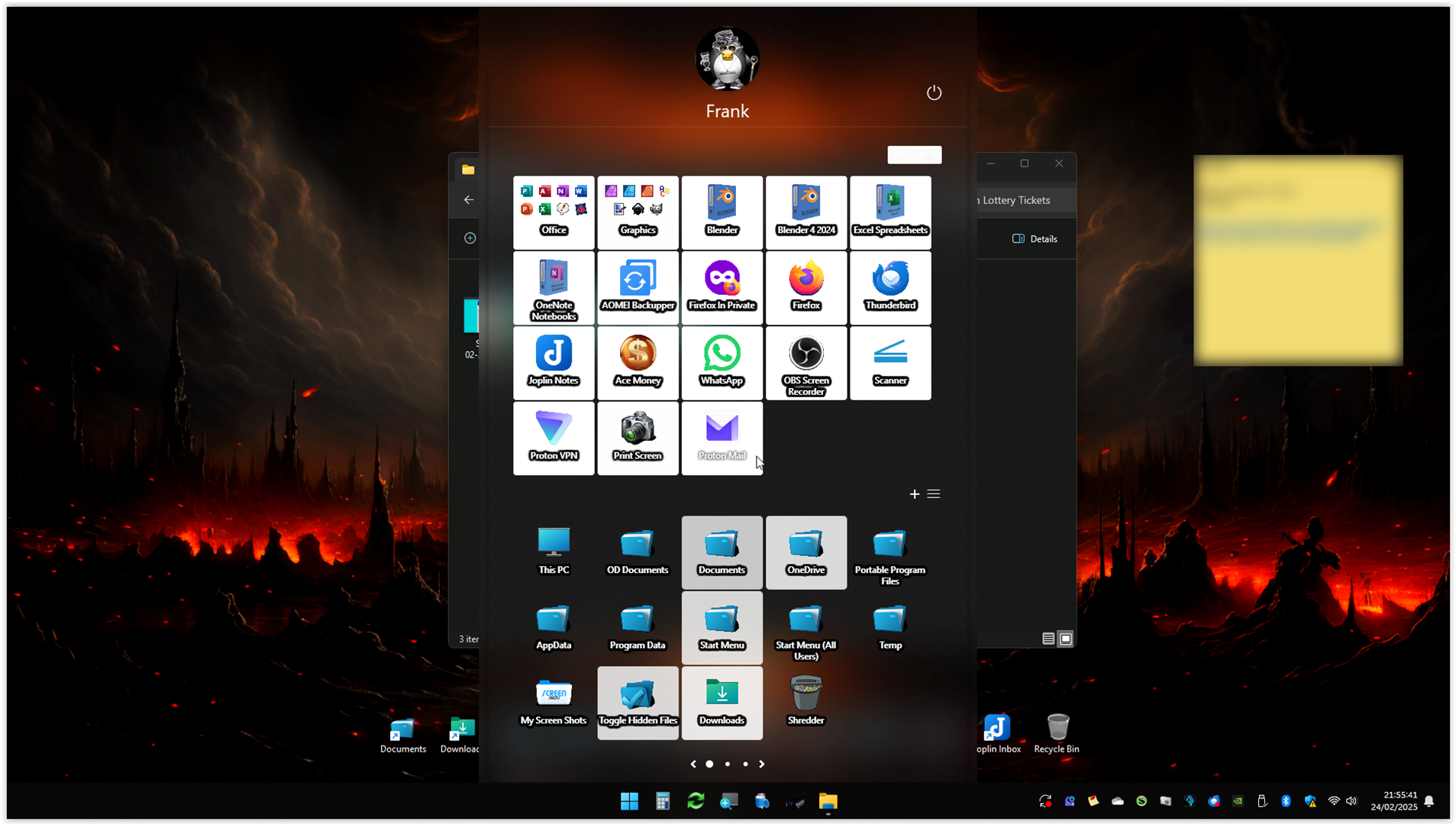
I am also having issues with Start11 ever since I updated to Windows 24H2. Periodically the menu becomes unusuable and when you try to select an icon, as you are moving the mouse across any that the mouse passes by turn white, obviously in the screenshots I have moved the mouse around to demonstrate, none of them work if clicked and even if I then try to double click on an icon on the desktop only a blank white explorer window appears (they are folder shortcuts not programs). The only way to get out of the situation is to press ctrl alt delete, then log out and back in. I'm going to add an explorer restart shortcut to my desktop to save doing that, just in case that works.

I'm using Start11 v2.51, my windows version is 24H2 Build 26100.1742

I've tried uninstalling and reinstalling start11 to no avail. Any other suggestions would be welcome, provided it's not a fresh install of Windows lol. I'd sooner restore version 23H2 of Windows from backup than do that.


End of GeezaBlokeUK's quote

Look like you're using Start11v2 which is not the same version as OP Start11v1. Please create your own thread and we will try to help you there.

Thank you,

Basj,
Stardock Community Assistant