
Start11, Windows 10 style right click taskbar

Start11 is great. I am on Windows 11 version 24H2, (OS Build 26100.3194)  using Version 2.51 of Start11 and the Windows 10 Style. Right clicking the Taskbar give me options: Configure Start 11, Cascade windows, show windows stacked, etc. but three of them do not work: Cascade windows, Show windows stacked, Show windows side by side all do not work. All of the other choices work fine. I have been through all the settings and cannot change this. Any clues what to do?

Moved to Start Menu Products
854 views 3 replies
Reply #1 Top

Hello,
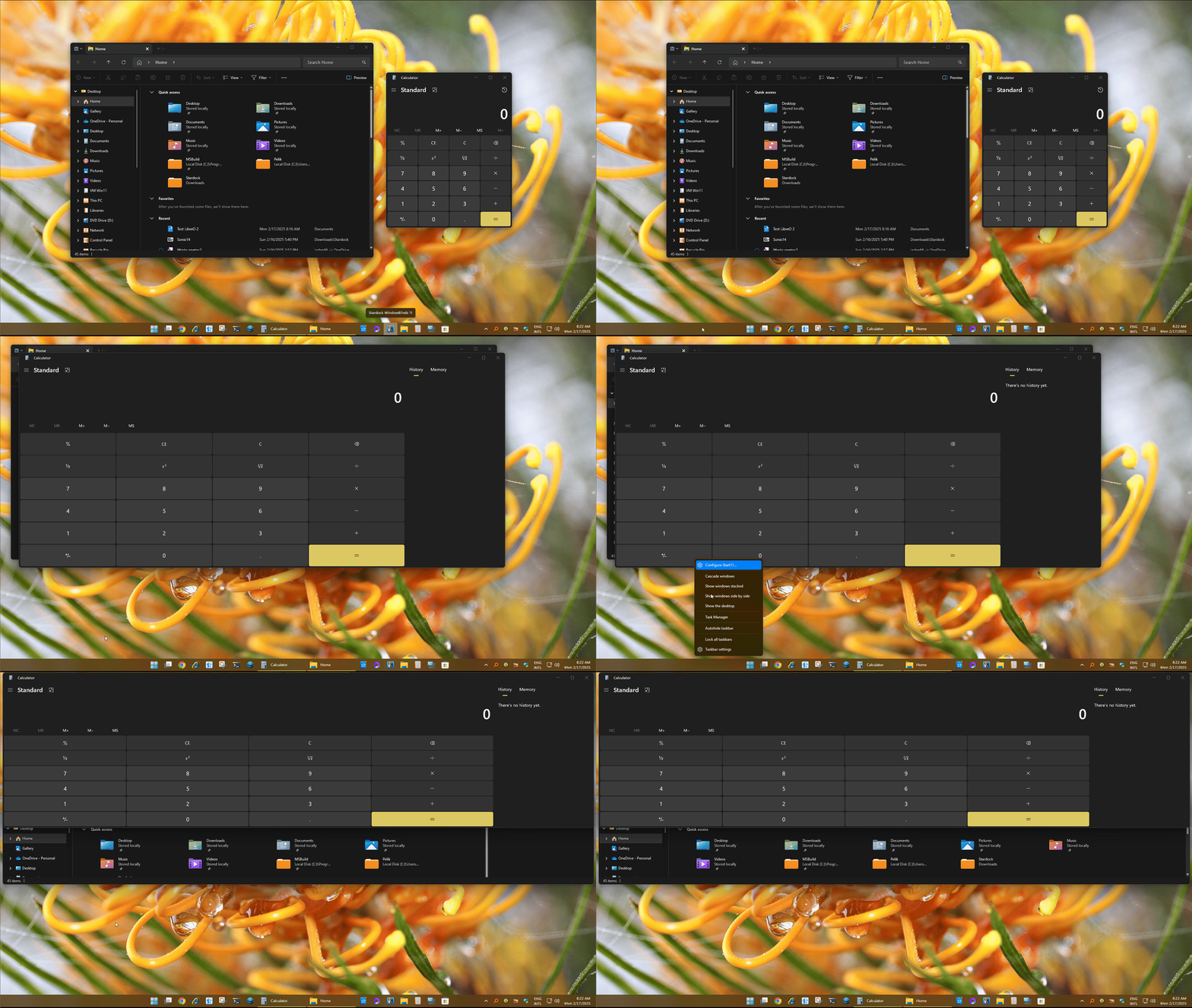
Sorry to hear you are having issues. I can not reproduce this issue on my system. Refer short video below.


Would like to suggest Please try, uninstall Start11, reboot immediately (important), download latest version available in your account product download page: https://store.stardock.com/myaccount/products. Install it, reboot immediately again. Retest it and report back.

Thank you,
Basj,
Stardock Community Assistant.

Reply #3 Top

I believe the uninstall, reinstall steps mentioned above should also work for trial version. Just make sure to reboot immediately after the uninstall and after reinstall.

Thank you,

Basj,
Stardock Community Assistant