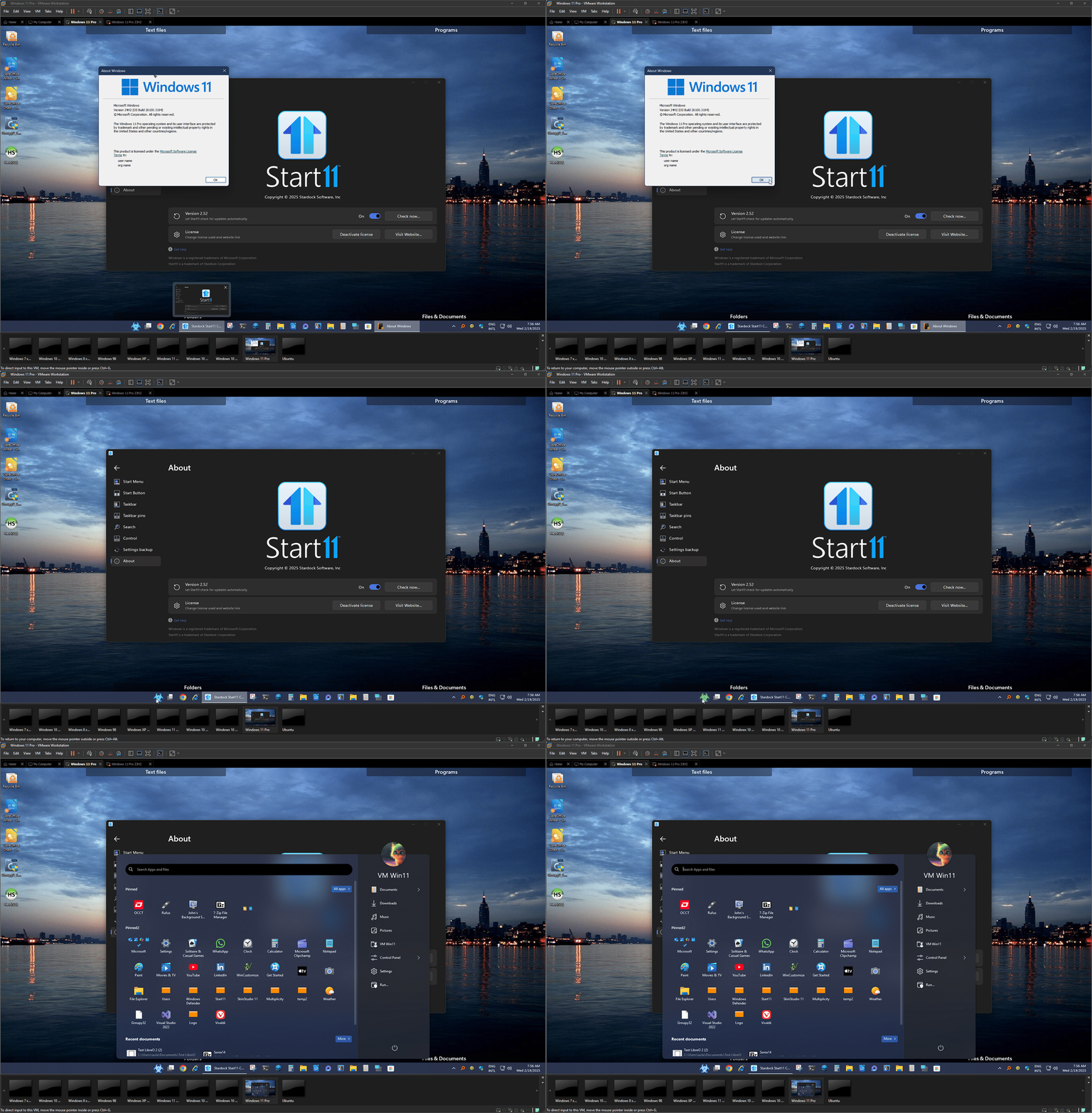
Taskbar shows segments with different colors

Hello,

I am on Start11 2.51 with Win 11 24H2. I am testing the software in a virtual machine on vmware Workstation Pro.

In this setup, the taskbar shows a weird behavior concerning colors and segments.

Is this due to the graphics driver of the virtualized environment or a basic problem with Start11? Start menu is set to Win 10 type.

Thanks in advance.


Moved to Start Menu Products area

1,464 views 5 replies
Reply #1 Top

Hello,
Sorry to hear you are having issues. Look like conflict issue with other taskbar applications running in the background. Need to know more on your system.

  1. Windows 11 24H2 OS Build number. Please use Winver.exe.
  2. Start11 full version number.
  3. Do you have any other application that change how your taskbar look?

Thank you,
Basj,
Stardock Community Assistant.

Reply #3 Top

What software loaded that change your taskbar to have that gradient blue? Stardock Windowblinds?

Thank you,

Basj,
Stardock Community Assistant

Reply #4 Top

None! There is no software.

For testing I completely dumped this virtual machine, reinstalled the same build of 24H2 as mentioned above and again this is what taskbar looks like, as soon as Start11 is installed and enabled.

I repeat: This is a fresh and clean Windows with absolutely no installed software besides Start11. I suspect the Graphics Driver of vmware Workstation Pro has a serious issue here with Start11.

Reply #5 Top

No, I don't think VMware Workstations is the issue. Please refer my short video below. It is on VMware Workstation 17 Pro v17.6.2. Maybe try another Windows 11 install ISO.

Thank you,

Basj,
Stardock Community Assistant