How to activate 30 dy evaluation
from  Stardock Forums
Stardock Forums
Hi,
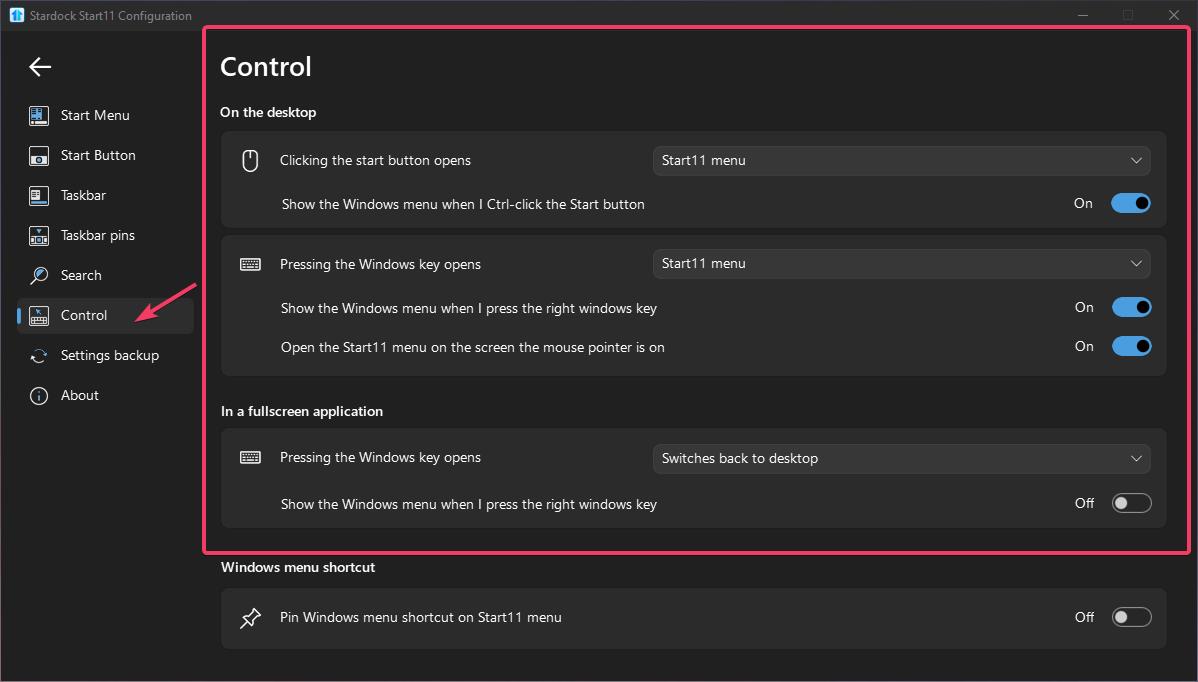
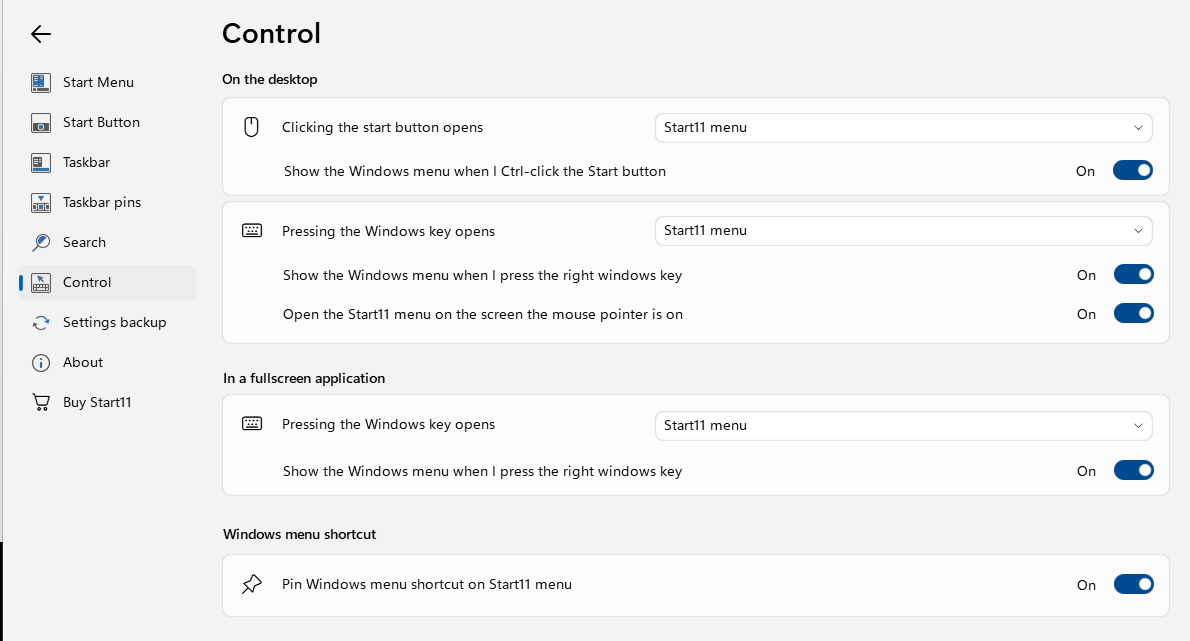
I've been referenced to your Start11 product to help me improve my Windows 11 start menu so I've downloaded version 2.51, installed and configured the evaluation copy. However I still get the Windows 11 start menu at the start button. I do get what may be the Start11 menu when I click the Windows key. Other than having the Start button bring up the Start11 menu, is the menu that comes up when pressing the Windows button what I should expect? Perhaps there's a Start11 user manual which evades my search that explains what I'm doing wrong?
Cheers,
Ike