Start11 search field and tray not in correct position
from  Stardock Forums
Stardock Forums
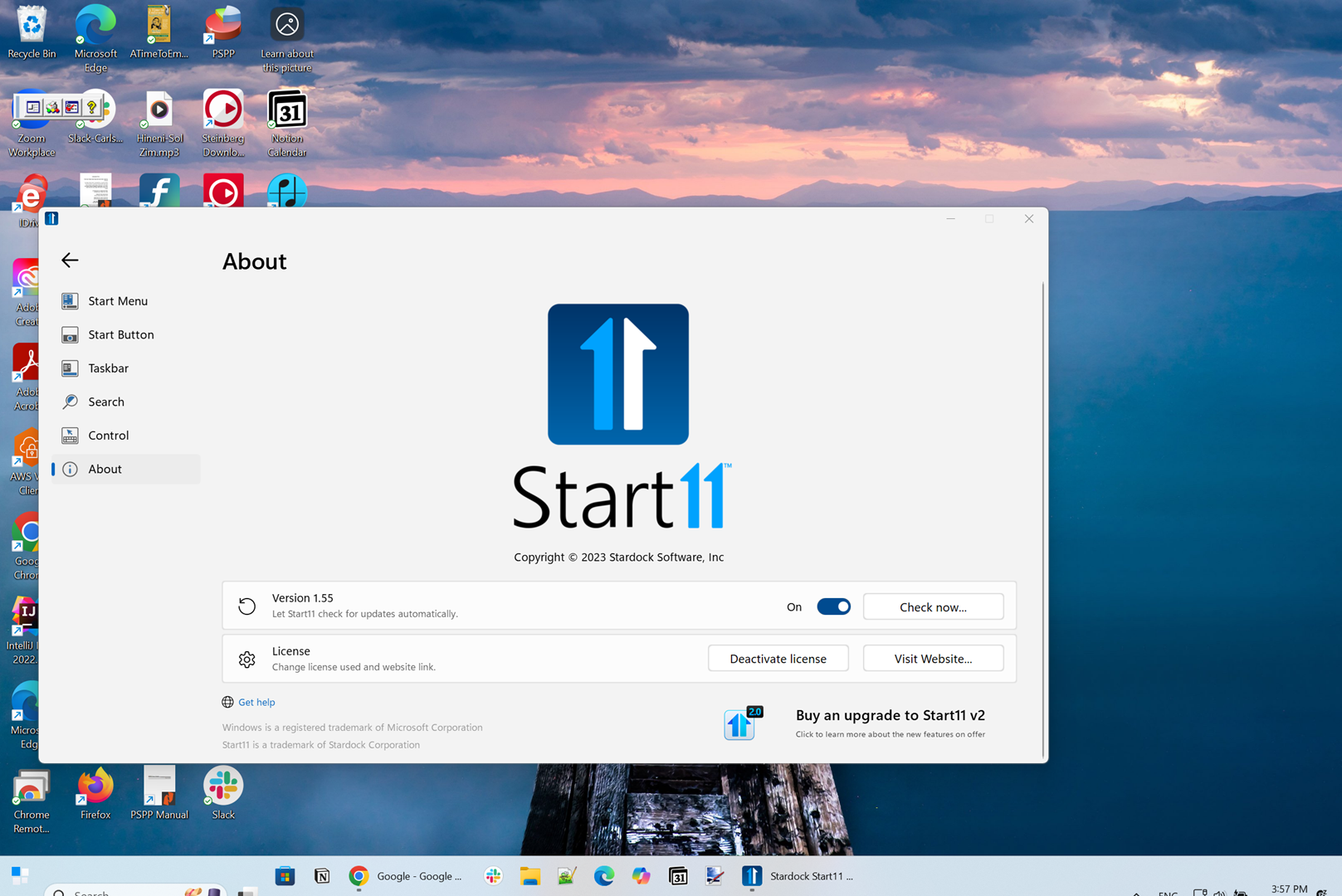
I am running Start11 v1.55 on a Microsoft Surface Studio with the latest Windows 11.
The search field and icon tray in the task bar is not displayed correctly. They are offset down. I am hoping this can be fixed.
Here is a screenshot: