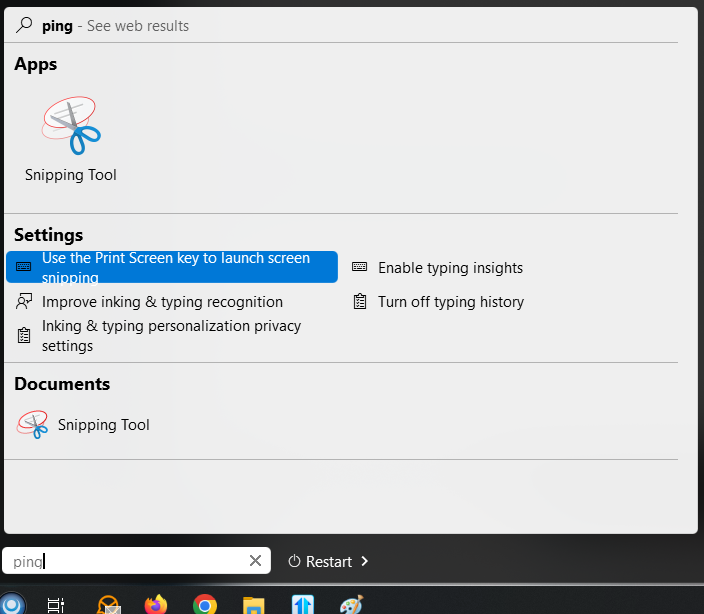
Start11 does not register "ping" or "tracert" system commands within its search menu

I need to use the native search bar

At first I thought this was an issue with Windows [10] environment variables/paths, but these commands works fine in the native Windows search bar (if re-enabled).
1,694 views 11 replies
Reply #1 Top

Hello,
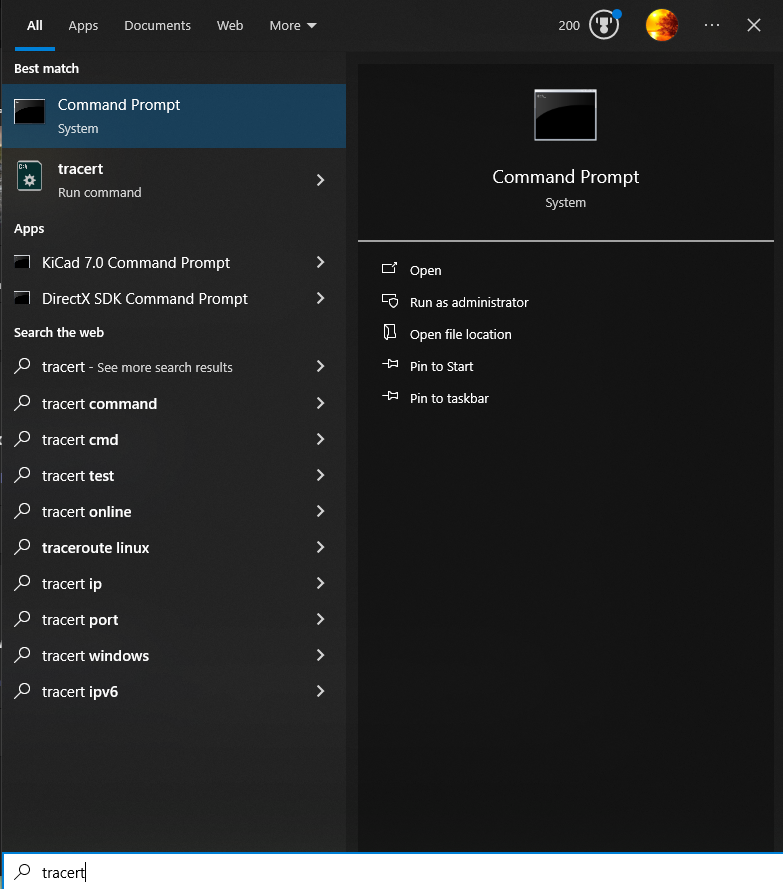
Sorry to hear you are having issues. Search on my system for Tracert and it found it. Refer screenshot below. Need to know more on your system.

  1. Windows 10 full version and OS Build number. Please use Winver.exe.
  2. Start11 full version number.

Thank you.
Basj,
Stardock Community Assistant.

Reply #3 Top

If you search for Tracert, what do you get?

Thank you,

Basj,
Stardock Community Assistant

Reply #4 Top

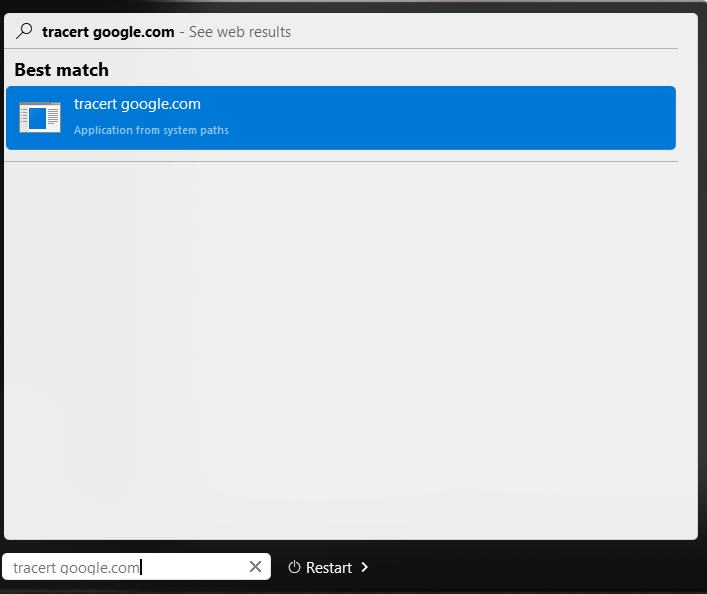
Sorry, I didn't catch your latest reply until now.  If I type tracert, the program is shown in the start/search window but it does not actually function when used; ie., <tracert google.com> does not open a CMD window.  This is the same behavior as ping and presumably other old DOS commands (except, in the case of ping, the Start11 search doesn't even recognize the command sans .exe).

Explicit ping.exe <address> and tracert.exe <address> commands don't work either.

Reply #5 Top

When I search for ping with default Windows 10 search panel, the result will show up as CMD Command Prompt. The same as what you get on your system?

Same as Tracert

Thank you,

Basj,
Stardock Community Assistant

Reply #6 Top

Yes, default search works fine, the same as your pictures indicate.   And entering the command properly opens up a  CMD console.

Start11's search, while it does display tracert search results (not ping though), does not seemingly execute any command:

Reply #7 Top

I wonder, why your start panel only show restart instead of Shut down? Special settings? Other 3rd party application? Updating Windows that need to restart?

Thank you,

Basj,
Stardock Community Assistant

Reply #8 Top

That's in the Start11 options, under the Start Menu -> Configuration.  It's probably only showing the base function because I recently reformatted/installed and no prior commands are cached.  In fact, it was the new install of Windows that made me re-realize just how useless the Windows 10/11 Start Menu was and purchase Start11!


If this is all a bit of an enigma, I can do without the in-built Star11 search (or use Win+R for a direct run command).  I just thought it might have some kind of known solution.

Reply #9 Top

Hello,
I have forwarded your problem/question to Stardock Support Team for their assistance. Please keep an eye on this thread for any updates. We appreciate your feedback and patience.

Basj,
Stardock Community Assistant

Reply #11 Top

You're welcome, wish I can help more, but, I am not sure what to suggest. However, please wait for Support.

Thank you,

Basj,
Stardock Community Assistant