Start11v2 lagging out broken

Windows 11 23H2 build #22631.4037

https://youtu.be/3XzxgkRbL7E

Windows 11 23H2 build #22631.4037

Issue: Start11v2

Link: Video of issue


So i recently reinstalled windows 11 and updated it with all the latest updates minus preview updates (official build only) and for some reason start11v2 is completely broken and when installed is unresponsive. As soon as its uninstalled it explorer.exe functions as intended and without delays or lag or hesitation.
1,089 views 4 replies
Reply #1 Top

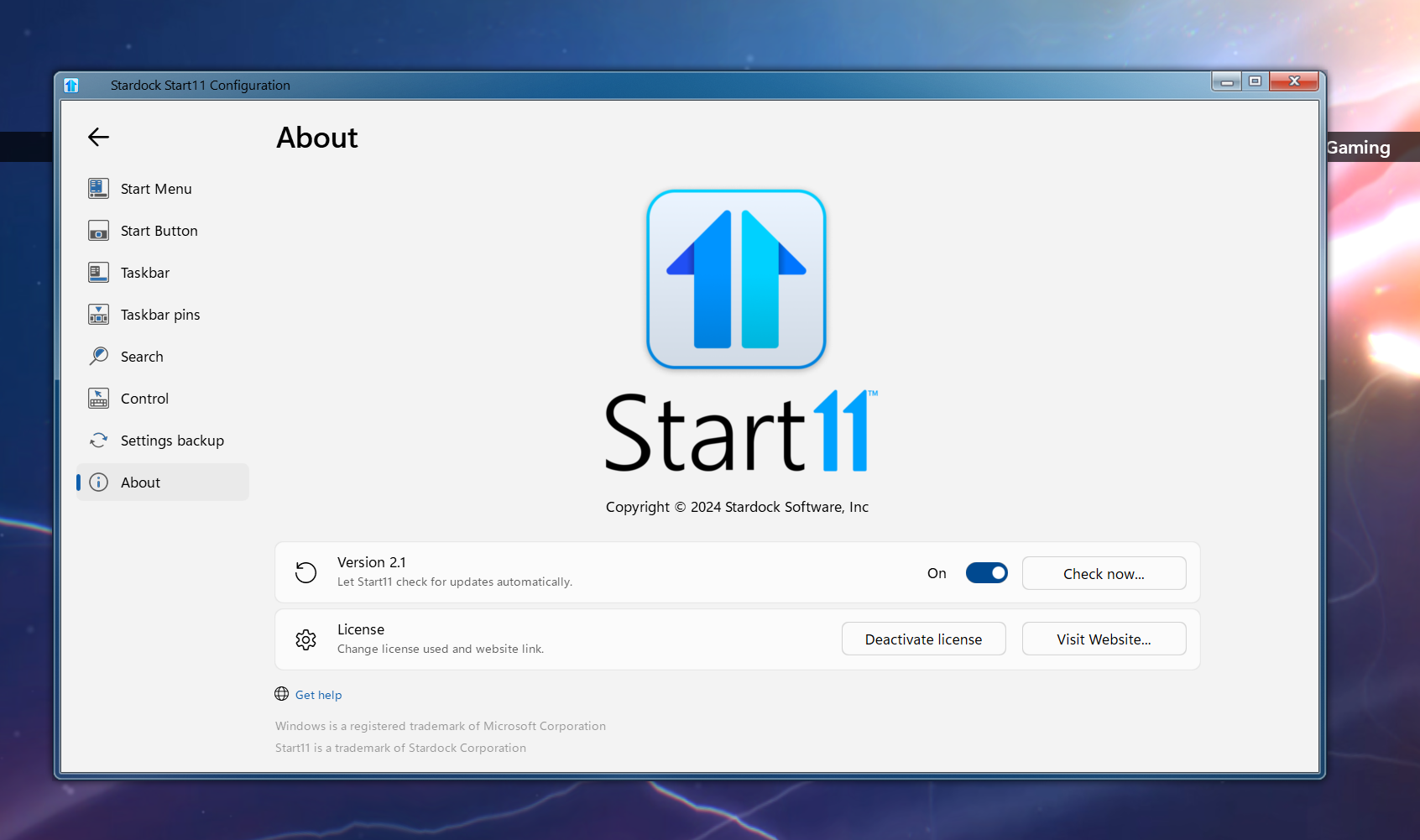
We need to know the Start11 full version number. Check the About page in the config app.

Reply #2 Top


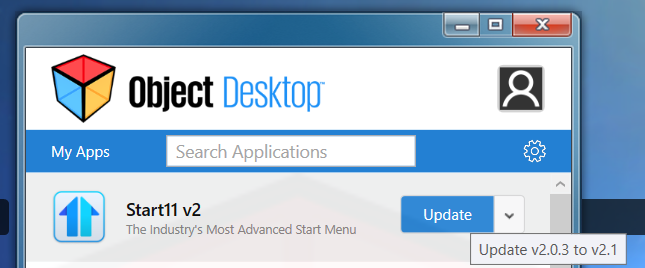
I hope this helps, im currently running 2.0.3 build with no or very small issues. Luckily i had it saved from when i subscribed to your object desktop service. As far as what version the issue i had its the one object desktop updates or initially installs which i would gather its the newest build you guys are offering.?  best regards. But again it would have been the newest build offered on object desktop

Reply #4 Top

Hello,
Sorry to hear you are having issues. Sometimes the installation was not replacing those files properly. It is advice for you to try, uninstall Start11, reboot immediately after uninstall finished. Redownload the installer again. This time try download directly from your account page. Reinstall using the new one. Reboot immediately again right after installation done. Retest it and report back.

Thank you.
Basj,
Stardock Community Assistant.