start11 taskbar right click shows wrong menu

I have Start11 v2, on the taskbar I have "Magnify" pinned. When magnified I right click to close I get "Cascade Windows" instead of "Close Window"

2,948 views 8 replies
Reply #1 Top

Hello,
Sorry to hear you are having issues. May I know, what is "Magnify"? Is that a 3rd party application or Windows own "Magnifier"? If it is a 3rd party application, please share a link to it so we can test it.

Thank you.
Basj,
Stardock Community Assistant.

Reply #3 Top

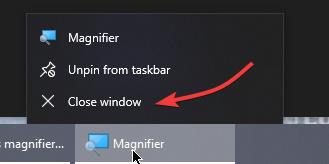
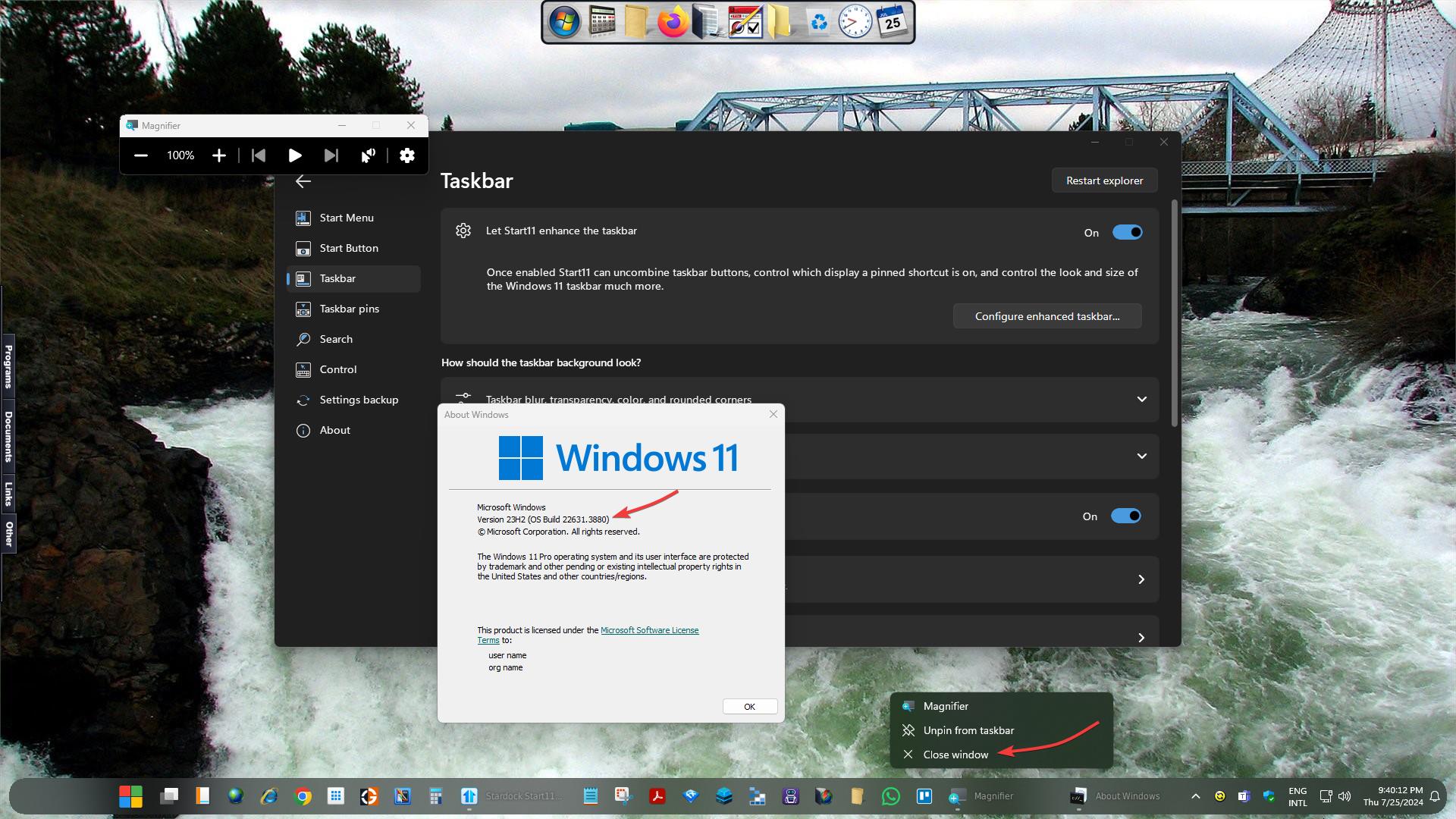
Great, glad to confirm that. Unfortunately, I can not reproduce your issue. Here is what I see when I right click on pinned magnifier taskbar button.

I tested on Windows 10 version 22H2 OS Build 19045.4651. Need to know which Windows version you're on?

Thank you,

Basj,
Stardock Community Assistant


Reply #5 Top

Here is what I get on my system. No issue found. Do you have any other software installed that change how your taskbar/start menu/Explorer work?

Thank you,

Basj,
Stardock Community Assistant

Reply #6 Top

I have solved the problem. The Start11 taskbar did not have the same order of icons as the Windows taskbar.

On my Start11 taskbar configured as "small", the Magnifier icon displays on the extreme left of the left of the taskbar though with the Start11 taskbar switched off, the Windows taskbar shows the magnifier icon on the right of the taskbar in the extended section.

I un-pinned the magnifier icon under Windows the re-pinned it and moved it to the extreme left. I then reinstated the Start11 taskbar and now it works OK.

This is something that needs to be looked at by the Stardock Team. The reason for my problem is that Start11 taskbar should synchronize with the existing Widows  taskbar layout but it does not  causing the problem

Reply #7 Top

I can't reproduce your issue on my system. Can you please post a video showing the issue on your system. I have tried setting my taskbar to small but my Magnifier taskbar icon does not move to left of the taskbar. It stay in its location. Maybe there is something different in your setting. Please refer to my video below.

I believe something else is causing the issue in your system. Would like to suggest, try uninstall Start11, reboot immediately after uninstall finished. Re-download latest Start11 version. Install it. Reboot immediately again. Retest the issue and report back.

Thank you,

Basj,
Stardock Community Assistant

Reply #8 Top

The problem was also apparent in Start11 v1, one of the reasons in updating to V2. I can't provide you with video/photo examples as in solving the problem I manually re-aligned the Windows taskbar to the Start11 so there is nothing to show