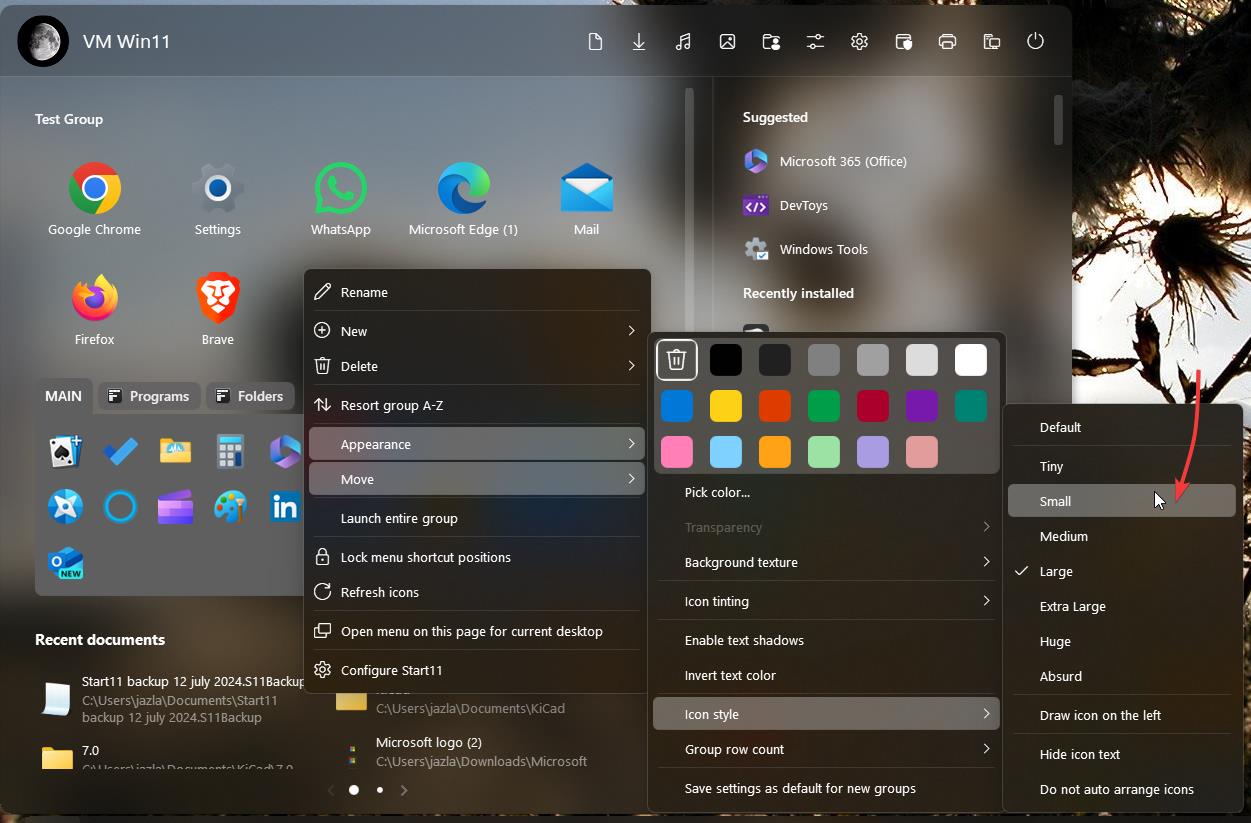
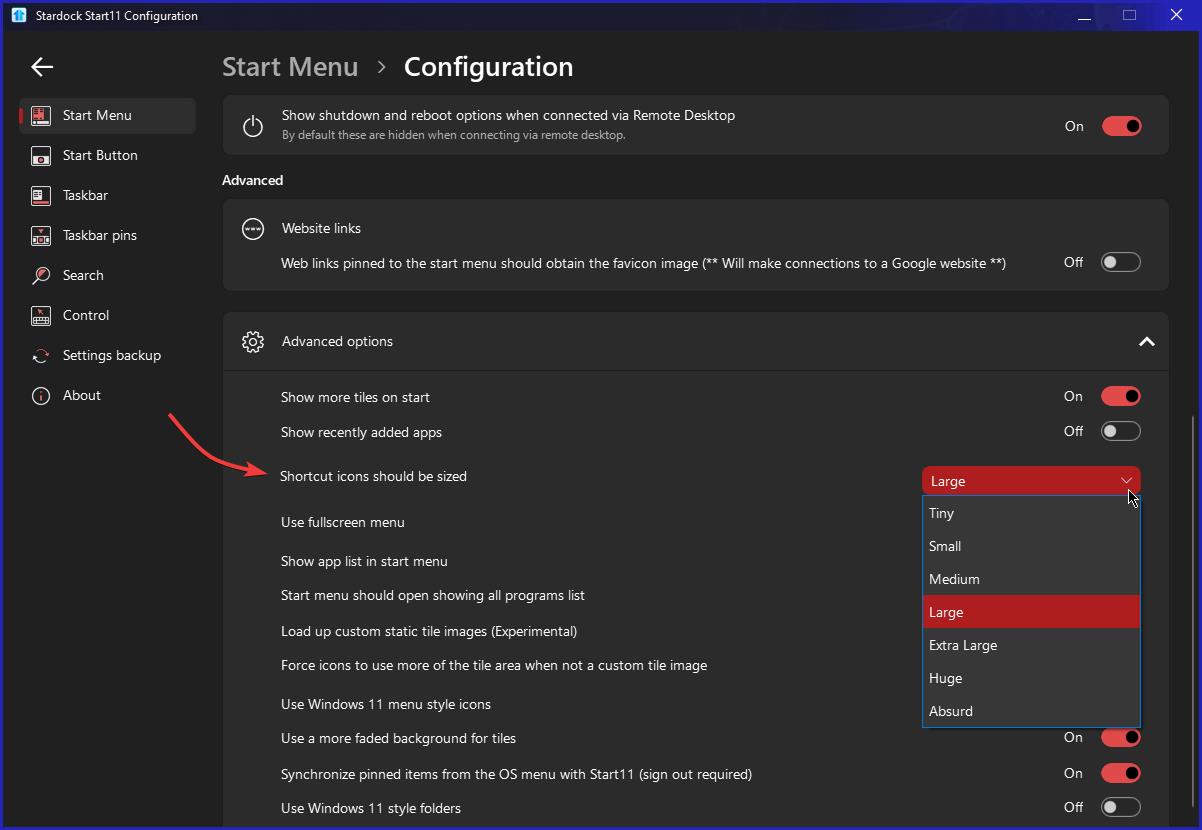
Resize all icons on start at once!
from  Stardock Forums
Stardock Forums
I'm new here, so forgive me if this has been discussed before. What I want to do is put all icons I'm going to use on the start11 menu (V2 BTW), and then just resize them all to small all at once, then I'll arrange them to the groups. Right now, I can only resize one at a time and is mega time consuming. If it cannot be done, then that would be a good feature request I think.