
Task Bar > File Explore > Bug
If it's pinned to the Start menu, it works, but if it's pinned to the taskbar, I receive an error message. let me know if you need any log files and exports.
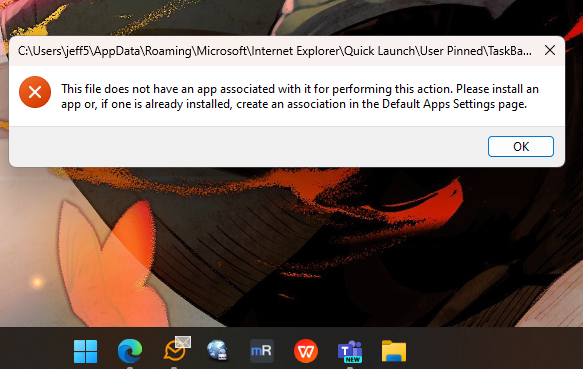
If it's pinned to the Start menu, it works, but if it's pinned to the taskbar, I receive an error message. let me know if you need any log files and exports.


How do you pin it to the taskbar?
First unpin all the pinned apps, or the one causing the error. Now open the app, and then right click the app on the taskbar, and select "pin to taskbar."
Does that work?
Also what is the pin supposed to open?
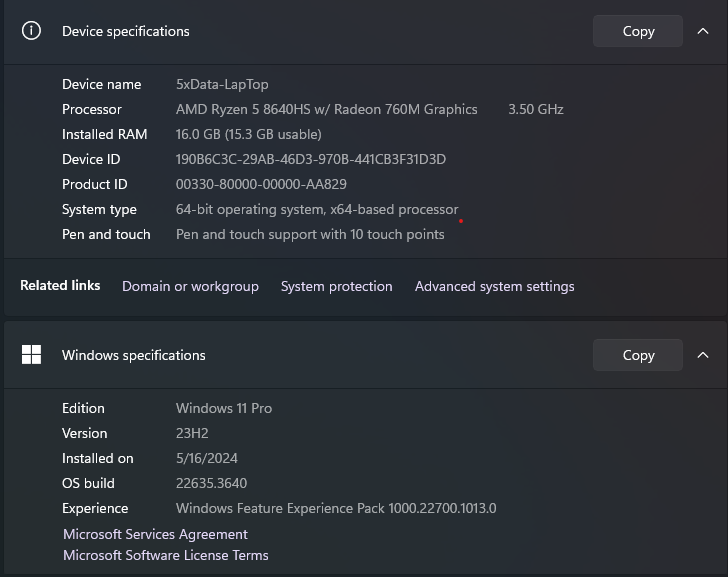
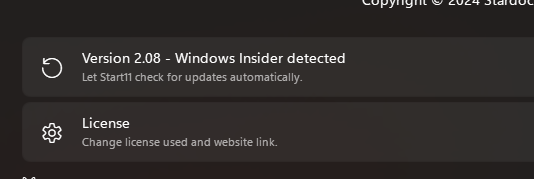
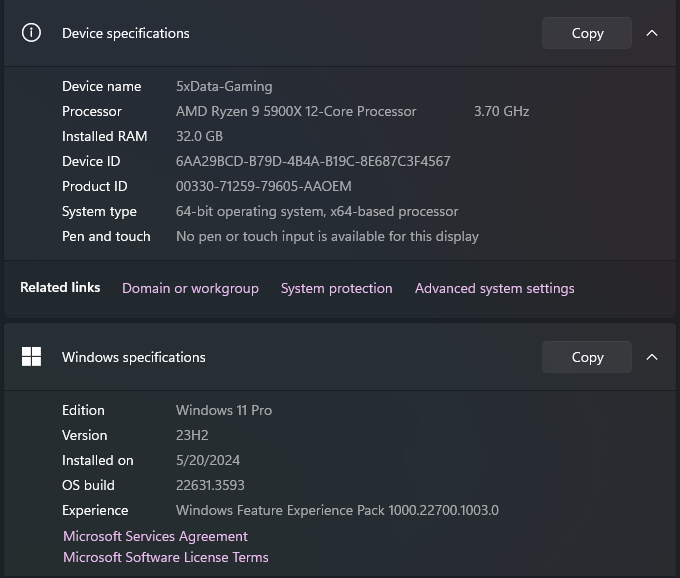
It seems Microsoft has made adjustments to the Start menu once more. On my desktop, running the standard build 22631.3593, it operates smoothly. Meanwhile, my laptop is on the public beta. Just trying to be a good tester.

NM It seems Microsoft release fix. or it was a weird problem that fix itself.
Welcome Guest! Please take the time to register with us.