
Star11 - taskbar squashes icons and leaves blank space when over 14 icons there

With 14 icons open, they fill the available taskbar space. When I open the 15th, they shrink and leave about 30% of the available space blank. Is this deliberate or a bug? Can I change a setting to remove this?

I am using "Windows Pro style". I can send screenshots if it helps.
3,987 views 5 replies
Reply #1 Top

Hello,
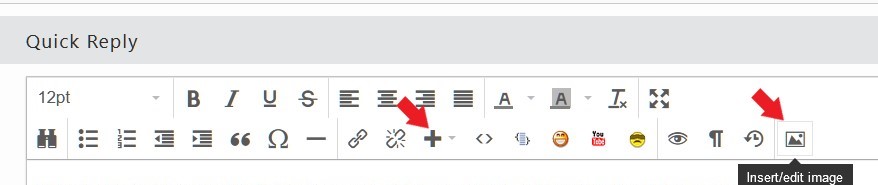
Sorry to hear you are having issues. Yes, please do post screenshots here. Please use one of these buttons.

Also, post few more information on your system.

  1. Windows 10/11 full build number. Use Winver.exe for those.
  2. Start11 full version number installed.

Thank you.
Basj,
Stardock Community Assistant.

Reply #2 Top


  1. Windows 10/11 full build number. Use Winver.exe for those. - Windows 11 Version 23H2 (OS Build 22631.3593)
  2. Start11 full version number installed. - Version 2.07
Reply #3 Top

Hello,
Sorry to hear you are having issues. Look like the taskbar button is under never combine mode and it change from text visible to hide text on the taskbar buttons, this will happen when you have too many icons on your taskbar that text can no longer be available to be display properly. If you look at your first screenshot, there is at least one character still show up in the taskbar buttons but once you add one more button, the text might not show up properly at all, half a character probably, that is why, taskbar decide to hide the text, when that happen, it will remove lots of space previously for those text to show up. When this spaces added up, there will be empty space as you seen on your second screenshot. Which also provide space for more taskbar button. Hope I clear up enough for you.

Thank you.
Basj,
Stardock Community Assistant.

Reply #4 Top

Can I alter this setting so it doesn't reduce their size even if there is no text showing?

Reply #5 Top

From what I know, there is no available setting to change that.

Thank you,

Basj,
Stardock Community Assistant


