Start11v2 Crashes when Azure Storage Explorer is running

Hello,

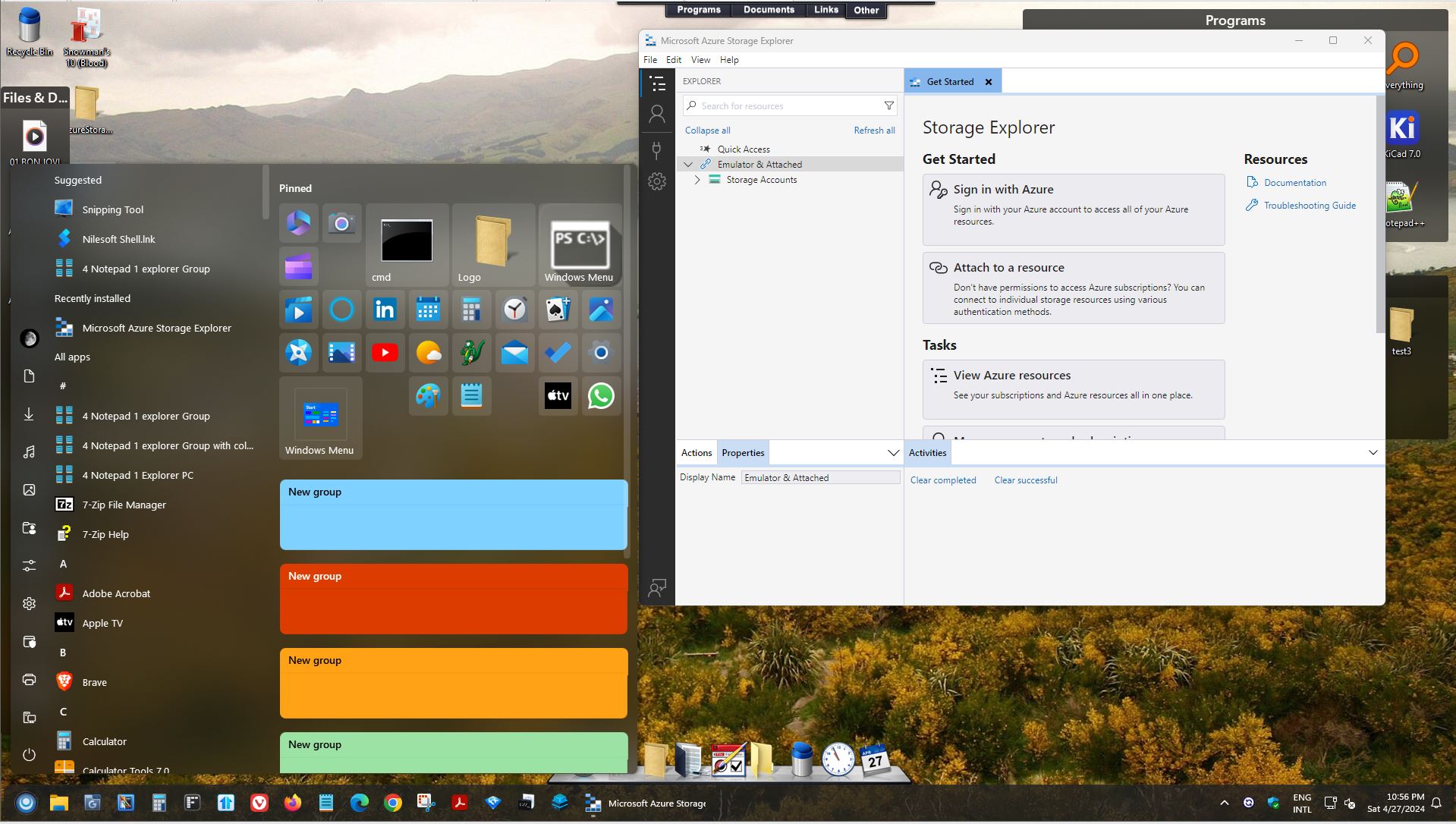
Explorer and Start 11 crash when clicking or hovering over anything on the start menu while the Azure Storage Explorer application is running. (https://github.com/microsoft/AzureStorageExplorer)

I am using the free trial Version 2.07 of Start11 with the following settings:

  • Start Menu: Windows Pro style
  • Enhanced taskbar
    • Only combine pinned taskbar buttons 
    • Allow the taskbar to be resized

Has anyone encountered this issue before?  I did a google search and didn't find any results with "Start11" and "Storage Explorer".  Are there any steps I can try to mitigate this issue?


**Resolved:

Updated graphics drivers

Unpinned and repinned application

Thank you!

1,611 views 9 replies
Reply #1 Top

Hello,
Sorry to hear you are having issues. Need to know, you on Windows 10 or 11? Also need it full build number. Use Winver.exe

Thank you.
Basj,
Stardock Community Assistant.

Reply #2 Top

Thank you for the response.  Here is the requested Windows version information:

Windows 11, Version 23H2 (OS Build 22631.3447).  Windows 11 Pro.

Reply #3 Top

Hello,

I tested, installed Azure Storage Explorer. Running it but my Start11 work normally. Refer screenshot below.

Any other steps, I need to make to make Start11 crash?

Would like to suggest. Uninstall Start11, reboot immediately, re download Start11, install it. Reboot immediately again. Retest it and report back.

Thank you,

Basj,
Stardock Community Assistant

Reply #4 Top

Hi Basj,

Thank you for trying to create this issue. Try pinning it to the task bar and then launching it from there.  After launching, try to interact with the task bar.

I will follow your suggested steps and will let you know.

Thank you

Reply #5 Top

Hello,

I tried, pinned Azure Storage explorer to Start11 Startpanel. Launch it via the Startpanel. It launch without issue. And I hover over those icons on the Startpanel without issue. I double click on Notepad and notepad launch without issue.

This is my step to pin Azure Storage explorer to start panel. Scroll the all program list on the left. Found Azure Storage, right click to it. Select "Pin to Start menu (Start11).

Is this also your steps to pin Azure Storage to your start panel?

Thank you,

Basj,
Stardock Community Assistant

Reply #6 Top

Hi Basj,

The issue is not with the Startpanel; the issue occurs when it is pinned to the Taskbar.  Right click on running application on Task Bar and select "Pin to Taskbar".  Then launch by clicking on the icon from the Taskbar.  I am not using the Startpanel.

The result is application hang of explorer.exe:

"The program explorer.exe version 10.0.22621.3374 stopped interacting with Windows and was closed. To see if more information about the problem is available, check the problem history in the Security and Maintenance control panel."

I will stop all other applications to try to isolate the issue from other programs.

Thank you

Reply #7 Top

Have you tried the uninstall reboot reinstall reboot steps I suggested above?

BTW, sorry, I missed on the pin to taskbar part. However, I tried the pin to taskbar and open it via taskbar. Still, no issue encounter on my system.

Thank you,

Basj,
Stardock Community Assistant

Reply #8 Top

Hi Basj,

The issue has been resolved.  One of the following steps appears to have fixed it:

  • Updated graphics driver
  • Un-pinned and re-pinned not through Start11

Thank you so much for your help!

Reply #9 Top

Great, glad to hear that.

Thank you,

Basj,
Stardock Community Assistant