Can't drag the file to the taskbar

使用start11的增强任务栏功能就无法拖拽文件到任务栏,就是无法把文件或文本通过任务栏拖拽到另一个窗口,希望下个版本可以优化一下

With the enhanced taskbar function of Start11, you cannot drag the file to the taskbar, that is, the file or text cannot be dragged to another window through the taskbar. I hope the next version can be optimized.

2,026 views 10 replies
Reply #1 Top

Hello,
Sorry to hear you are having issues. But, I can not reproduce your issue on my system. Need to know more.

  1. Windows 10 or 11? Also need to know full version number. Use Winver.exe.
  2. Start11v1 or v2? Also need it full version number.

Thank you.
Basj,
Stardock Community Assistant.

Reply #2 Top

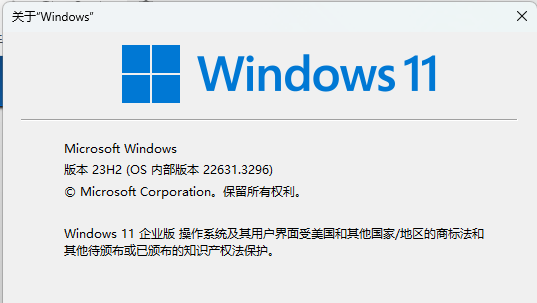
谢谢您的回复,我的Windows版本是Windows11企业版,版本号是23H2 22631 

Thank you for your reply. My Windows version is Windows 11 Enterprise Edition. The version number is 23H2 22631

Reply #3 Top

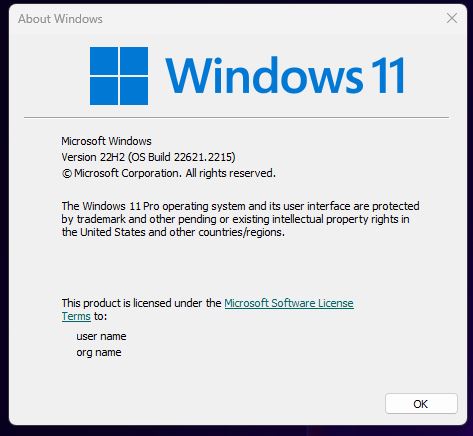
Use Winver.exe please. You should see something like this.

Also need Start11 version number. Something like this.


Thank you,

Basj,
Stardock Community Assistant

Reply #4 Top

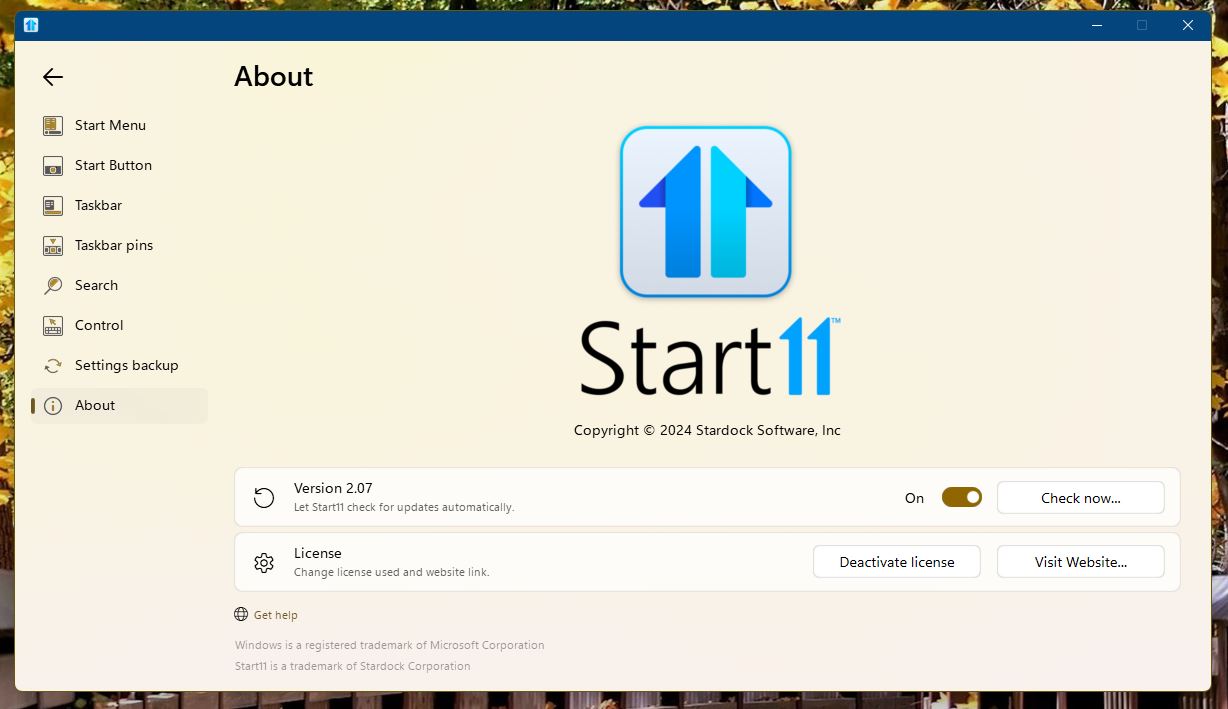
Start11版本号是2.07

拖动网址文本到任务栏会有一个禁止的图标出现,无法自动切换到该浏览器窗口

拖拽URL文本到任务栏会有禁止图标,无法自动切换到该浏览器窗口

Reply #5 Top

Not really sure what you mean on dragging "the URL text" to the taskbar. Can you post a video so I understand it better.

Thank you,

Basj,
Stardock Community Assistant

Reply #7 Top

打开增强任务栏的问题就是:当你拖拽东西到任务栏上的另一个窗口时,它并不会主动切换窗口

The problem with opening the enhanced taskbar is that when you drag something to another window on the taskbar, it doesn't actively switch Windows

Reply #8 Top

Quoting basj, reply 5

不太确定将“URL 文本”拖到任务栏是什么意思。您可以发布视频以便我更好地理解它吗?

谢谢你,

Basj,
Stardock 社区助理
End of basj's quote

上面的回复中第一张GIF是没有打开增强任务栏功能时的演示,可以看到,当我把网址拖拽到另一个浏览器窗口时它可以自己切换到此窗口以便我直接讲网址拖拽到地址栏中。而第二张GIF图片是我使用增强任务栏功能时它就无法自动切换到另一个浏览器窗口了。

The first GIF in the reply above is a demo with the enhanced Taskbar not turned on, as you can see, when I drag and drop a URL into another browser window it switches to that window so that I can drag and drop the URL directly into the address bar and the second GIF is when I use the enhanced Taskbar it doesn't automatically switch to another browser window

Reply #9 Top

Hello,
I have forwarded your problem/question to Stardock Support Team for their assistance. Please keep an eye on this thread for any updates. We appreciate your feedback and patience.

Basj,
Stardock Community Assistant