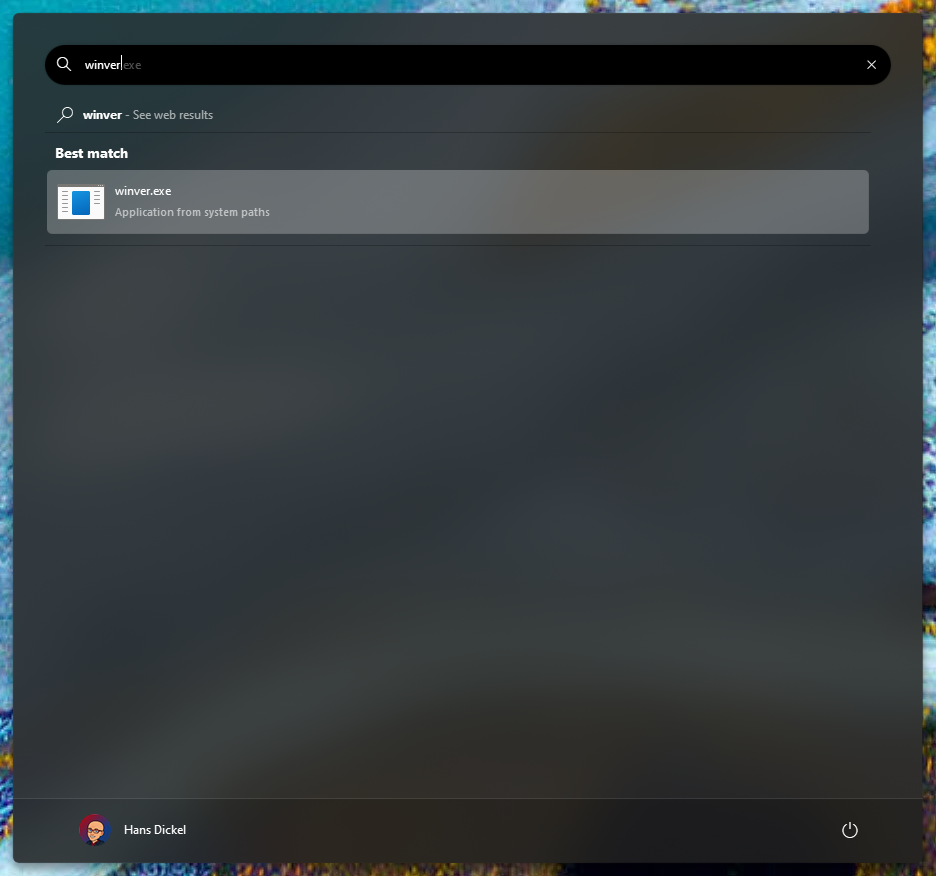
Start11 v2 winver search failure
 Stardock Forums
With Start11 v2 (v2.0.6), pressing the windows key and typing 'winver' (without quotes), it doesn't find anything. Typing 'winver' (without quotes) and pressing Enter, doesn't launch winver as expected prior to installing Start11 - the start menu just disappears.
This is a muscle memory habit to determine what feature branch of Windows 11 I have installed. Sometimes when I press the Windows key, then type 'winver' (without quotes) and press Enter, Windows Explorer (and Start11) disappear and re-load. This has happened twice now.
I can open a command prompt or windows powershell via Windows Terminal and type 'winver' (without quotes) and press Enter, and it will load as expected.
I am running Windows 11 Pro, 23H2, OS Build 22631.3296. My machine is an i9-13900H with 32GB RAM (20GB Free at this moment).