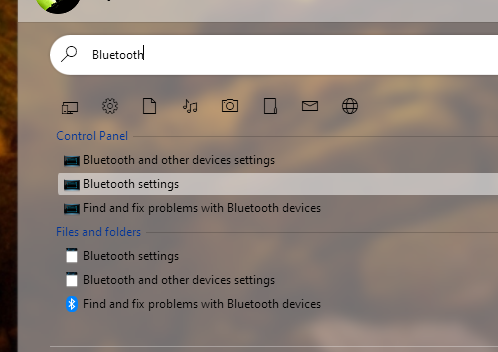
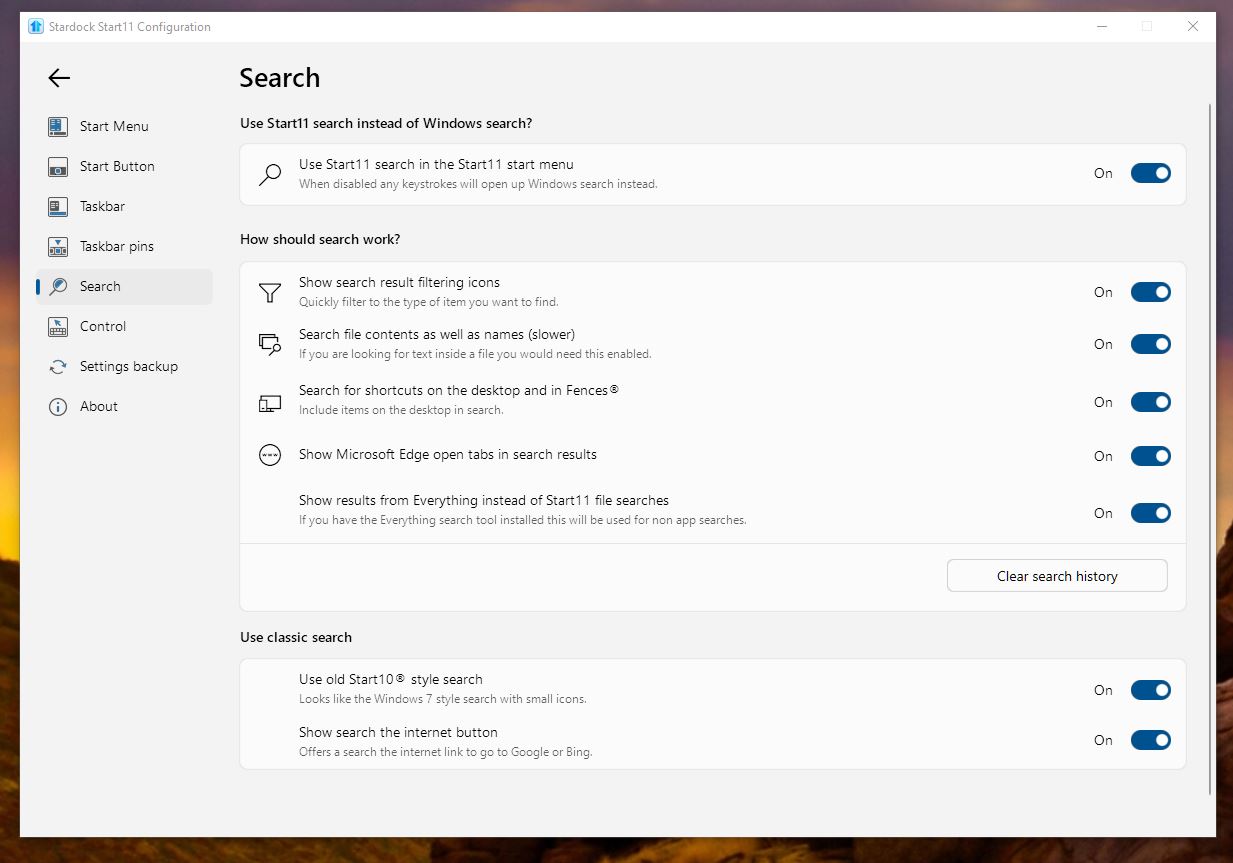
How do you search for control panel/settings like 'bluetooth'?
from  Stardock Forums
Stardock Forums
Hey,
Testing out the product but the search seems a little odd for me. I generally search for most things with a few keystrokes but how are you folks making it work with searching for "Settings" items like:
"bluetooth" -> nothing but folders
"update" -> trying to get 'Windows update' but nothing
"accounts" -> one app hit is the old "User Accounts" control panel applet from like WinNT
I can search 'settings' and open that directly but the above items were a few of the things the original search actually found (most of the time..)
Just looking for pointers if the more experienced folks found some tweaks to make that work
thanks