Start11 v2 settings blocked by Startallback
from  Stardock Forums
Stardock Forums
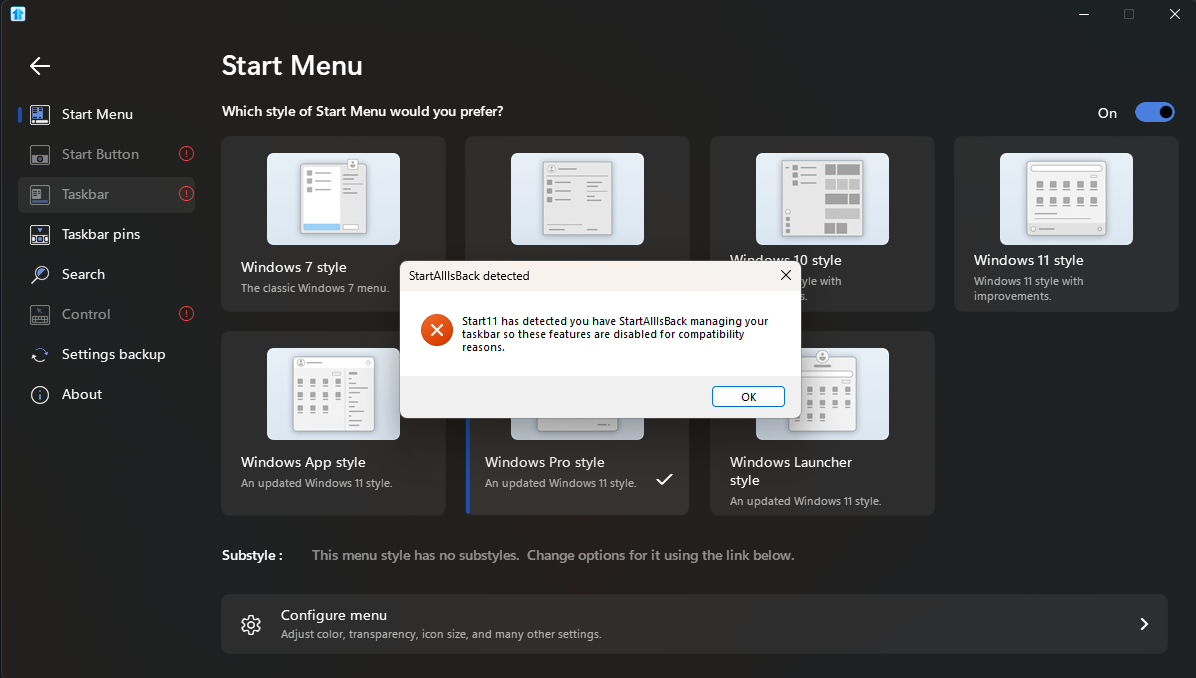
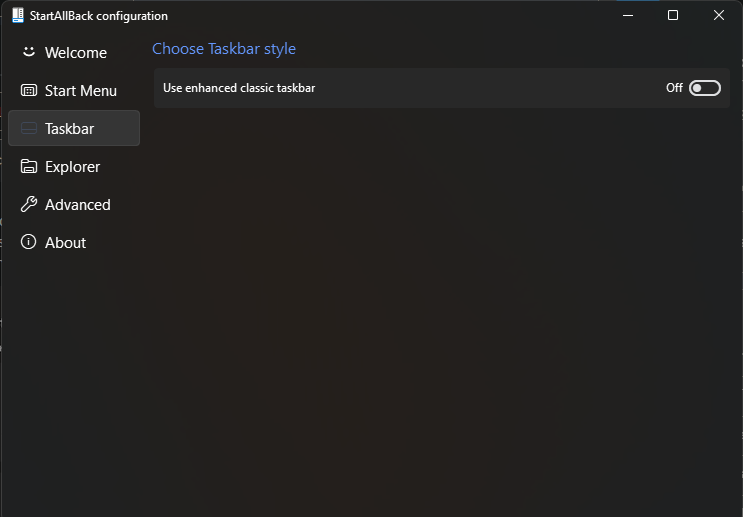
I updated to version 2.06 and all my settings are blocked now. It says that for compatibility reasons it was disabled, this includes start button and taskbar but these settings are turned off in startallback. The only thing I have toggled in startallback is classic context menus in file explorer settings, everything else is turned off. This has started causing me troubles especially with my taskbar which is always on the left when I have it set to be in the center, sometimes it bugs out and becomes pure black.