Cannot maximize apps to full screen

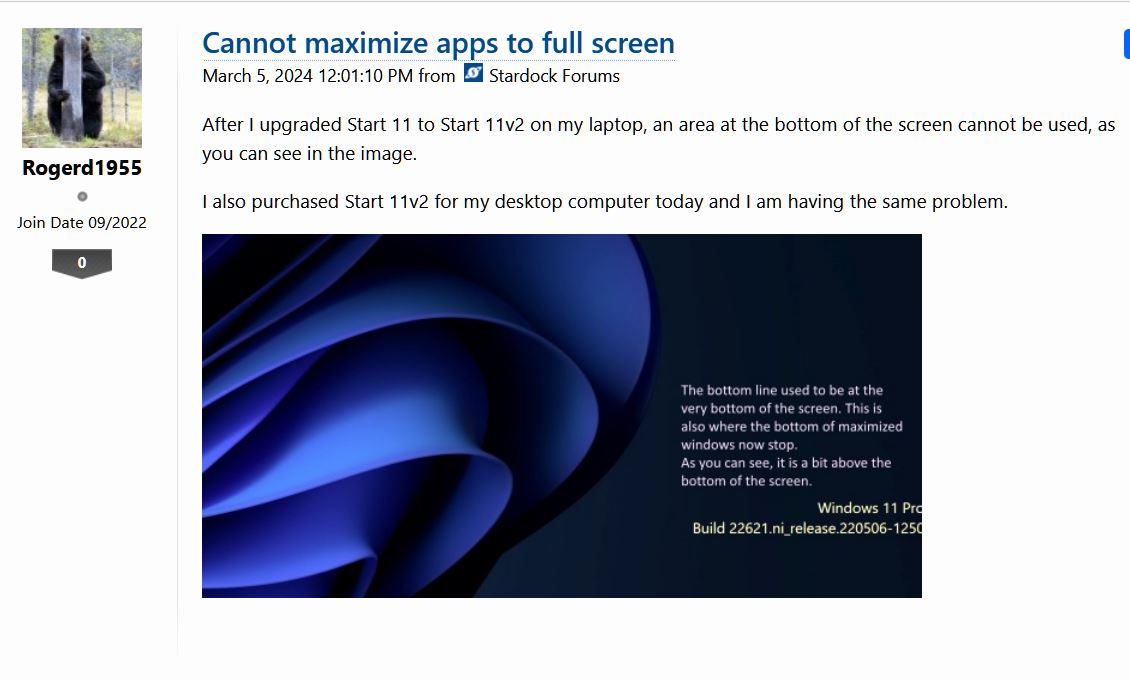
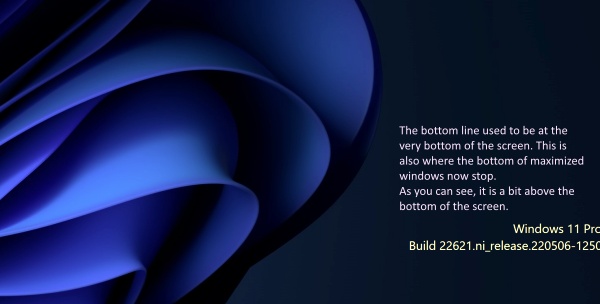
After I upgraded Start 11 to Start 11v2 on my laptop, an area at the bottom of the screen cannot be used, as you can see in the image.

I also purchased Start 11v2 for my desktop computer today and I am having the same problem.
 

3,367 views 13 replies
Reply #1 Top

Hello,
Sorry to hear you are having issues. Not too sure, but, are you on Windows 11 preview/insider channel? https://blogs.windows.com/windows-insider/2023/02/02/announcing-windows-11-insider-preview-build-22621-1250-and-22623-1250/.

If so, do know that Stardock does not support Windows preview/insider version. However, we appreciate your report.

Thank you.
Basj,
Stardock Community Assistant.

Reply #3 Top

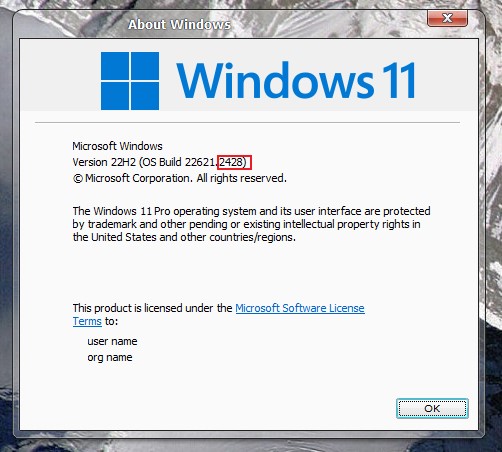
Looking at your screenshot. You are in one. However, please post your actual Windows version. Use Winver.exe. Something like screenshot below.

Thank you,

Basj,
Stardock Community Assistant

Reply #4 Top

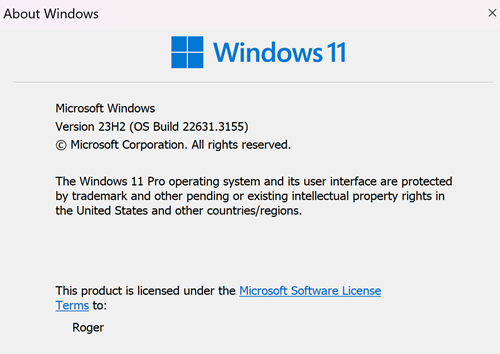
This is from Winver:

Microsoft Windows

Version 23H2 (OS Build 22631.3235)

The laptop had an older version running and did not have this problem. It started when I purchased and installed the upgrade to Start 11v2.

Thanks

Reply #5 Top

Please refer to this thread: https://forums.stardock.com/526332/. Are you using the same version of Start11v2 and you also have same setup as the OP?

Taskbar set to auto-hide and set to top of monitor.

Thank you,

Basj,
Stardock Community Assistant

Reply #6 Top

??????!!!!!!

This is crazy! When I launched Edge on my desktop computer to see if there was a new response, Edge filled the screen. No gap at the bottom! So, I tried the laptop, and it is working fine now.

I don't understand what happened. You could see from the screen shot I sent that there was a gap at the bottom.

If the problem returns, I will post.

Thaks for your quick responses!


Reply #7 Top

Actually to be honest your screenshot do not show us anything. This is what I get on my system. Can not enlarge it can not make out what your pointing at except your Windows version. Anyway, it good to hear it somehow resolved.

Thank you,

Basj,
Stardock Community Assistant

Reply #8 Top

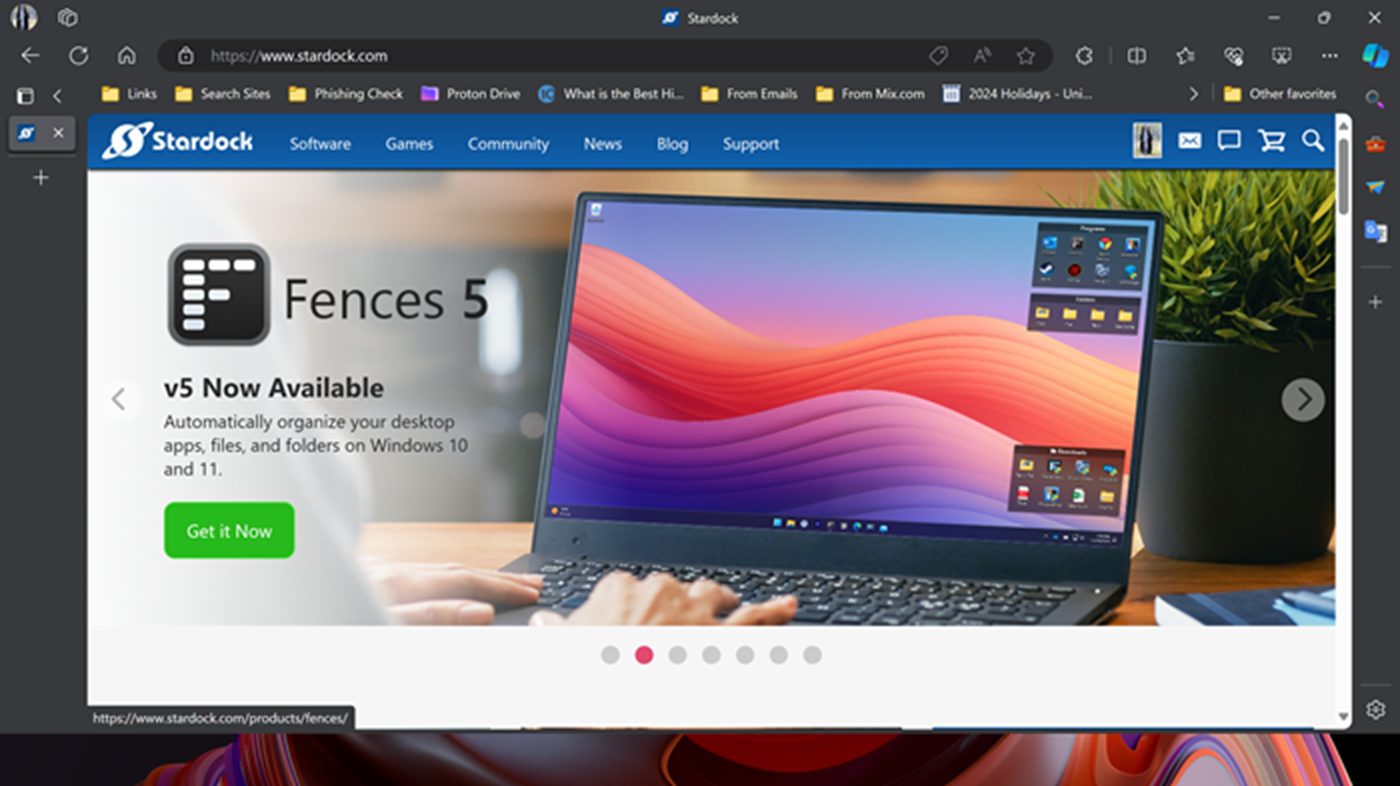
When I restarted my computer today, the problem came back. When I maximize a window, it does not fill the screen.

In one of your replies, you said the Windows version I had was a preview version. This morning, I did a clean install of Windows. Before starting I wiped the drive and deleted the partitions. When I did the Windows updates, I did not install the Preview update. I installed Start 11 v2 and I am having the problem still.

These are screen shots of Winver and the full window. As you can see on the full screen picture, when I maximized the window, it does not fill the screen. There is a gap at the bottom.


Reply #9 Top

Quoting basj, reply 5

Please refer to this thread: https://forums.stardock.com/526332/. Are you using the same version of Start11v2 and you also have same setup as the OP?

Taskbar set to auto-hide and set to top of monitor.
End of basj's quote

Please answer my question in reply#5.

Thank you,

Basj,
Stardock Community Assistant

Reply #10 Top

Yes. Version 2.0.6.4

The Taskbar is at the top and I am using the Start 11 auto-hide. The regular Windows auto-hide is off.

Same setup as OP. I am using just 1 monitor on my desktop computer and on the laptop, I am only using the laptop's screen.

On both computers I have tried various screen resolutions.


Reply #11 Top

Hello,

Just to inform this issue has been logged internally by Support. Should be look at and hopefully resolve soon. Report number: ODNT-7847. We appreciate your report on the issue.

Thank you,

Basj,
Stardock Community Assistant

Reply #12 Top

Update:

I discovered that the gap at the bottom of the screen does not occur if the Taskbar size is set to Small. With any other size, the gap is there.

This is so on both of my computers.

Thanks!

Reply #13 Top

Sorry to necro a thread, but wanted to mention the below in case anyone does a Google search and comes upon this thread like I did :)

^ This suggestion by Rogerd1955 to change Taskbar size to small also worked for me - PLUS after I made this change, it now works if I switch back to Medium. So, I'm not sure if this helps the Stardock folks with why that problem occurs for some, but there you go.