Start 11 and Win 11

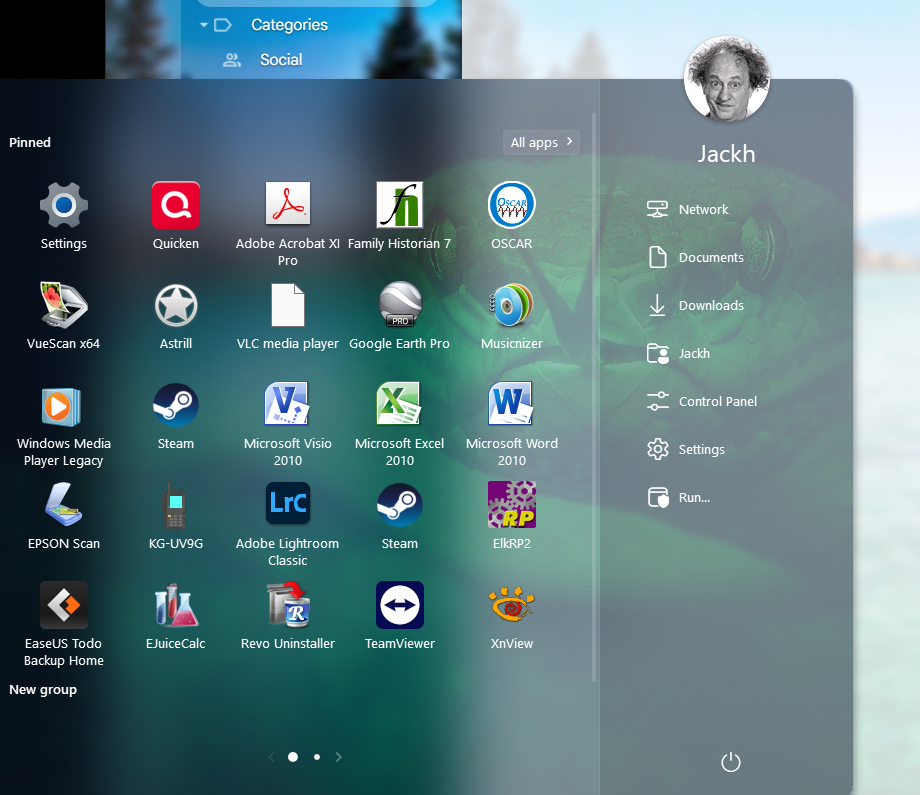
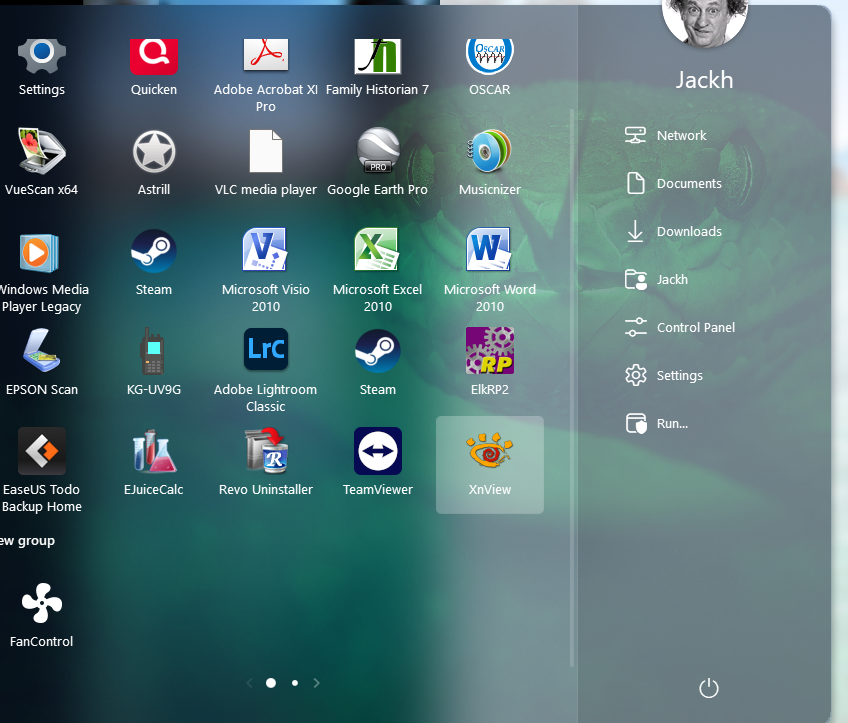
I have an app docked in my Start11 launcher. It is Remo fan control. Every time I reboot my PC this app disappears from my  Start11 window. I must go in and add it again. It is a standalone exe file not located on my C drive.

Any ideas why this app does this?
3,488 views 6 replies
Reply #1 Top

Hello,
Sorry to hear you are having issues. Where is that app .exe file located? External drive? If so, what you can try, create a shortcut link to that application and put it somewhere on your desktop area or any where in your local drive. Than pin that shortcut to your Start panel.

Thanks
Basj,
Stardock Community Assistant.

Reply #3 Top

Then, it might be that the Start panel is not tall enough to show the new added application. Try this, click on the top edge of your start panel. Drag up to make the start panel taller and see if the icon appear. You can also make it wider by clicking and drag the left or right edge of the start panel.

Thank you,

Basj,
Stardock Community Assistant

Reply #4 Top

I've got a problem, every time I open Chrome it wants to download v11 of start menu. I have had to switch off automatic downloads in Chrome, as over a short period Chrome did this around 28 times. It tried to do this earlier today. I don't see any extension in chrome that is doing this. Its almost every time I open Chrome (latest v) Windows 11 Home. I don't think tech spec is needed . It's a very fast computer. 

Any thoughts on this, I've eve run the bat uninstall file left over in the program folder and this hasn't helped.

Thanks

Reply #5 Top

Is it possible your last open page in chrome is to the download page and thats triggering it every time as chrome reopens the last open page?

It will not be anything Start11 itself is doing.