Can't Activate Software After Resetting PC

I was experiencing issues with my PC so I went through the process of resetting Windows 10. The issue I'm having now is reinstalling software I previously had installed.
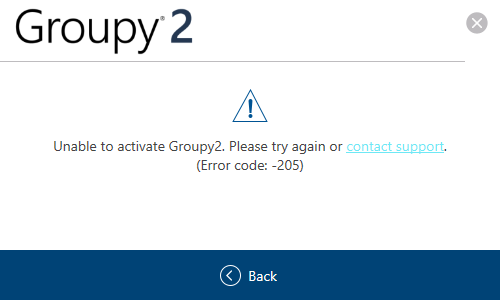
Groupy 2 refuses to accept my product key even though it was listed in my Object Desktop product key information. 
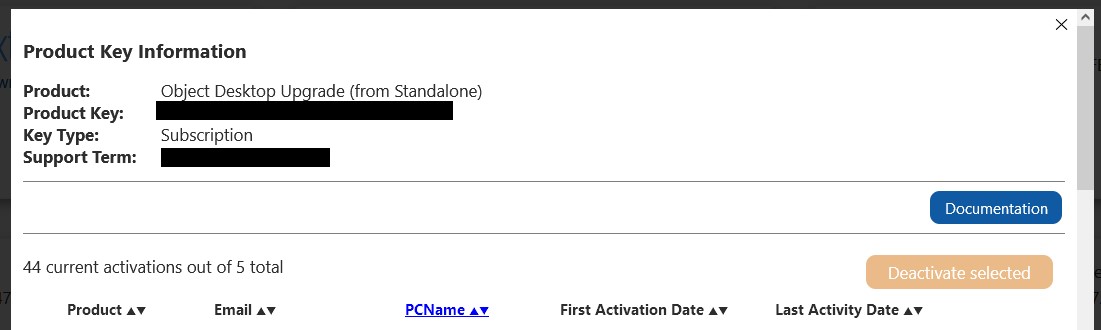
I say was because in an effort to troubleshoot. I deactivated the installation thinking that I may be using too many seats or a similar issue.
I had two seats used, one for my personal computer and one current and active install on my work desktop.

I've only been getting error -205 when trying to activate. Support docs say this is due to my PC name, which should not be an issue, as it wasn't before. The PC name is "CHARLES-PC" anyway.

I'd love to figure out why I can't reactivate this software.

2,187 views 5 replies
Reply #1 Top

Hello,
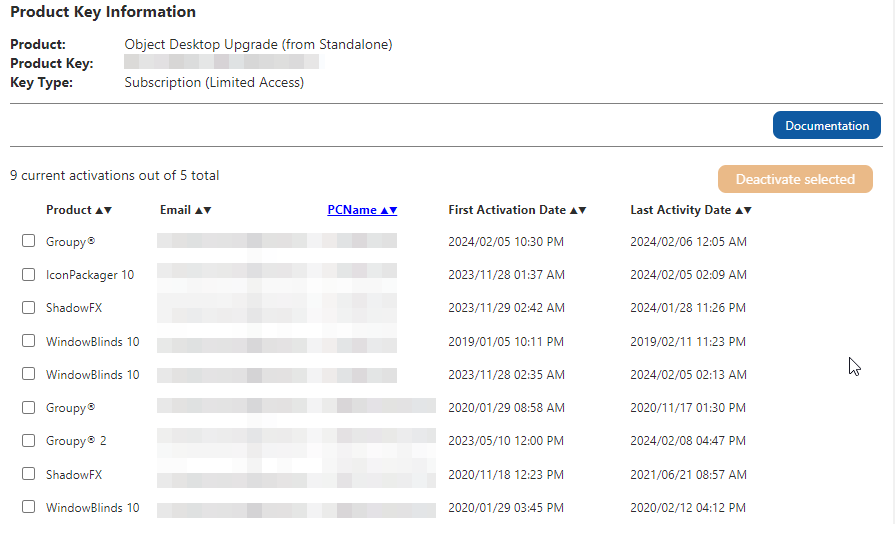
Sorry to hear you are having issues. Here is what I saw on my OD activation list.

First, would like to know, is your Object Desktop subscription still active? If not, that might be the reason.

However, it is best to raise support ticket using the link below, and let Support check your status. Please Use "Ask a Question" option. Include all information details. Remember to record down the ticket number for future reference if needed. Do not raise multiple ticket, that will make your ticket back to the end of the line. Send once and wait. Ticket will be answer by the order they send in.

https://stardock.atlassian.net/servicedesk/customer/portal/4/group/13

Thanks
Basj,
Stardock Community Assistant

Reply #2 Top

Quoting basj, reply 1


First, would like to know, is your Object Desktop subscription still active? If not, that might be the reason.

End of basj's quote


It isn't, but the sub wasn't active when I activated the software on my work desktop either. It's a good theory, but might not be connected. Unless something changed and I wasn't supposed to have access which has now been revoked.

I'll submit a ticket. When I clicked "contact support", it took me here. Thank you for the link for the proper channel.

Reply #3 Top

Yes, please do report back if your issue is not resolve.

Thank you,

Basj,
Stardock Community Assistant

Reply #4 Top

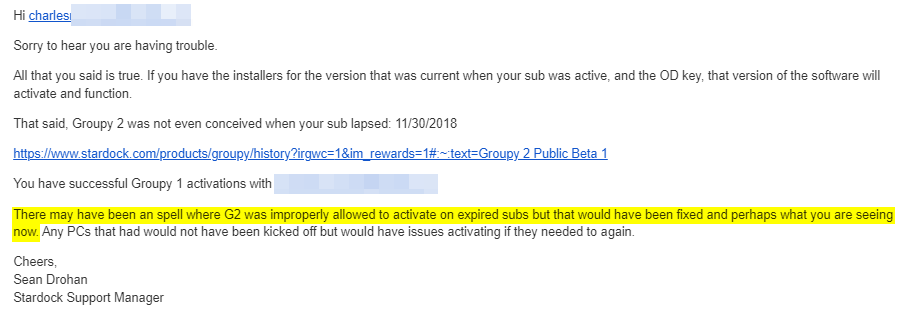
So it seems like I was correct. I was given access to Groupy2, but by mistake. That mistake has been fixed which now locks me out until I renew. As far as I'm concerned my problem is "resolved". I was never supposed to have Groupy2 under my current membership. I will continue using Groupy1 for the time being.

Reply #5 Top

Great, glad it get clarify.

Thank you,

Basj,
Stardock Community Assistant