
Application Icon in Start Menu Issue
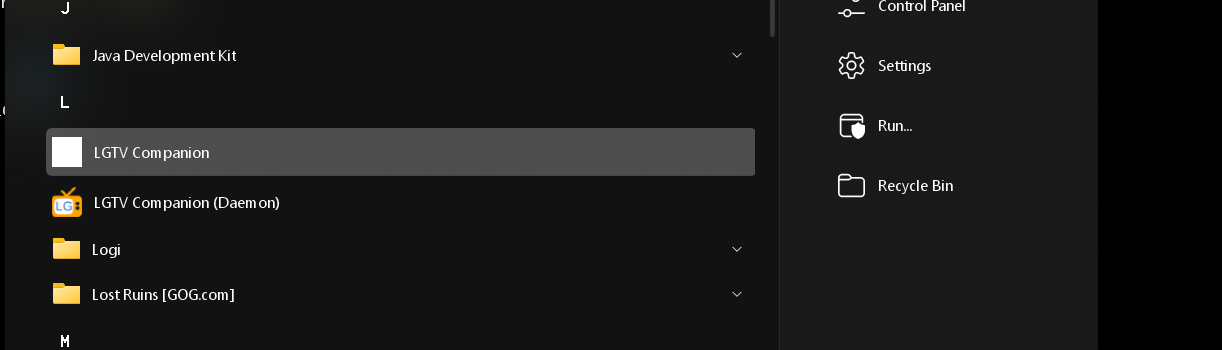
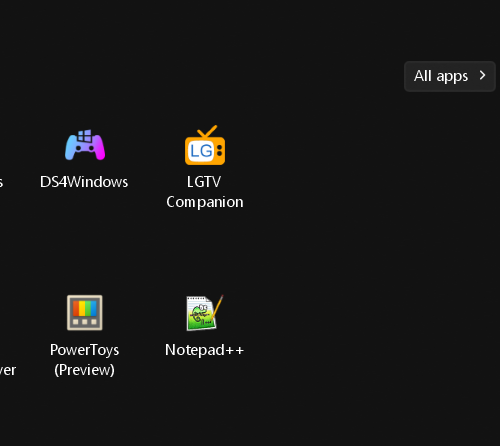
Can't open application under "All Apps" from Start Menu. I can open the application when I "Pin to Start11 and click that shortcut.
Stardock will be closed for the week starting on Monday, June 29th and we will be returning on Monday, July 6th. We will be monitoring support tickets and forums during this time but expect delays in responses during this time.
Can't open application under "All Apps" from Start Menu. I can open the application when I "Pin to Start11 and click that shortcut.

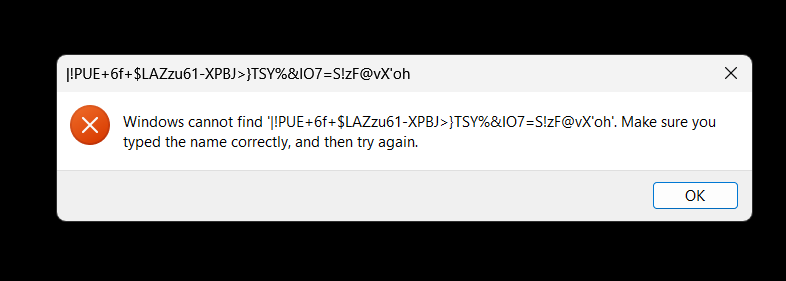
Try opening it in the Windows default Start menu and see what happens. If it opens there without issue, try opening it again in the Start11 menu. Also, try restarting Windows Explorer.
It does open through the Windows default start menu. It still did not open in Start11 menu. Killing explorer did let me run it through Start11 "All Apps" again.
Any long term solution? Is there a way to pin a "restart Explorer" button in Start11 haha. I also have icons that don't appear in the task bar that are still there just don't show so you can click though. I feel like this started happening with the last or second to last update.
Here is a link to Winaero.com with a tutorial on how to add "Restart Explorer" to the Windows 11 Context Menu. This is what I use.
https://winaero.com/windows-11-restart-explorer-context-menu/
Welcome Guest! Please take the time to register with us.