

Task Bar
Missing Icons
from  Stardock Forums
Stardock Forums
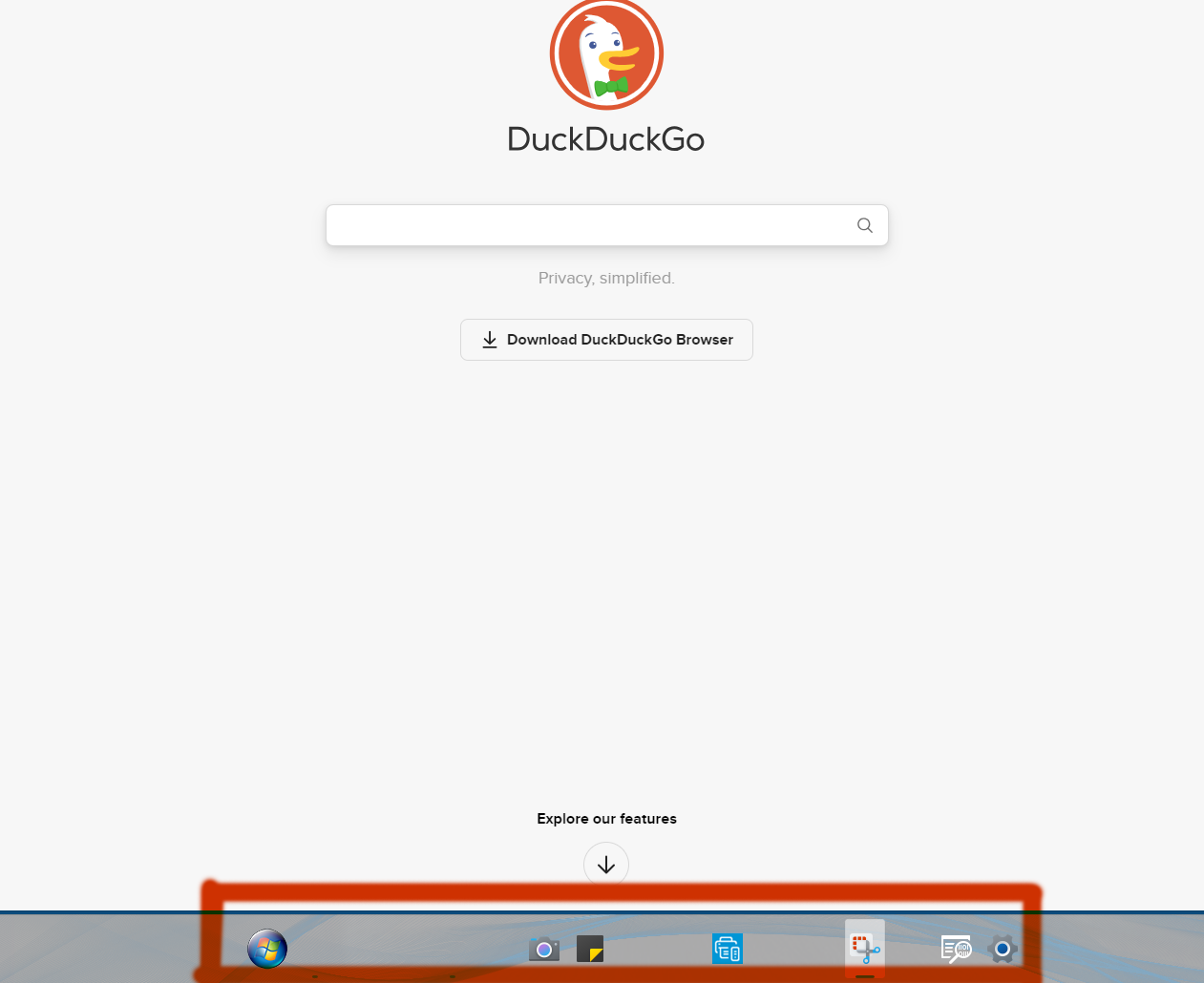 Upon upgrading to latest Stardock Menu v. 2.05 I've lost 10 icons that should be visible on task bar. The link to these icons are still there but the icons are not visible. After a while opening / closing apps or maybe rebooting they will become visible again. When I shutdown PC then restart next day their gone again.
