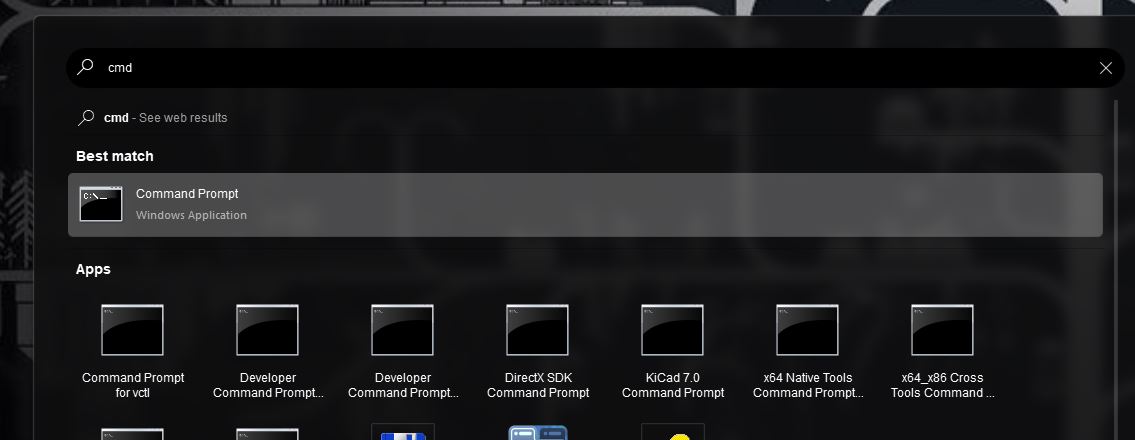
Make command prompt show up when i type cmd
from  Stardock Forums
Stardock Forums
Hey, I have been using Start11 for a few months now and I need help getting Command Prompt to show up when I type cmd in the search bar. I have already tried creating a shortcut called 'cmd' in the C:\Users\[my username]\AppData\Roaming\Microsoft\Windows\Start Menu\Programs that points to cmd.exe (that is how I normally "install" apps that I can only download as a portable version) and it did not work. I also tried renaming the ordinal Command Prompt shortcut in C:\Users\[my username]\AppData\Roaming\Microsoft\Windows\Start Menu\Programs\System Tools but that also did not work. Can anyone help? I am a developer and it is very annoying to have Git CMD open when I am trying to open command prompt.