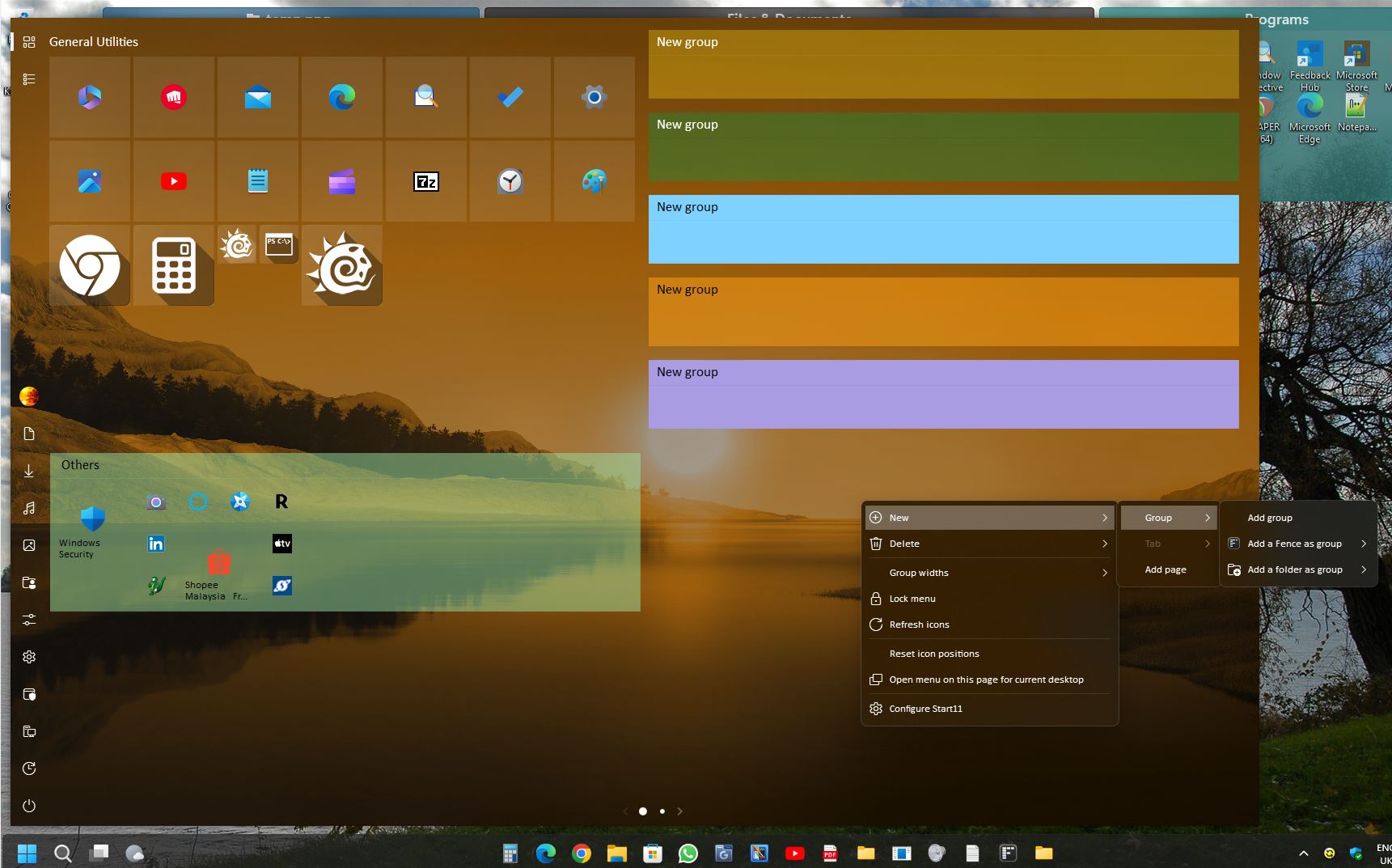
Can't add Group

I have Start11 installed and configured to look like Windows 10 - I have 5 groups and need to add additional groups.  When I select "Add Group" from the right click menu within Start11, nothing happens. Any ideas?

2,082 views 5 replies
Reply #1 Top

Hello,
Sorry to hear you are having issues. But, do you have enough space for all 5 groups appear on your Start panel. Sometimes you will need to click the edge of the start panel and drag it bigger to make space for all the group appear.

Thanks
Basj,
Stardock Community Assistant.

Reply #2 Top

That didn't help, I have plenty of room on the right, but I need more groups.  Are you saying that, if all the groups cannot be displayed without scrolling that I cannot add a group?


Reply #3 Top

No, I am not saying that. Sometimes other people did report almost same issue as your, while the issue was only they don't realize that the group was actually added, just that it is somewhere down there and they don't realize its there.

Clearly it is not the case with you. Please post a video showing your issue so we can understand it better. Show us how you add a group and see what Start11 do or do not do once you did that. Also include in your video your Windows 11 full version number. Use Winver.exe.

Below is what I see on my system. I know, my Start panel is a mess, just note that I can add more new group without issue.


Thank you,

Basj,
Stardock Community Assistant

Reply #5 Top

Not a problem, take your time, and, hope everything goes well with your surgery.

Thank you,

Basj,
Stardock Community Assistant