Strange behavior in task-bar transparency

Really strange...


I set task-bar transparency to 70% solid, and it's OK.

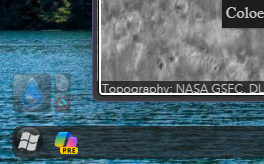
But when I have a full-screen window of any software, task bar becomes almost transparent.

See the attachments. Left: Fullscreen, Right: Windowed.
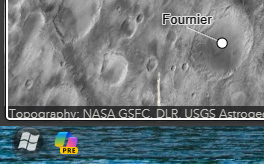
 

Fullscreen stateWindowed state

Why? And can I avoid this by some setting of Start11?

Windows: 23H2, Start11: 2.03
912 views 3 replies
Reply #1 Top

Hello,
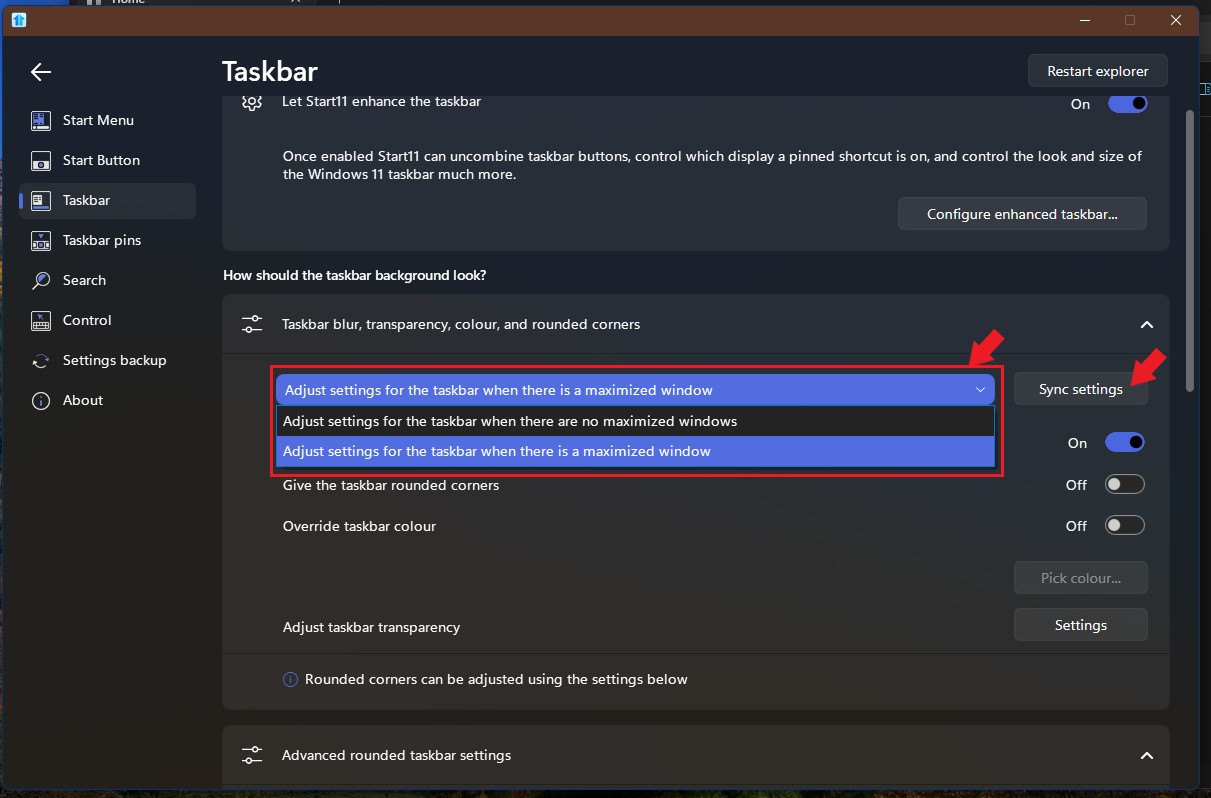
Sorry to hear you are having issues. In Start11 you have two transparency setting for two states. Maximized and no maximized windows. You will need to set both state to the same transparency value to make it appear the same on both states. For me, I prefer no transparency with no rounded corners when there is maximized window. But, that just my personal choice. Also you can use Sync button to make both states share same setting.

Thanks
Basj,
Stardock Community Assistant.

Reply #2 Top

Hi Basj

Thank you for quick and kind reply.


> You will need to set both state to the same transparency value to make it appear the same on both states


Just my overlook for the setting as a newbie for Start11. Now got it.


Reply #3 Top

Great, glad to help.

Thank you,

Basj,
Stardock Community Assistant