Help with "Show recently added apps" and "Synchronize pinned items from the OS menu with Start11"
 Stardock Forums
Hello, I am unable to sync my pinned apps from the default OS menu. All I have pinned are apps that are from the Windows store, nothing from "externally" installed apps. For instance, Steam or Firefox. They are indeed pinned in the "Windows menu". If I pin something to start (or pin to start11), they do appear and work properly afterwards, however i have would love to import them and not do manually because i have many.
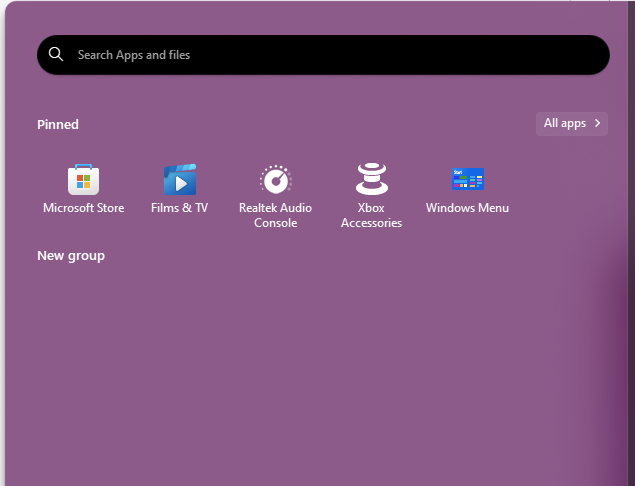
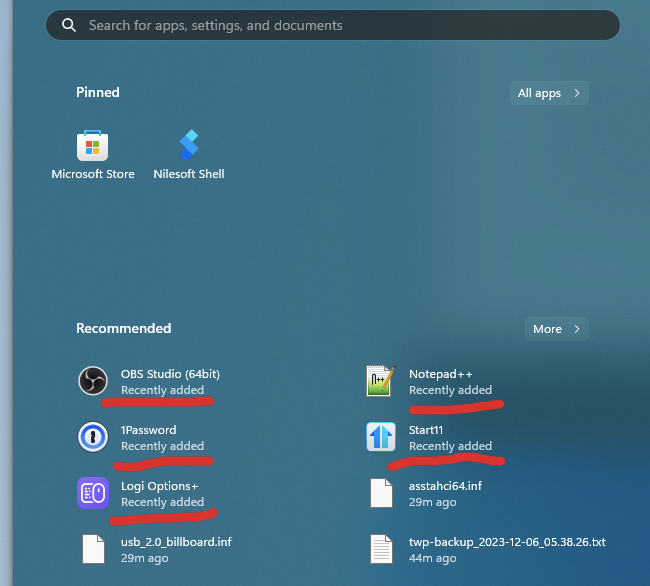
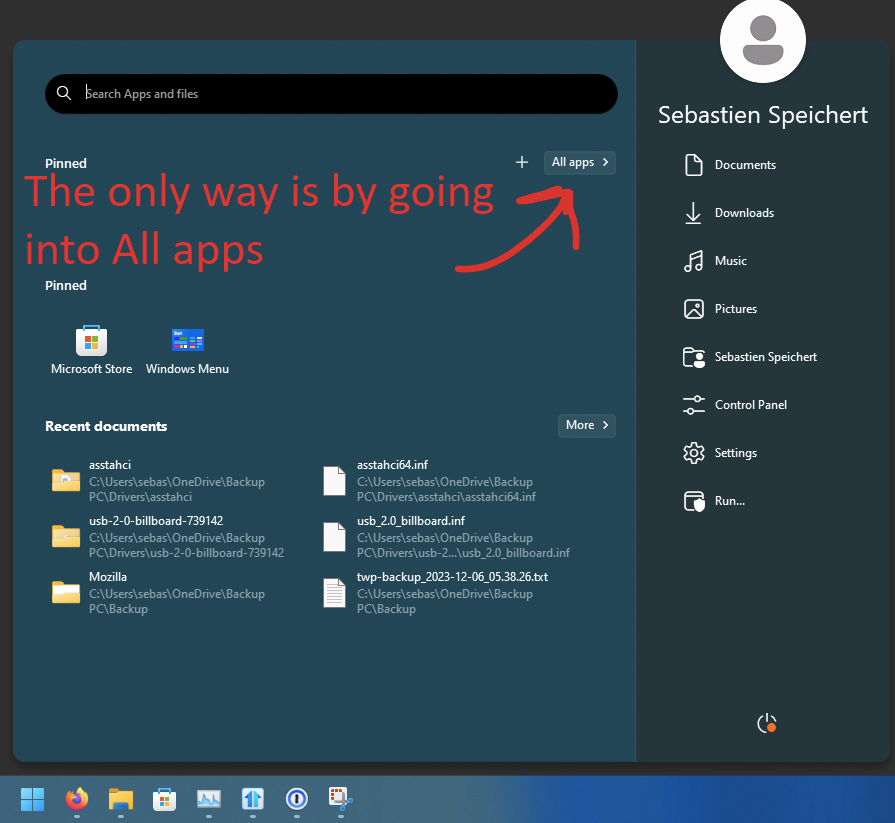
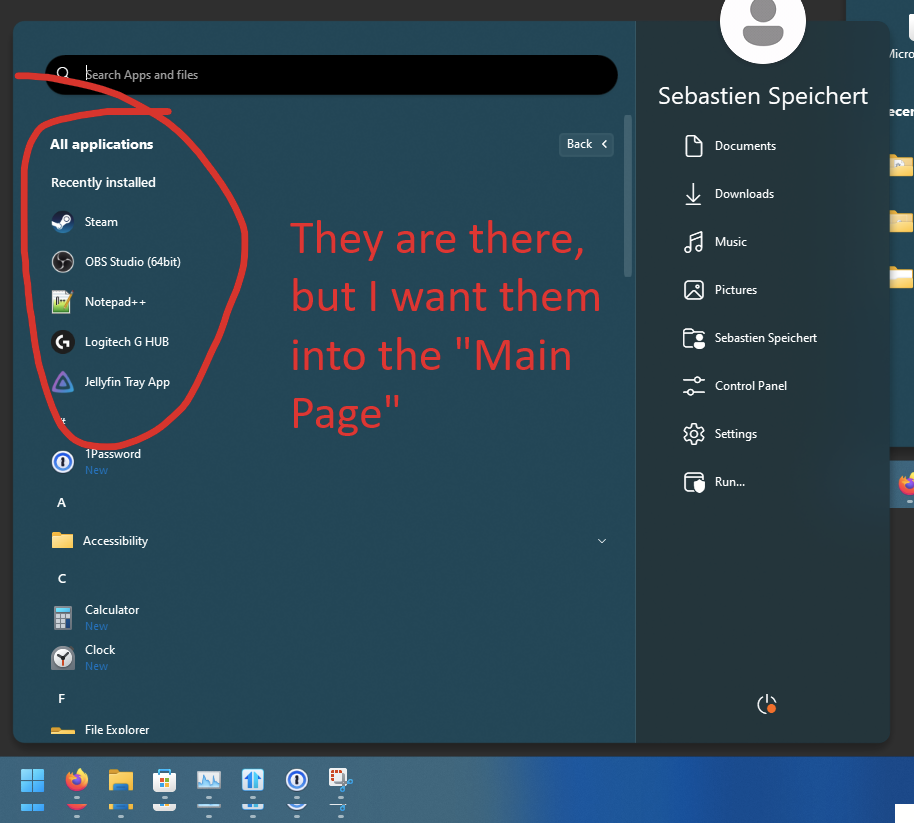
Also, I see that we can't add "recent added apps" on the "main" page of the menu?
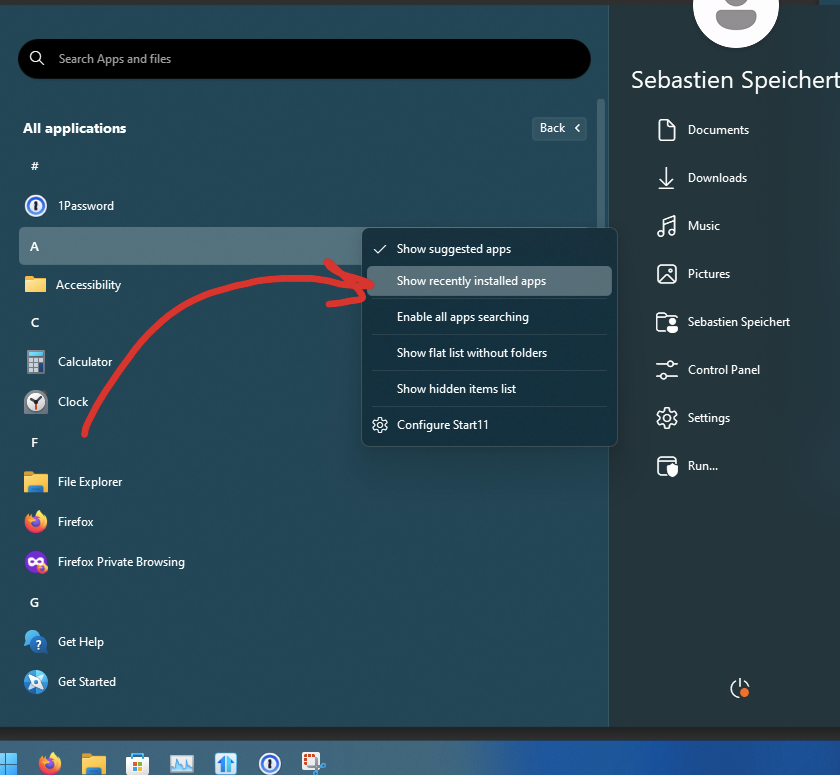
The only way I could see the recently installed apps was by going into the "all apps" menu.
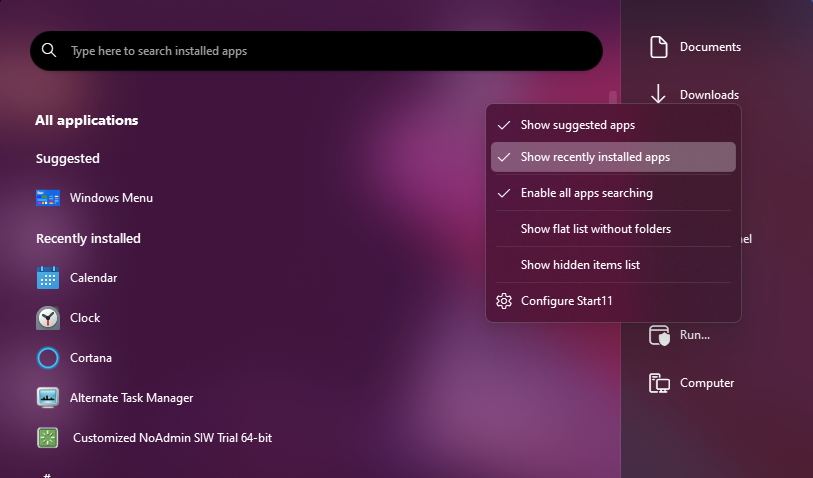
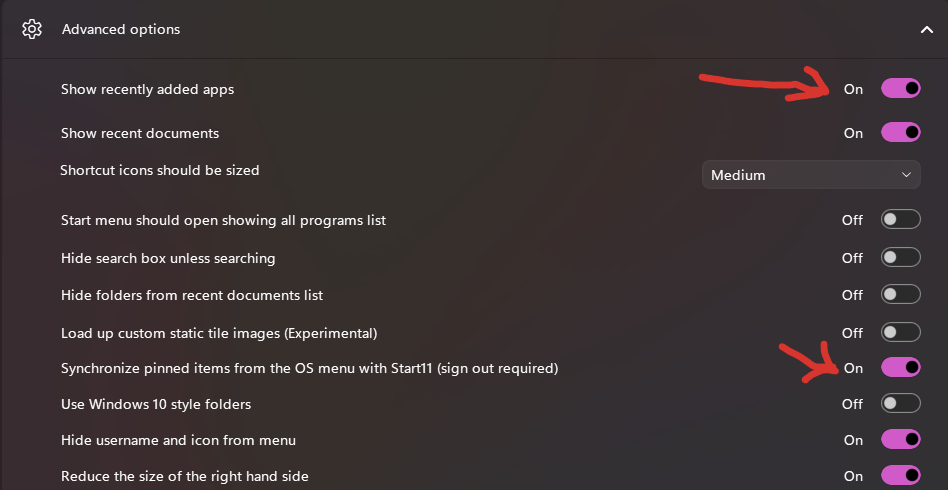
Is this intentional? I see that we can add groups or tabs for "suggested apps folder" or "recent searched folder" but not "recent apps"
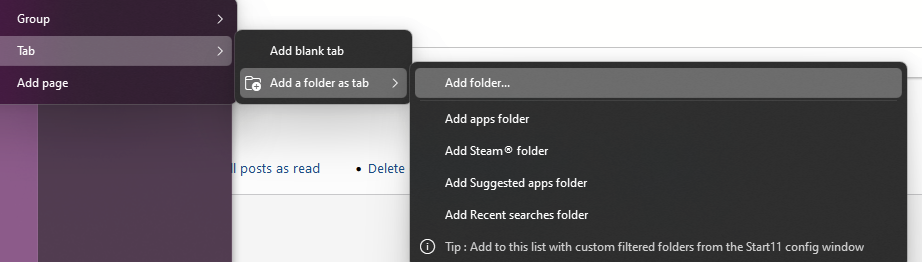
I also see that we cannot manually add it from the "Shortcuts list" configuration option or in the "Manage custom filtered folders".
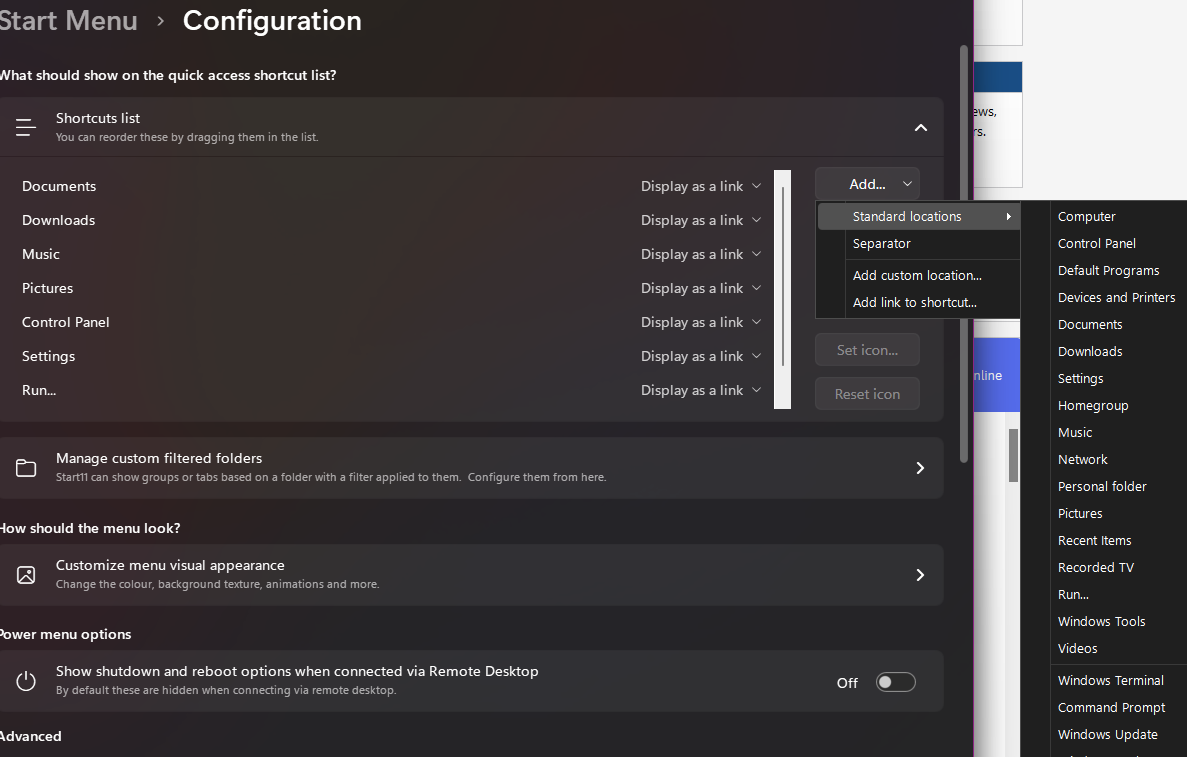
I tried restoring settings to default, but both problem still present.
W11 23H2 22631.2715
Start11 2.03
Thanks!