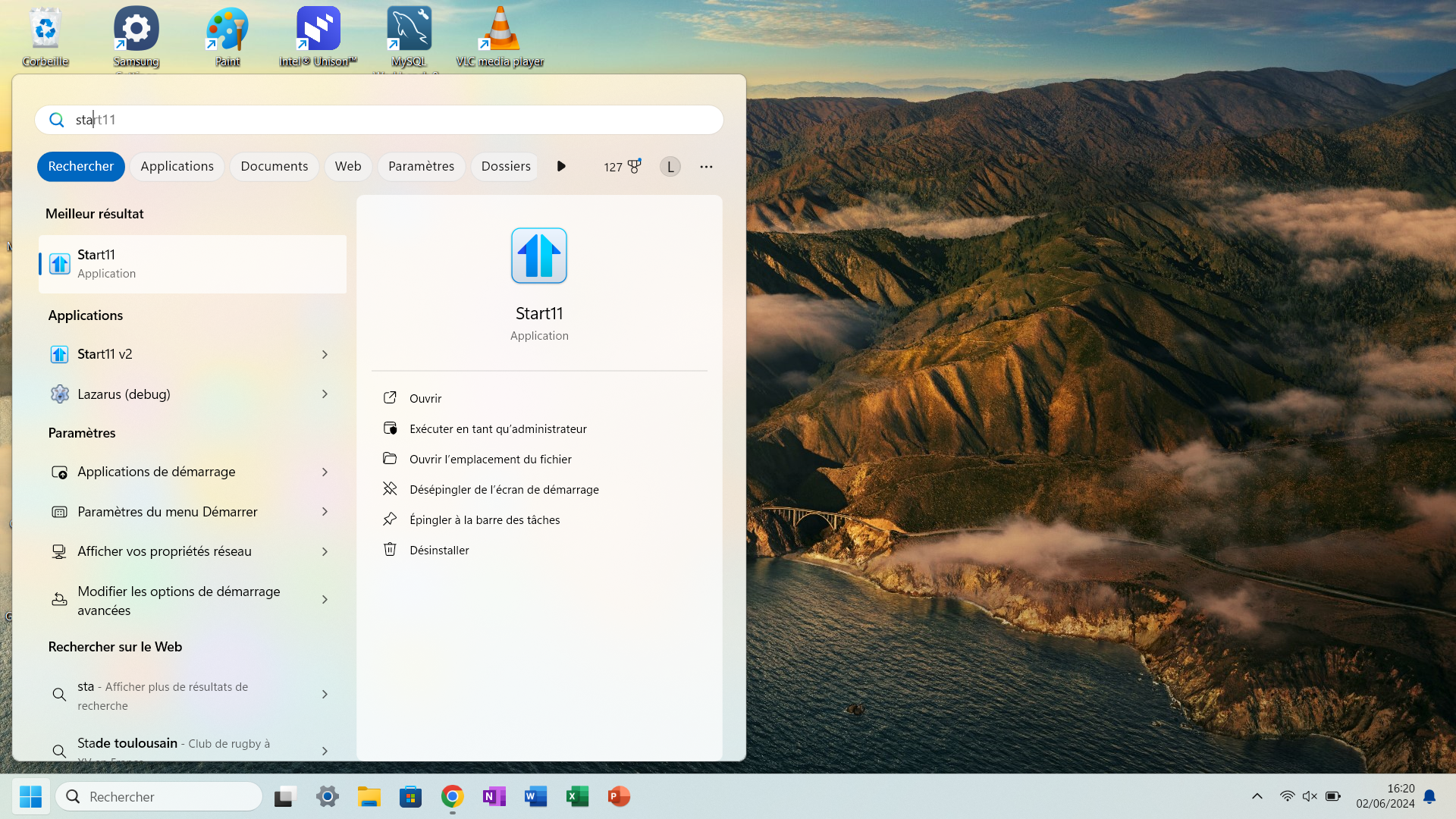
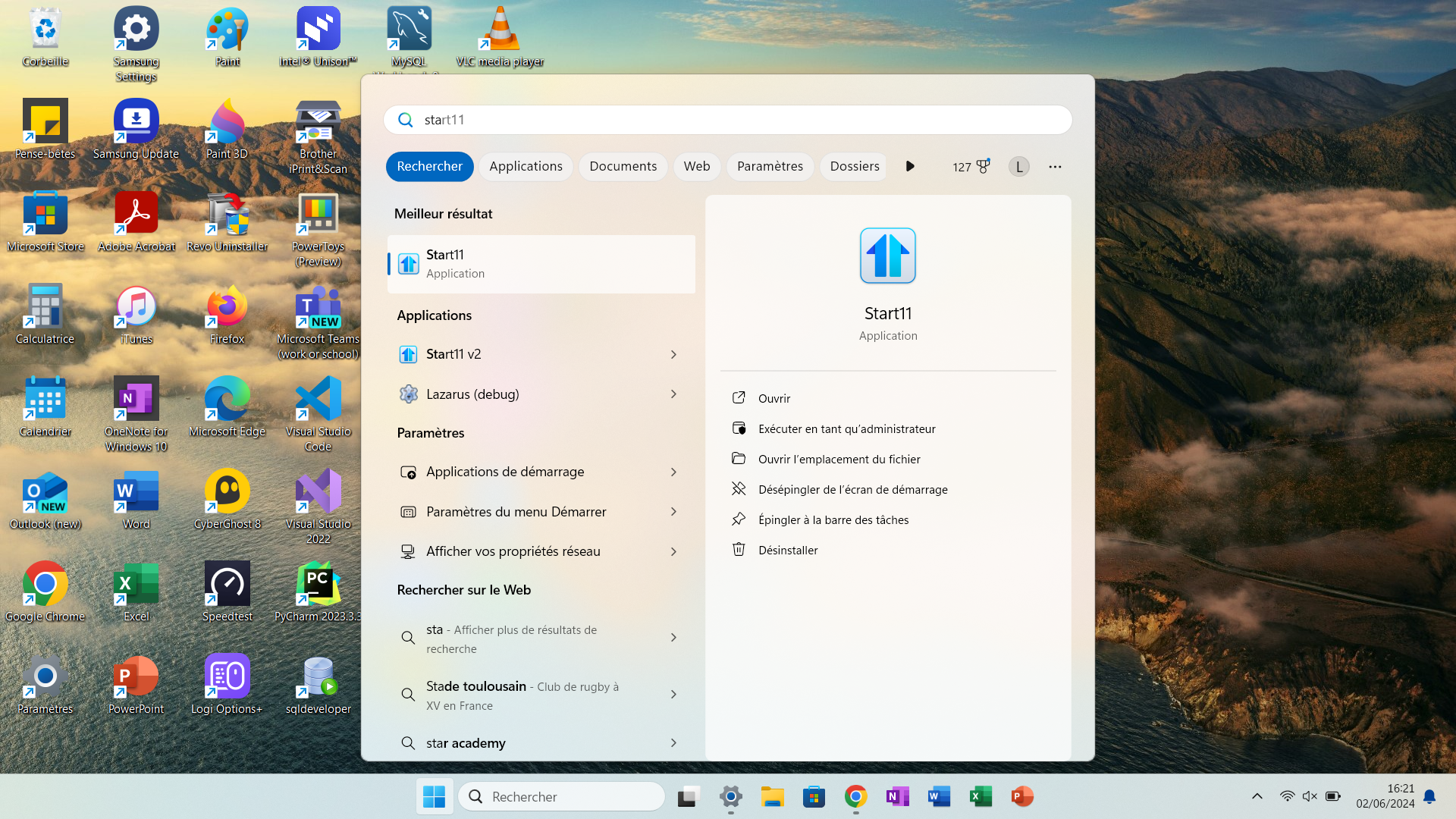
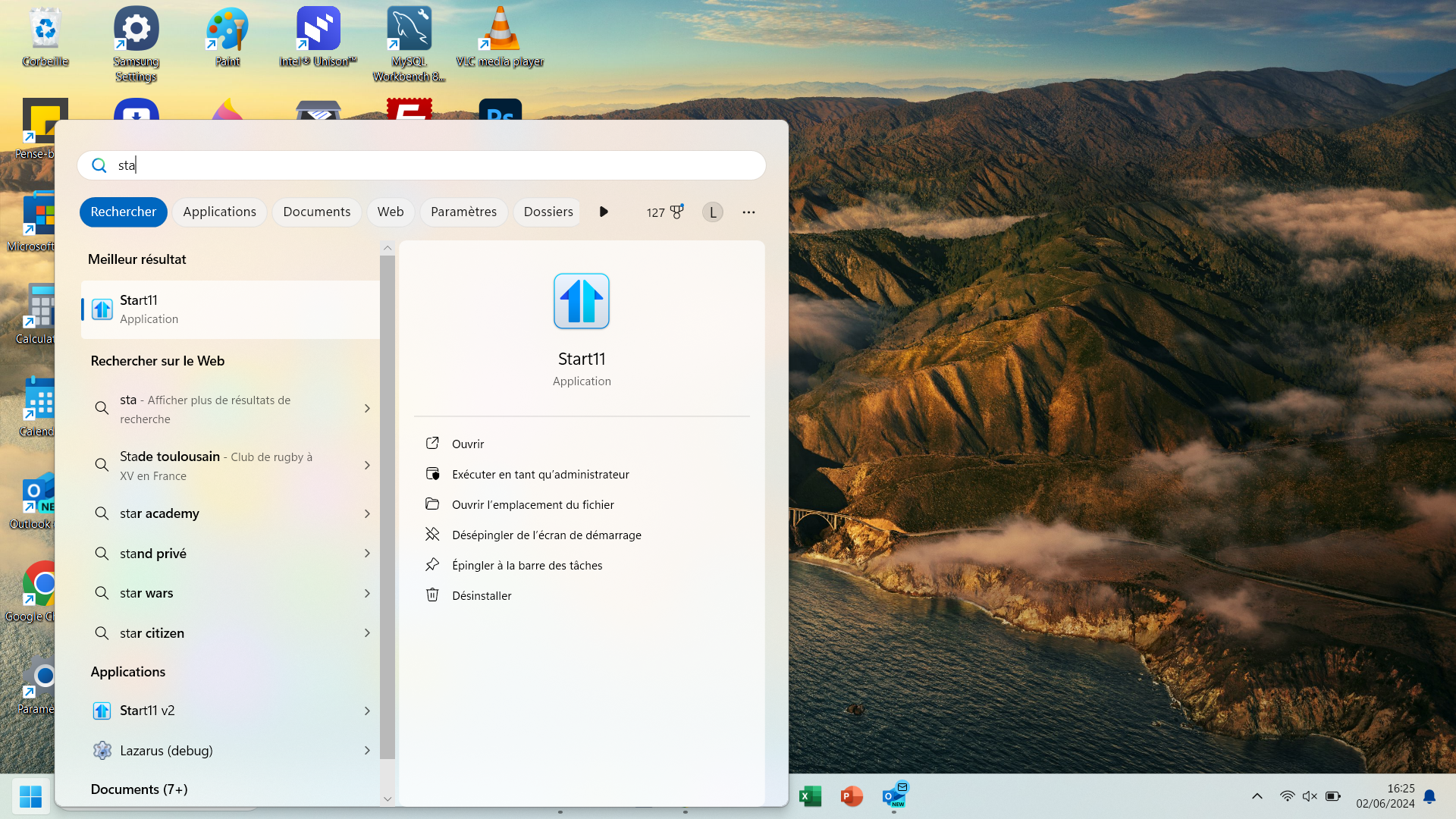
Windows Start Menu does not align correctly when clicking on the search bar at the top

I have the default windows 11 start menu (Start11 Start Menu turned off) and the Start11 Taskbar enabled.

4,325 views 16 replies
Reply #1 Top

Hello,
Sorry to hear you are having issues. But, I can not reproduce your issue on my system. Please post a video of this happening on your system. So we can understand it better.

Thanks
Basj,
Stardock Community Assistant.

Reply #3 Top

Here what I get on my system. I don't see the shifted search panel.

And, I believe once you disable Start11 Start panel. It no longer control how your Start panel and search panel behave. Try looking into your Windows setting.

Thank you,

Basj,
Stardock Community Assistant

Reply #5 Top

Yes, I enable it and test later, it did not shows in the video. But the Start panel and the search panel opened at the same location as the one appear in my video.

Thank you,

Basj,
Stardock Community Assistant

Reply #6 Top

It's weird. Did you have the same settings as me ?
Could you post a video of the behaviour and of your settings please ?

Thank you

Reply #7 Top

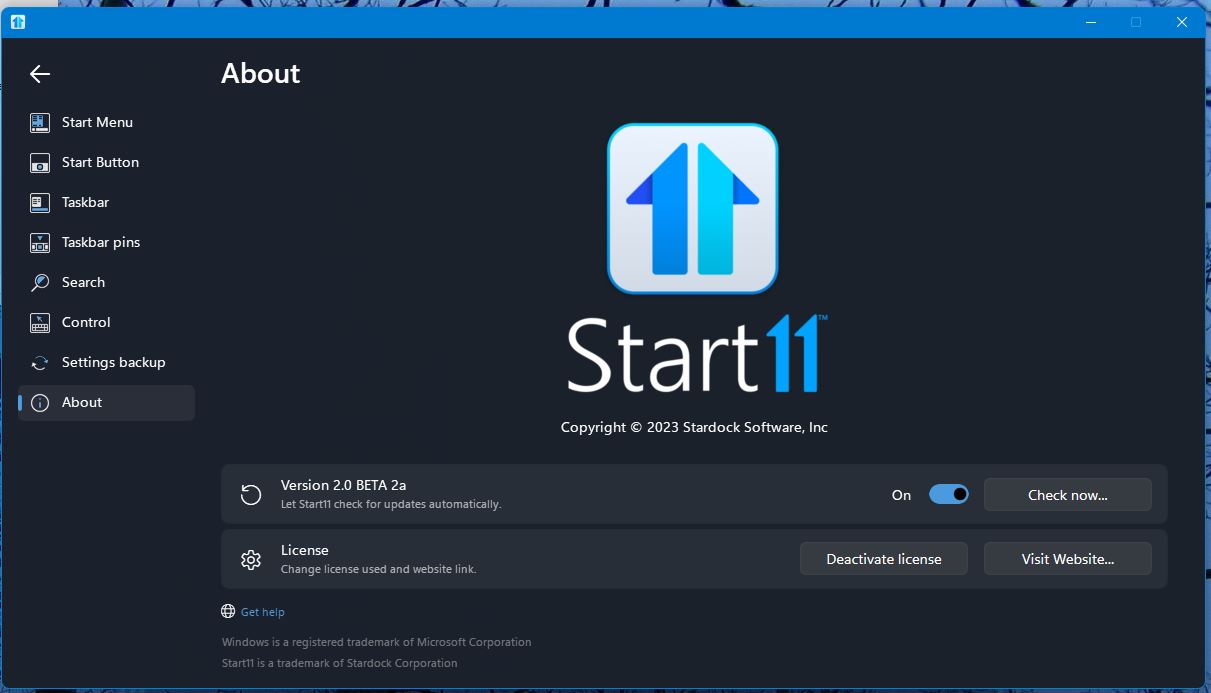
Have you tried update your Start11 to the latest Start11 V2.0 Beta 2a? https://forums.stardock.com/523734/get;3908516

Here is my video on my settings.

Thank you,

Basj,
Stardock Community Assistant

Reply #8 Top

Ok, so I tried the beta 2 but the bug was still here. Then, I tried to use the same start11 settings as you but nothing changed. 

And finally, I checked your taskbar and tried to have the same Windows taskbar settings and I think I found the problem !


In fact, the bug seems to be caused by the search area.

Mine is this one :  

And when I changed to yours : 

The bug disappeared, the search panel was align correctly (after restarting the explorer in start11 settings).


Tell me if you have the same behaviour.

Reply #9 Top

Thank you, but how do I activate that search type?

Thank you,

Basj,
Stardock Community Assistant

Reply #11 Top

Got it, I have forward your problem/question to Stardock Support Team for their assistance. Please keep an eye on this thread for any updates. We appreciate your feedback and patience.

Basj,
Stardock Community Assistant

Reply #14 Top

Hello again,
No, nothing yet on this one.

Thank you.
Basj,
Stardock Community Assistant.

Reply #15 Top

I have tested this on my system with the start button on the left and centered and here are my results.

With Start11v2 enabled

Search icon only = aligned correctly with start button on the left, and centered with start button centered

Search icon and label = aligned correctly with start button on the left, and centered with start button centered

Search box = search menu aligned to the right of the search box on both left and centered start button

With Start11v2 disabled

Search icon only = aligned correctly with start button on the left, and centered with start button centered

Search icon and label = aligned correctly with start button on the left, and centered with start button centered

Search box = search menu aligned to the right of the search box on both left and centered start button

Conclusion

This appears to be a Windows 11 issue unrelated to Start11v2.

If you want the search window to be aligned correctly, you will have to use the "Search icon only," the "Search icon and label," or "Hide."

If you choose "Hide," to search just open the start menu and start typing; and the search window will open.

Reply #16 Top

Hello pelaird,

Thank you for your answer but I don't have the same experience on my system. The bug only appears when I'm using Start11v2.

Start11v2 disabled :


Start11v2 enabled :


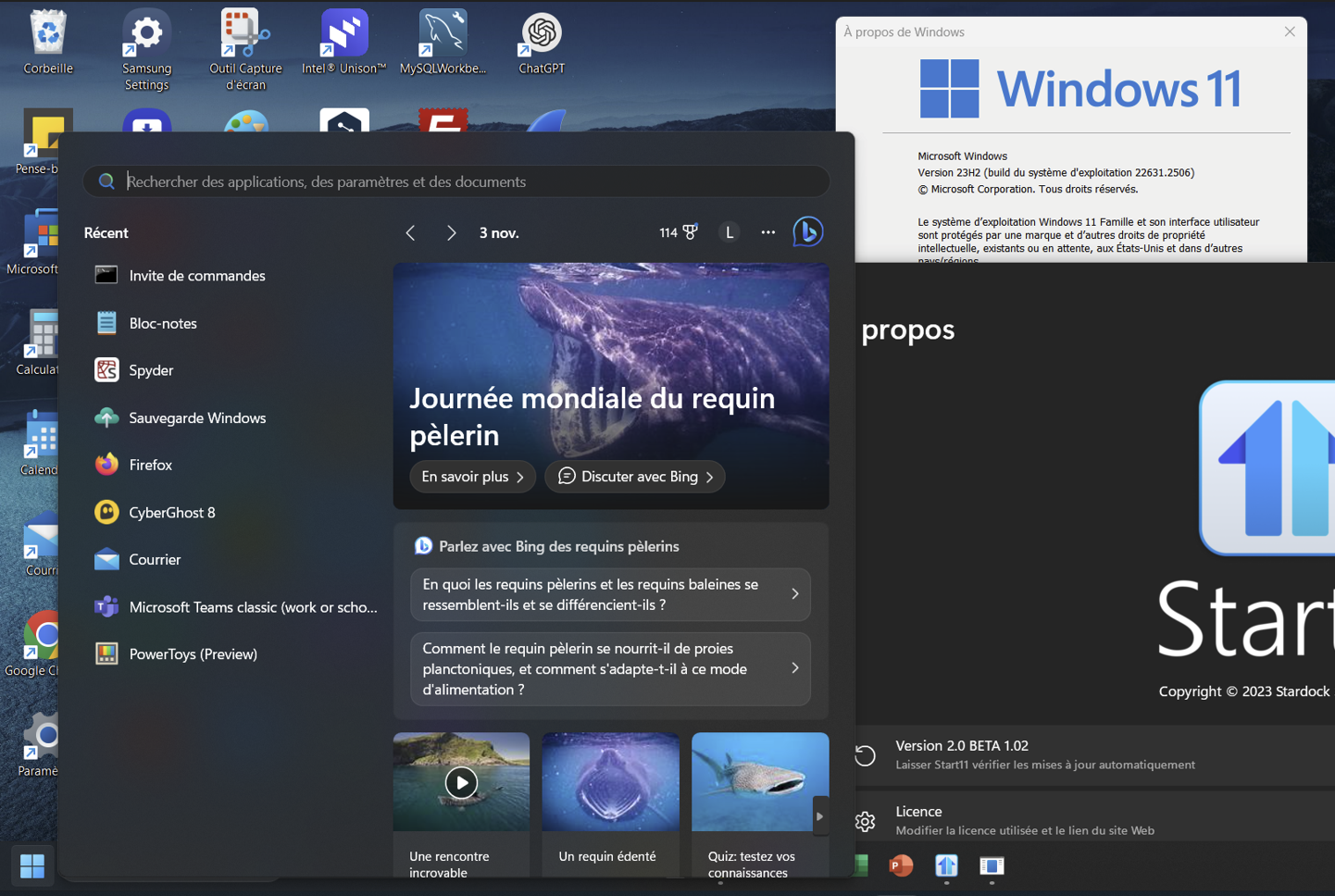
Version of windows 11 : 23H2 (build 22631.3672)