Start11 & WindowBlinds11 not cooperating
 Stardock Forums
I love Start11 and what it does for my Start Menu and my taskbar. (It’s set to Windows 7 style with a pretty high setting on taskbar transparency, so it resembles the old WinAero theme pretty closely.) It works great.
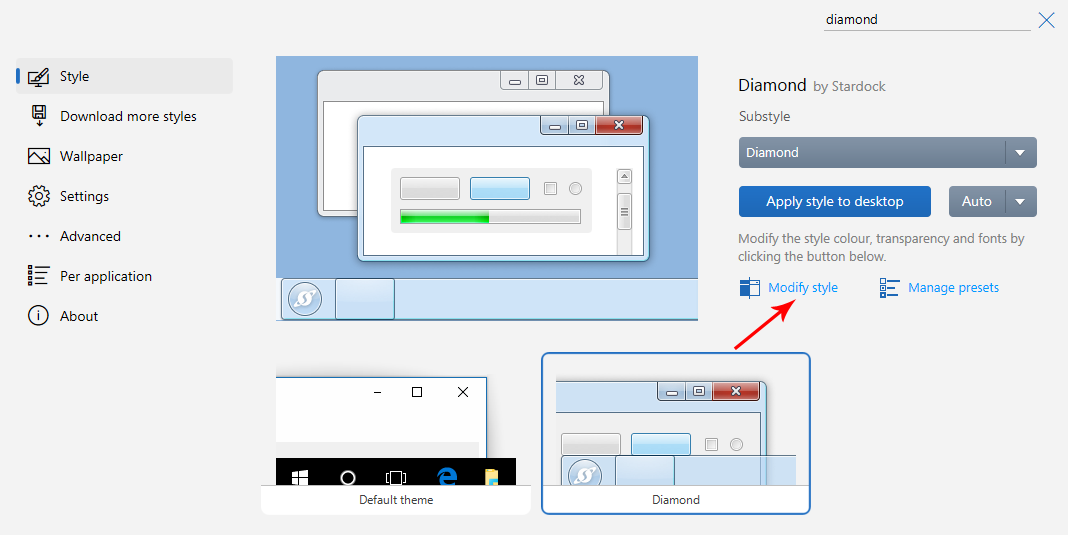
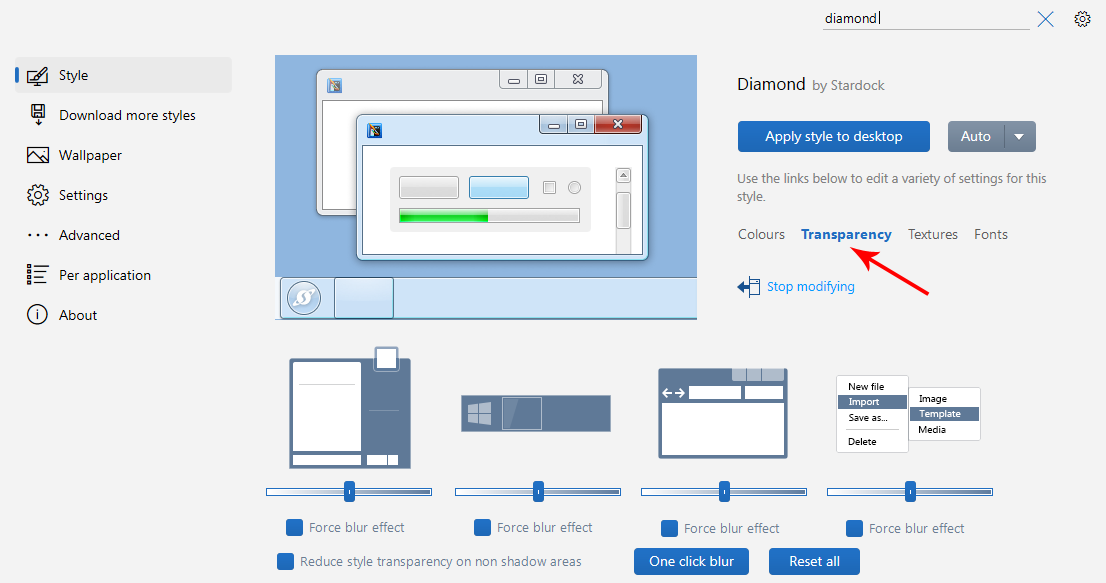
I also love what WindowBlinds11 does with app/program windows. (I use the Diamond theme to revert to a semi-Windows 7 look.)
But for whatever reason, they absolutely will not cooperate with each other. When they are both installed, WindowBlinds takes over both the Start Menu and the taskbar and will not allow Start11 to do its job.
I have tried uninstalling them both and then re-installing them in alternate orders, in hopes that Start11 would override WindowBlinds’ settings for the Start Menu and taskbar, but no luck.
As of right now, I am running only Start11, quite successfully, but I cannot put WindowBlinds on this machine because of its interference with Start11.
Just FYI, I am running Windows 10 Pro with all the latest updates from Windows Update, and for both Start11 and WindowBlinds, I have been installing the latest version available from Stardock.com as of Oct 19 2023.
How can I get them to cooperate with each other?