*Bug report* Start11 search not finding browser

  • 22H2 (OS Build 22621.1702) (custom by NTLite to de-boat windows)
    bug works with/without Microsoft Edgebug works with/without MSEdgeRetirect (https://github.com/rcmaehl/MSEdgeRedirect)

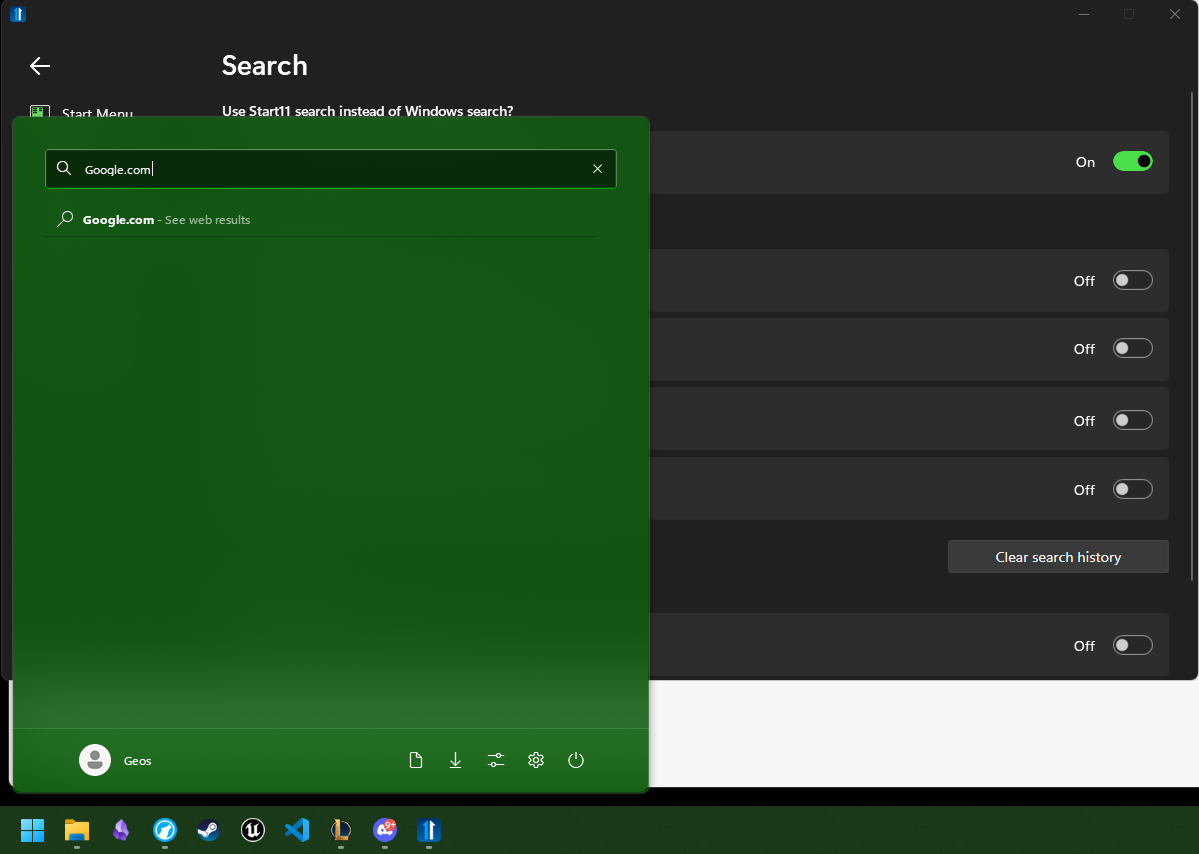
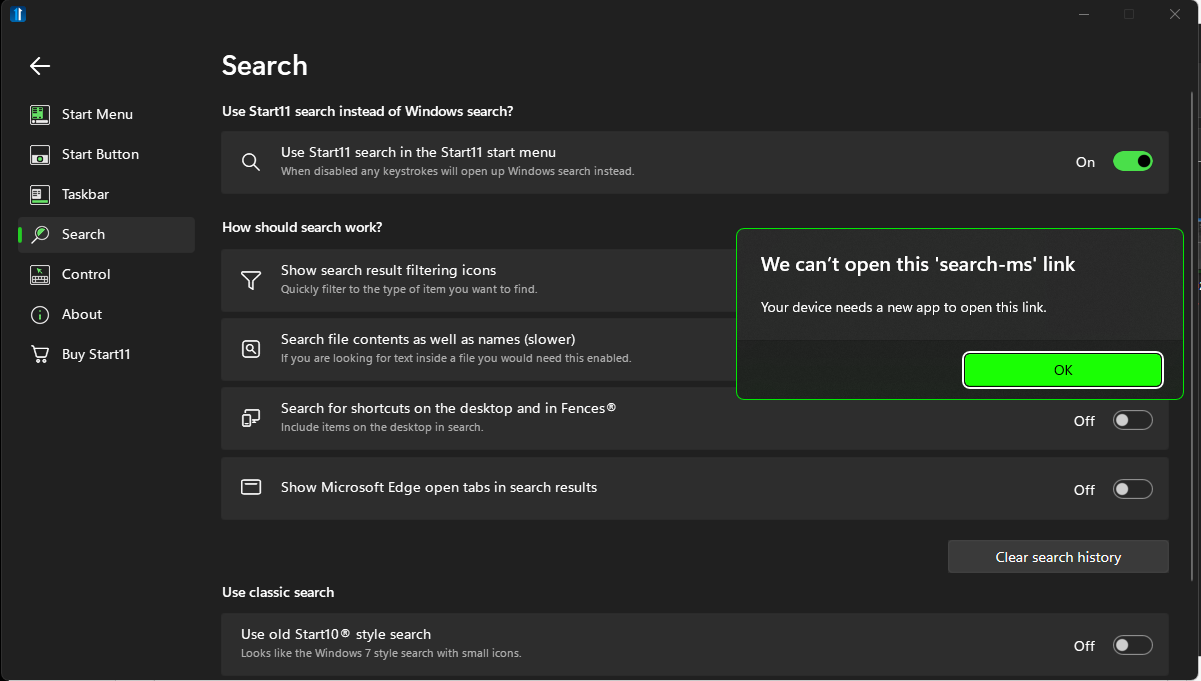
  • Detailed steps to recreate:- enable "use start11 search in start11"- use start11 search to search a website (google.com)--results in "We can't open this 'search-ms' link, Your device needs a new app to open this link."

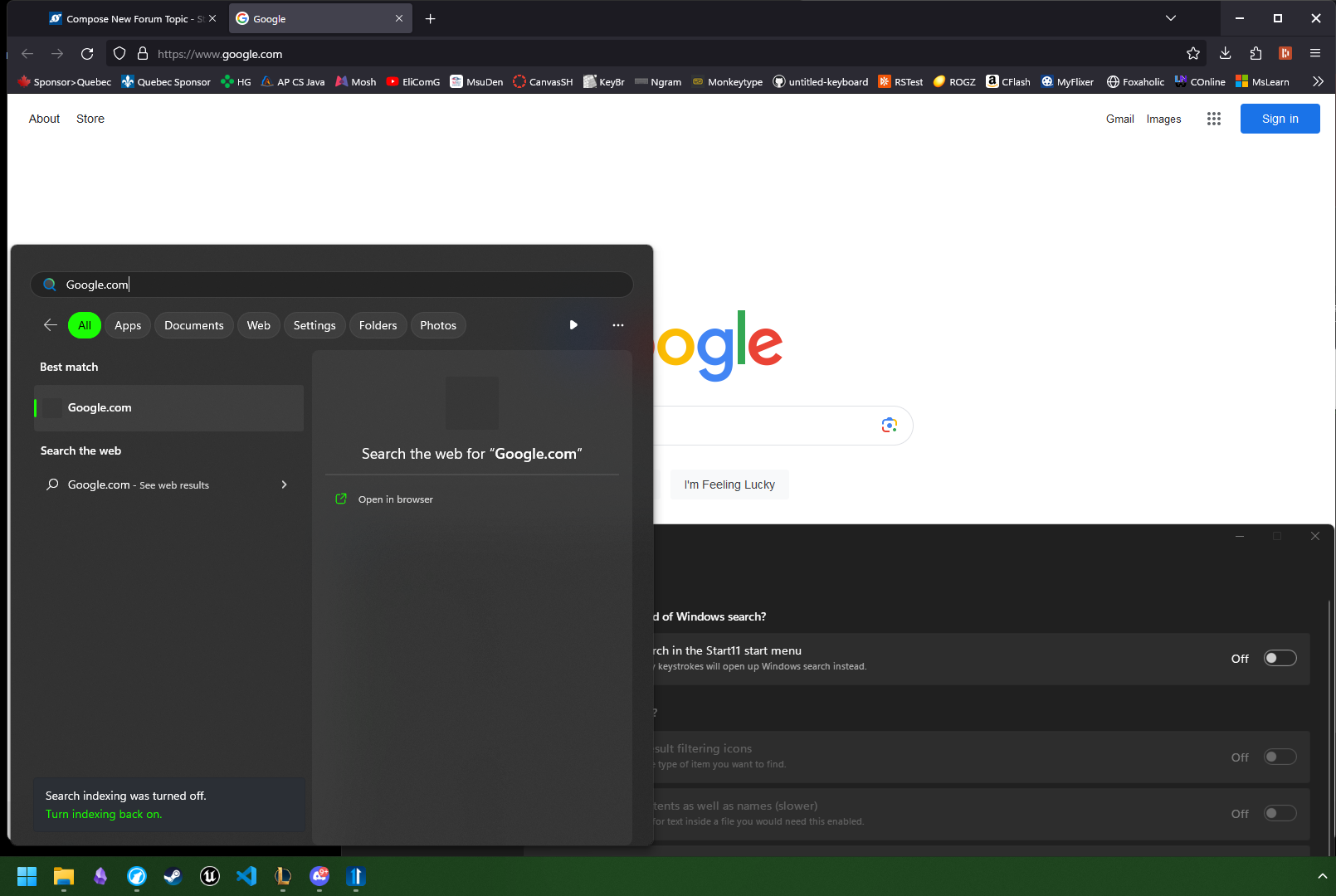
  • When setting is disabled Web-search works as expected and browser opens up with website.
  • Screenshots          V with setting

  • V without setting

  • not sure if this is because of an NTLite incompatibility or because start11 is not set up for web-searches.
  •  
  • I feel like this can be fixed by putting an option to select what browser (and search-engine) Start11 opens, This would also add a BIG feature lots of people would like; allowing users who don't use msEdge to search with their preferred browser (instead of using 'MSEdgeRedirect' or being forced to use msEdge).
 

1,216 views 4 replies
Reply #1 Top

NEW INFORMATION FOUND!!

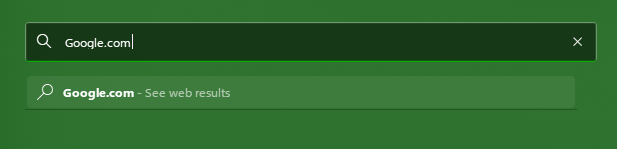
  • bug only occurs when pressing enter to search! (example: start-menu > type "Google.com" > press "enter" )
  • search works as intended when you click on the "see web results" button under search bar.
Reply #2 Top

Hello,
I have forwarded your problem/question to Stardock Support Team for their assistance. Please keep an eye on this thread for any updates. We appreciate your feedback and patience.

Basj,
Stardock Community Assistant

Reply #3 Top

Unfortunately it sounds like the NTLite installation is broken.  Some of those 'unused' things are not as unused as the devs may believe.  If they were then Microsoft would have removed them themselves.

In this case it looks like the command line system to ask explorer to open a specific search has been broken by it.

Reply #4 Top

tested it again on a vanilla install of windows.

Yes, I think you are right, NTLite did break something. and normally searching for a website does in fact open 'file explorer.'

which is something I still don't understand; why would it open and search in 'file explorer' when the top, and only, option listed is "see web results" I think the app should at least have the option to choose "what does search do" when it can't find a result.