Start11: How can I remove folder icon from start menu?
from  Stardock Forums
Stardock Forums
Hello,
I want to remove folder icon from start menu, but I don't find way to remove.
I usually do as below for registering folder icon to start menu:
- Create folder. In this case, folder "12" is created.

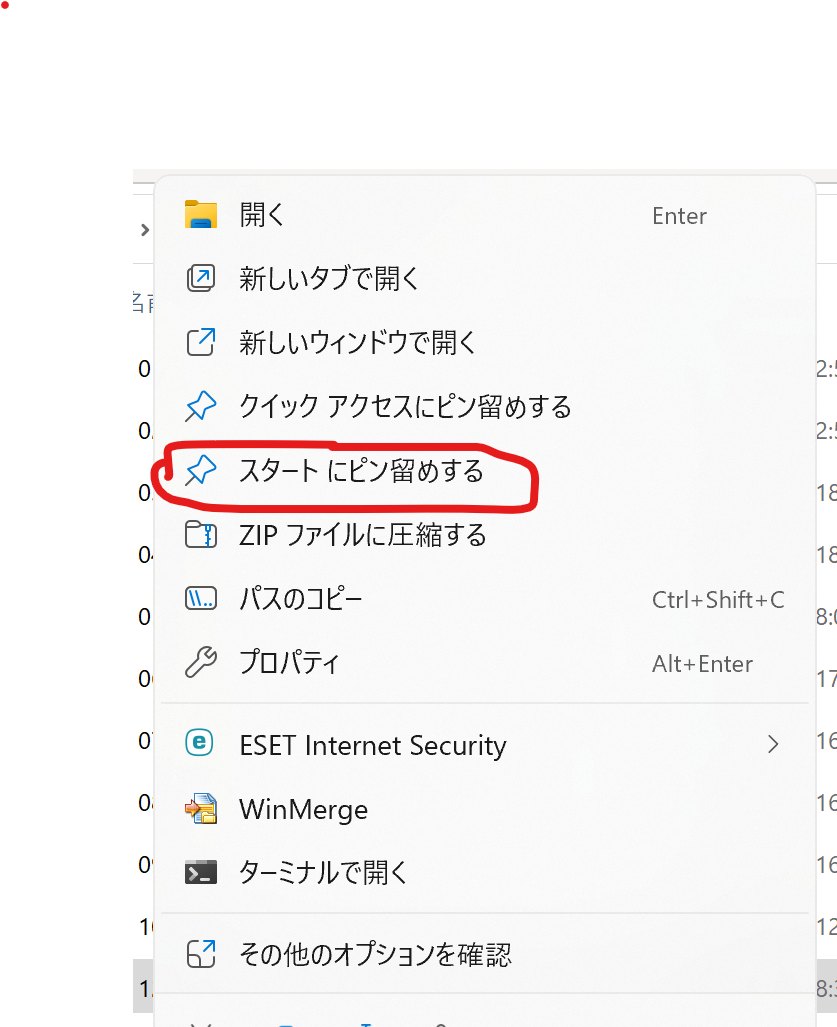
- Click right button on folder "12", and select like this (sorry for Japanese, not English), that means "Pin at Start":
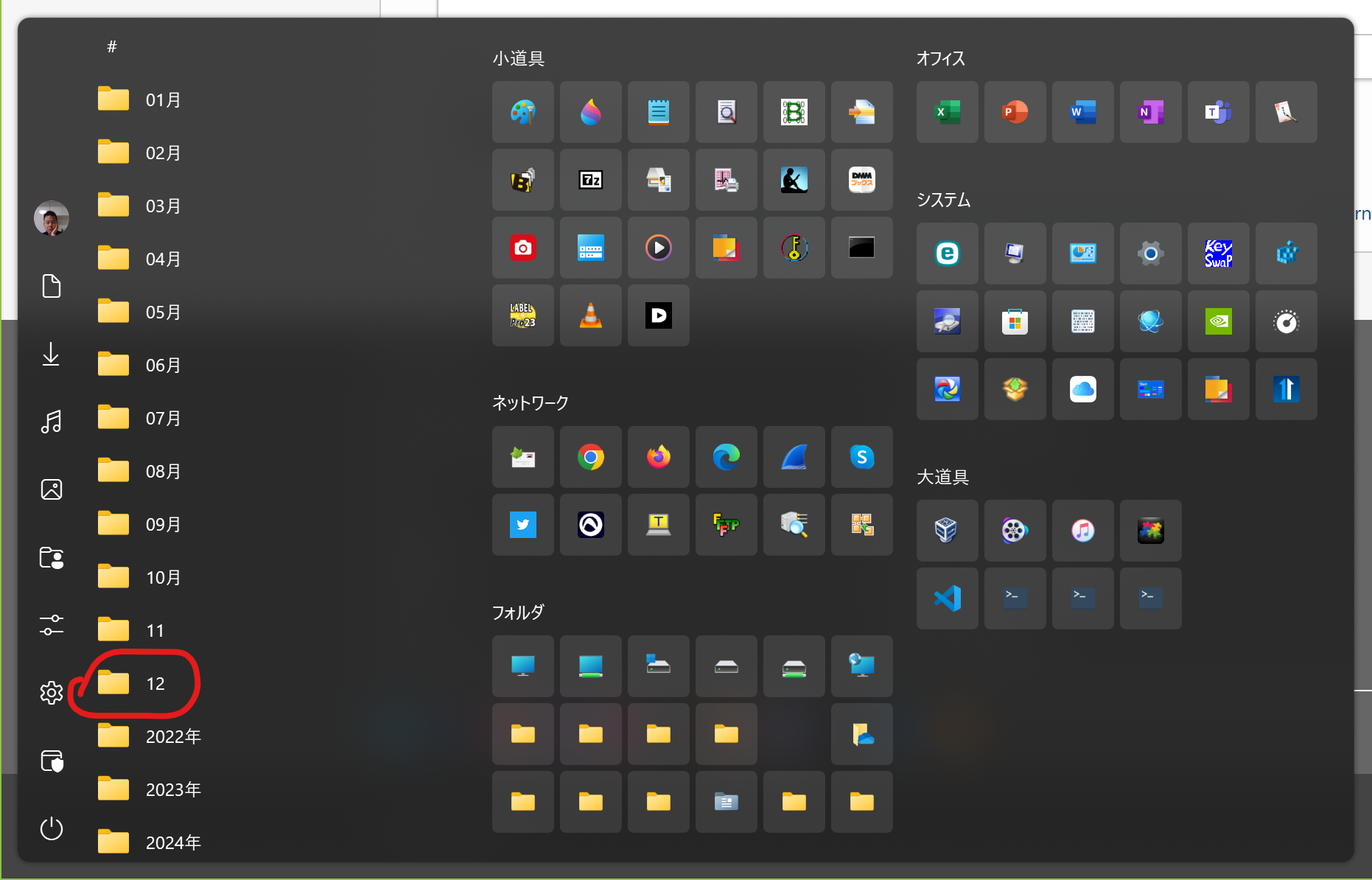
- Then you find icon named "12" like this:
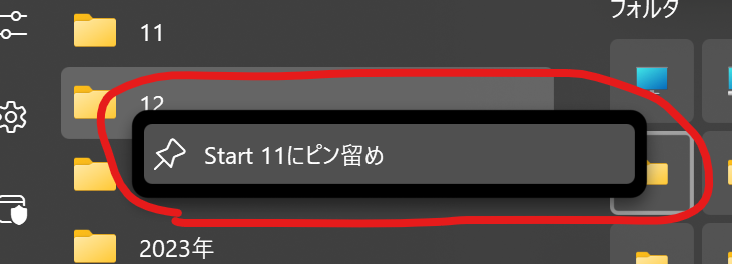
- I want to show icon "12" on the tile, click right button on folder icon "12", and select like this:
- Then, I found folder icon (Tile) like this:
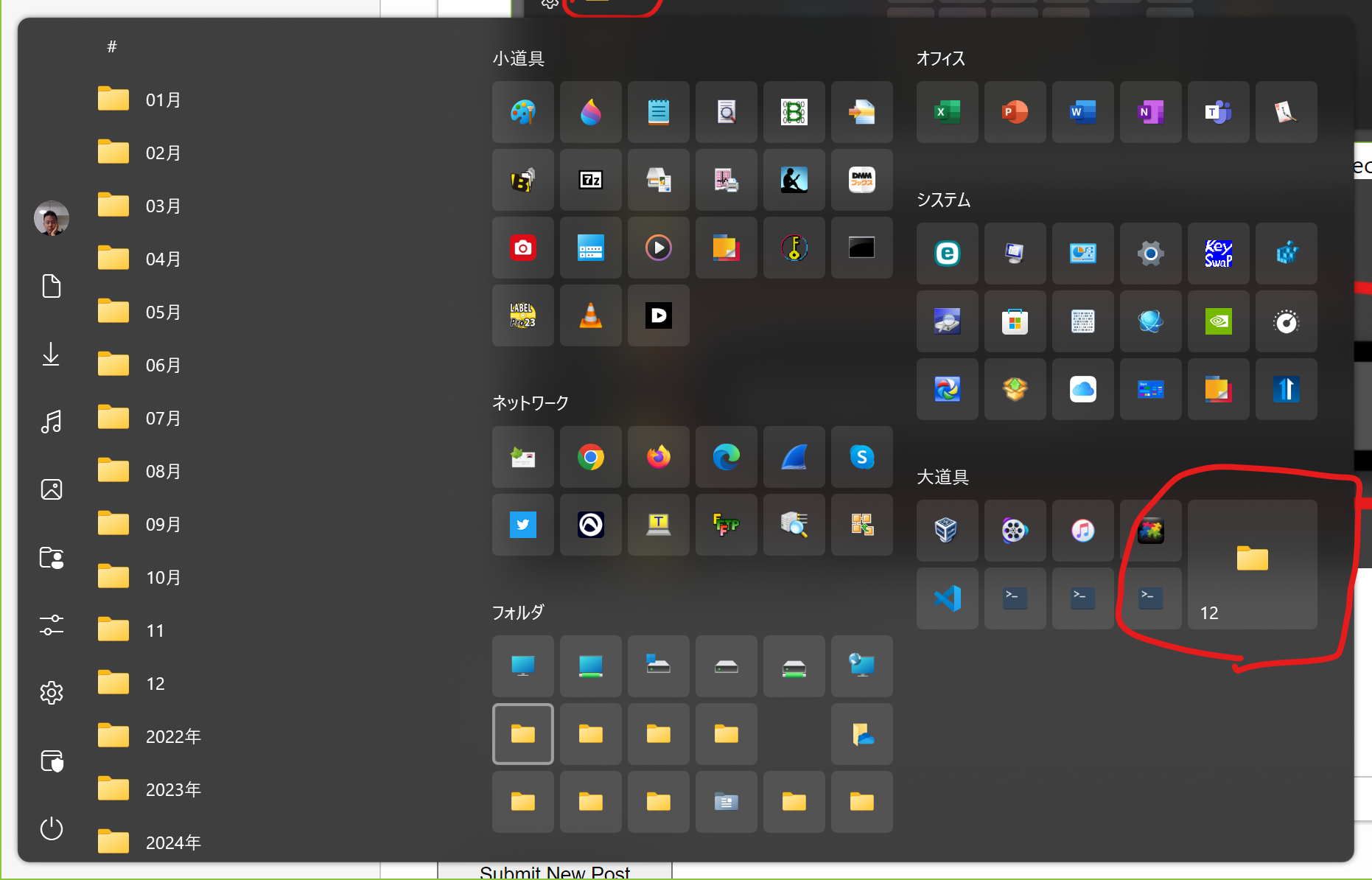
- After all, I want to remove folder icon "12", but I don't find the way to remove.
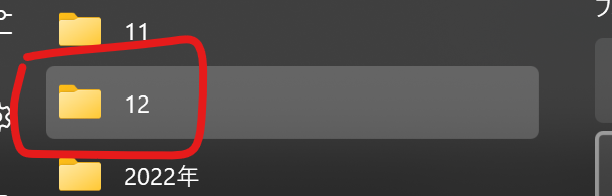
Question is: How can I remove folder icon from Start menu?
Thank you in advance.