

Unable to restore to previous desktop snapshot
Can't correct resolution
from  Stardock Forums
Stardock Forums
Title: App Usage: Can't restore previous resolution of Fences desktop
Version of Windows
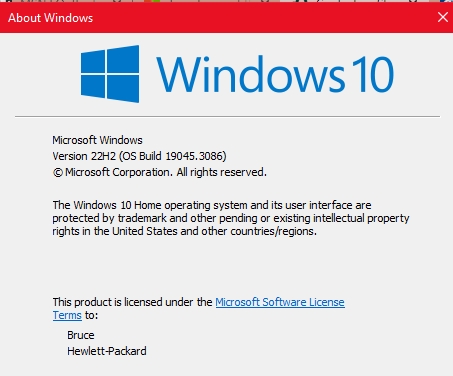
Issue is new within last 3 days
Problem: Resolution of Fences Desktop changed to a different resolution and the restore function does not work. Issue occurs every time I restart machine
Nature of problem: Right clicking on Fences Desktop and selecting Configure Fences, on the next screen I select "Layout & Snapping". Under Layout Snapshots I click on the Daily Snapshot from 6-26-2023 which has the correct resolution. Fences displays a window with the correct resolution. I click on Restore Snapshot but the desktop is not restored to its previous format.
