Start11 cutting off top of program list on 2 of 3 monitors
 Stardock Forums
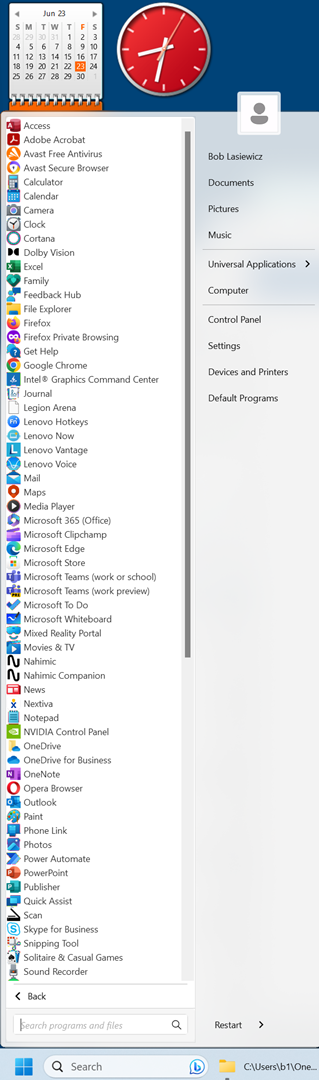
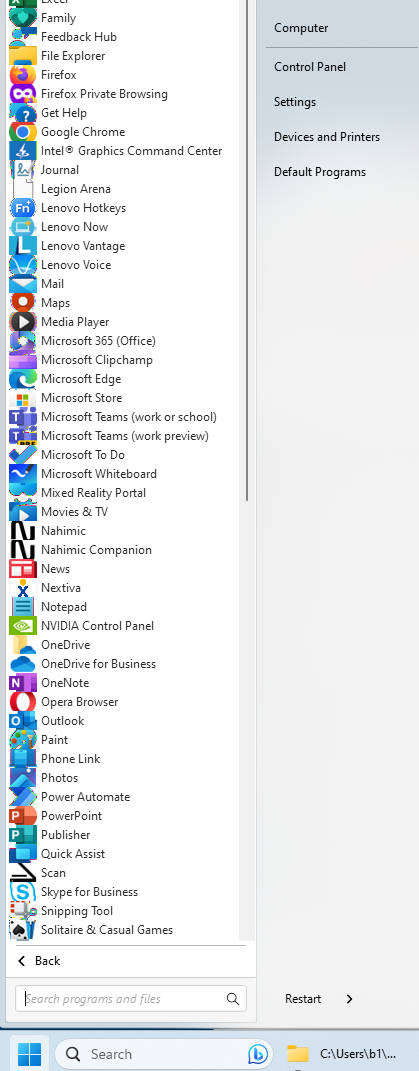
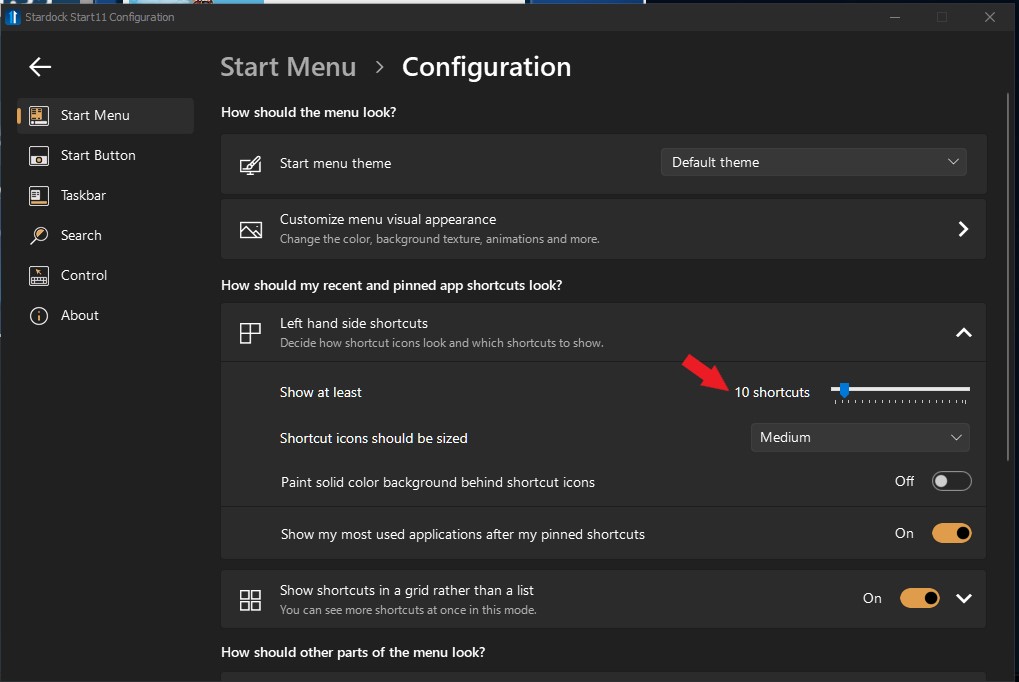
I have three monitors. I'm using a Start11 windows 7 template that lists all my programs and folders (around 70 listed onscreen and another 40 or so when I scroll down) right now. I set up Start11 in a default mode. My brand-new Lenovo Legion 5i laptop (Intel i9, 32gb Ram) has a nVidia 4070 graphics card with 8gb memory and is running Windows 11. My 4K monitor is hooked up via HDMI at 3840x2160 resolution at 150% scale and is displaying the full column of programs. The laptop screen is 2560x1600 resolution at 175% scale and when I access the start menu, the top 30% or so is not showing. My other screen is hooked up to a Startech USB 3.0 to DVI adapter at 1920x1080 resolution and 100% scale and when I access the start menu, the top 20% is not showing.
Any idea what I need to show the full start menu on the laptop and Startech screens?