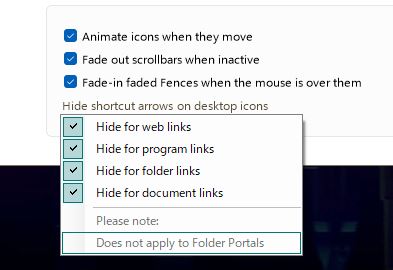
[Bug] Fences doesn't hide Shortcut Arrows for apps from the Microsoft Store
from  Stardock Forums
Stardock Forums
The bug occurs in up-to-date Fences 4, v4.10, on Windows 11.
With the option "Hide shortcut arrows on desktop icons" -> "Hide for program links" enabled, shortcut arrows are still displayed for shortcuts to apps from the Microsoft Store. This also seems to apply to native Windows apps, like the "Maps" app.
Here are two screenshots to illustrate:
This app shortcut from the Windows store incorrectly displays a shortcut arrow: https://i.imgur.com/51etzXC.png
This normal app shortcut correctly hides the shortcut arrow: https://i.imgur.com/elOqtmz.
I suspect the problem applies to all shortcuts with the "Target location" of "Applications".