

Start 11 Toolbar Icons blink out
from  Stardock Forums
Stardock Forums
I've used Startdock without incident for years. Recently, however, using Start 11 v1.43, occasionally the icons on the Windows toolbar will blink out. They're still there, and if I click on them, they will be activated, but they become indistinguishable from the background color of the toolbar. Sometimes (but not always) when I click on them, they will reappear, but that means starting the app and closing it to get the icon to become visible again. 
This is what the toolbar looks like when afflicted. Any ideas on how to fix this? Thanks

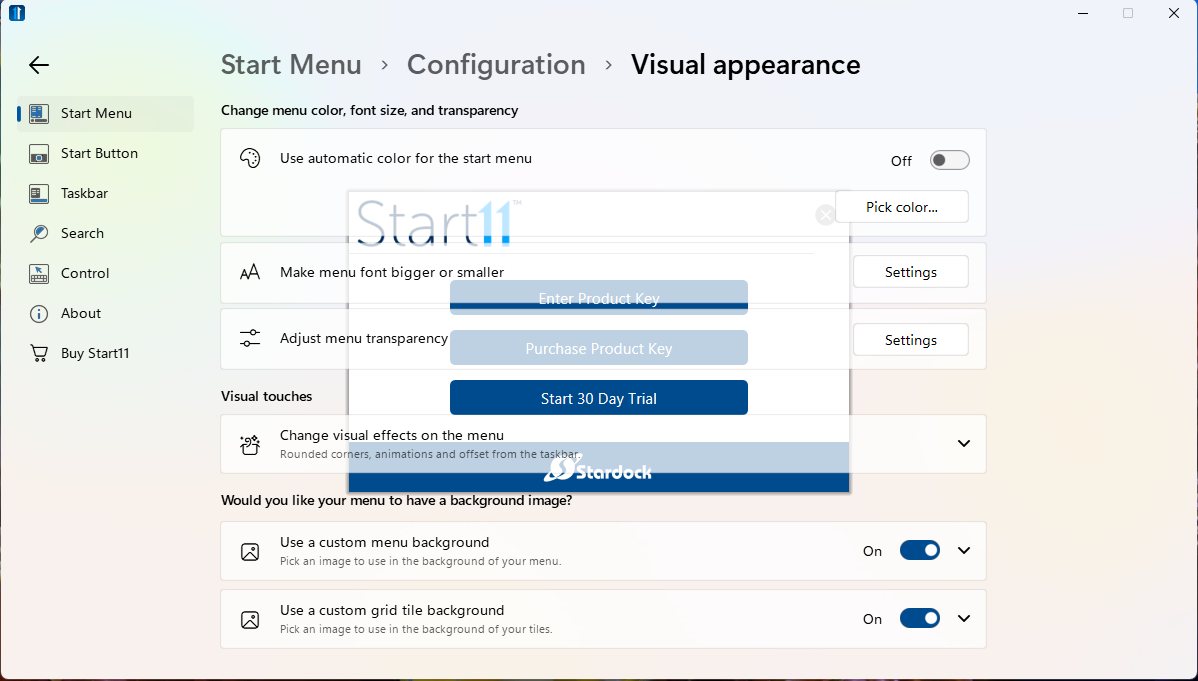 I don't know if this means anything, but the only way I was able to get this to go away was to reboot (although I did not try killing the task through Task Manager). Anywhere I would click I'd just get a Windows tone for Asterisk, Default Beep, and maybe some others (Windows Background.wav). I had no immediate issues upon reboot, and was able to make some adjustments to the Start11 settings without incident.